Генератор тату
Придумайте тату мечты с нашим AI-генератором. Экспериментируйте со стилями, от реализма до олдскула, и сразу увидите свой идеальный эскиз. Попробуйте бесплатно!
AI-Генератор тату: от идеи к вдохновению
Добро пожаловать в нашу AI-галерею тату — удобный сайт, который превращает ваши творческие задумки в красивые и уникальные эскизы тату. Просто опишите свой замысел, и сразу увидите, как он может выглядеть в десятках разных художественных стилей. Ищете вдохновение для своего первого маленького тату, хотите доработать сложный мужской рукав или просто исследуете варианты — этот инструмент станет вашим личным цифровым художником и сделает процесс простым.
Прокачайте свой запрос с помощью AI Improve
Если не знаете, как лучше сформулировать идею или потеряли вдохновение, самое время воспользоваться функцией улучшения текста AI Improve. Нажмите на кнопку AI Improve — она проанализирует ваш запрос и автоматически сделает его более подробным и выразительным, чтобы AI создал более сложные и художественные изображения.
Используйте визуальную ссылку
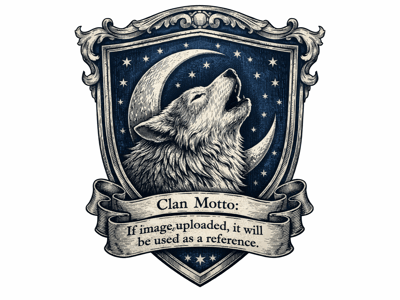
Есть любимая картинка или референс? Просто загрузите изображение через кнопку Image Upload. AI использует его для вдохновения — как по стилю, так и по содержанию, дополняя ваш текстовый запрос. Особенно полезно при поиске идей для перекрытия старого тату: AI поможет создать новый дизайн, который гармонично соединит или скроет старый рисунок. Готовый эскиз можно сохранить в формате PNG и показать своему мастеру.
Палитра стилей: ваш арт-набор
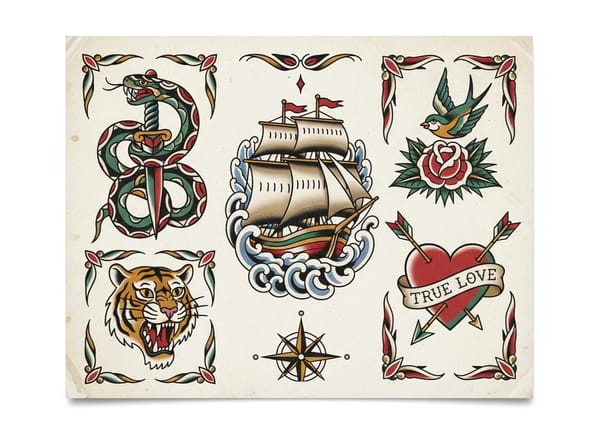
Вот самое интересное: сетка стилей позволяет посмотреть, как ваша идея смотрится в разных техниках. От реалистичных деталей фотореализма до выразительных линий Traditional и олдскульных американских тату — ваш выбор определяет атмосферу будущей работы. Оцените нежность акварели, чёткие контуры flash art, сложные узоры трайбла или классический черный. А если затрудняетесь с выбором — воспользуйтесь режимом «рандом» или “Any”, и AI сам предложит необычные, творческие варианты.
Создайте своё тату сами
Если вы новичок в тату, начните с простых мотивов, например: «тонкая цветочная линия», «нежный колибри» или «волк», и попробуйте их в разных стилях. Это отличный способ узнать, какой арт вам больше нравится — будь то милое тату для девушки на руке или любая другая идея. Можно поэкспериментировать с такими запросами, как простой череп, компас или ветка сакуры.
Хотите что-то особенное? Будьте конкретнее
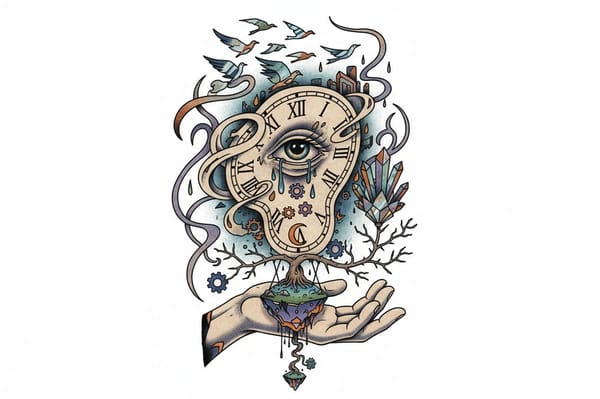
Опишите, например, сюрреалистичное тату с тающими часами, медузу на всё тело или мрачного ворона с крыльями летучей мыши на фоне полной луны. Инструмент отлично визуализирует как мужские, так и женские значимые тату — от грозной львицы до религиозного креста. Можно даже указать размещение (например, на руке), придумать дизайн для ноги, эскиз розы на шее или яркое мужское тату-художку на шее.
Создайте свой уникальный надпись или шрифт
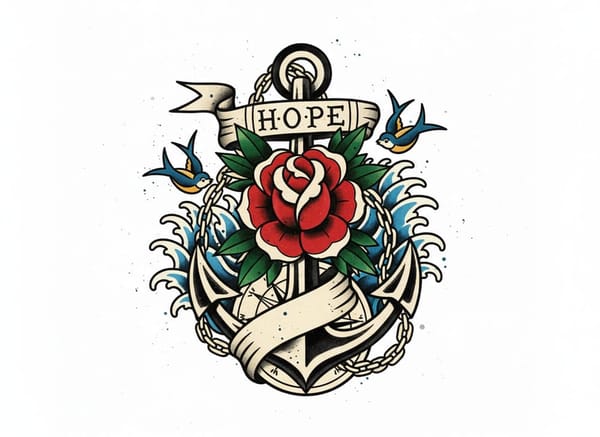
Наш генератор идеально подходит для эскизов надписей и именных тату. Пробуйте разные стили цифр для тату-даты или создавайте уникальные варианты с кельтским именем. AI поможет подобрать красивую типографику — её можно использовать отдельно или встроить в большую композицию.
Инструмент для мастеров и клиентов
Тату-мастера могут использовать генератор на консультациях с клиентами — удобно быстро обсуждать и дорабатывать идеи. Это помогает понять друг друга на этапе задумки ещё до начала работы, чтобы точно попасть в ожидания. Чётко прорисованный эскиз также поможет ответить на вопросы вроде: «Сколько стоит рукав?» — ведь сложность работы будет видна сразу. Итоговый дизайн удобно использовать для создания идеального индивидуального трафарета.
Почему стоит выбрать наш AI-генератор тату?
Мгновенная визуализация
Вы увидите свои идеи за секунды, а не за дни.
15 стилей на любой вкус
Можно просто взглянуть, как ваша идея выглядит в стиле от реализма до абстракции — без обязательств.
Довести идею до совершенства
Проработайте детали — до того момента, когда будете готовы идти к мастеру.