Generatore di Ritratti di Famiglia
Carica foto singole per creare un ritratto di famiglia con il generatore IA di Somake. O trasforma una vecchia foto in un'opera d'arte.
Crea i Tuoi Ricordi
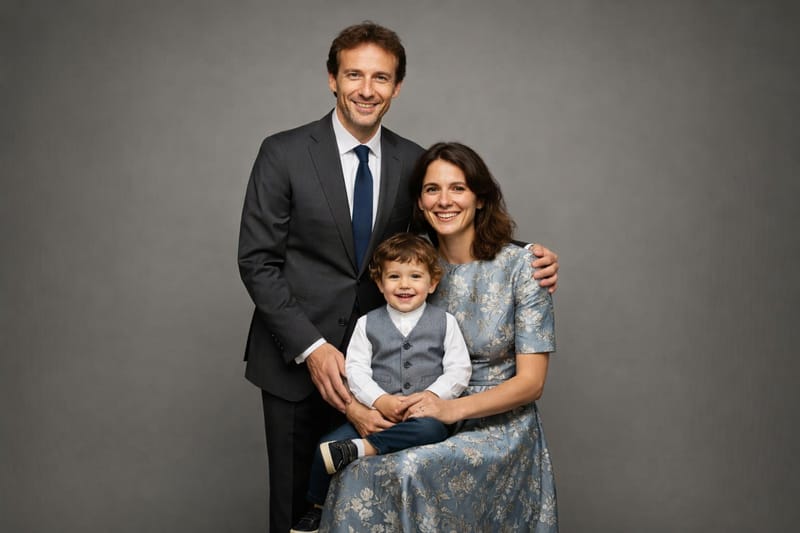
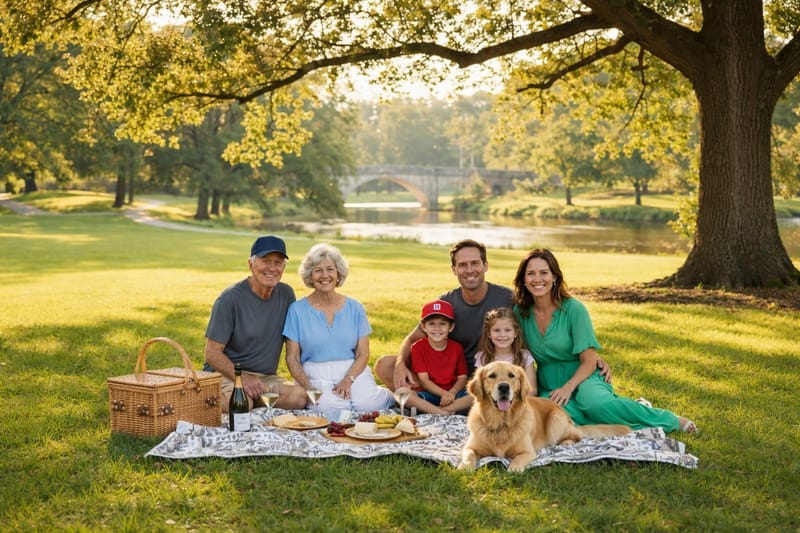
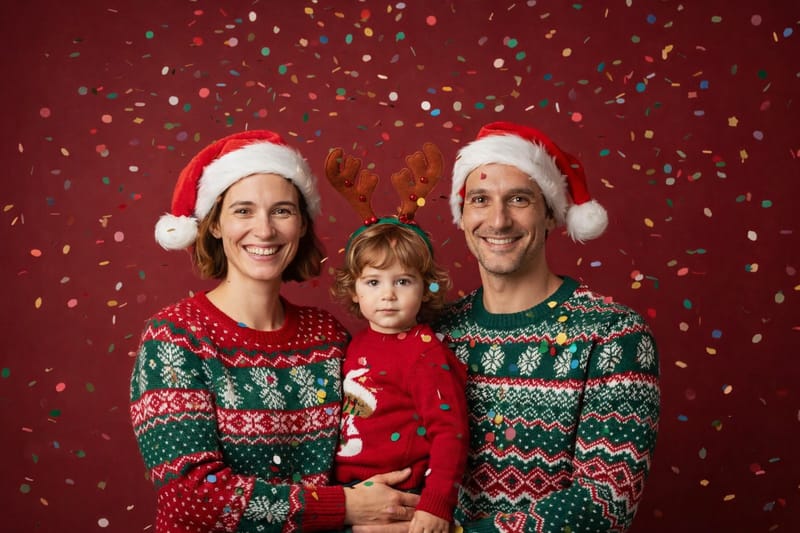
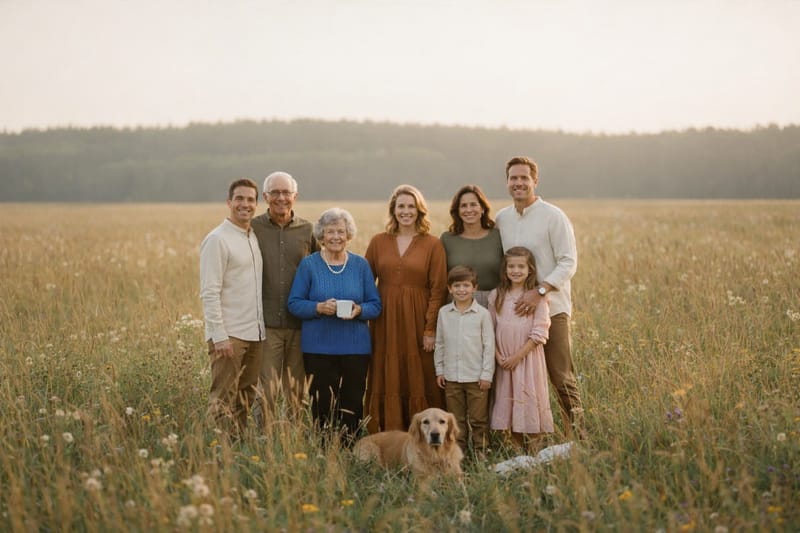
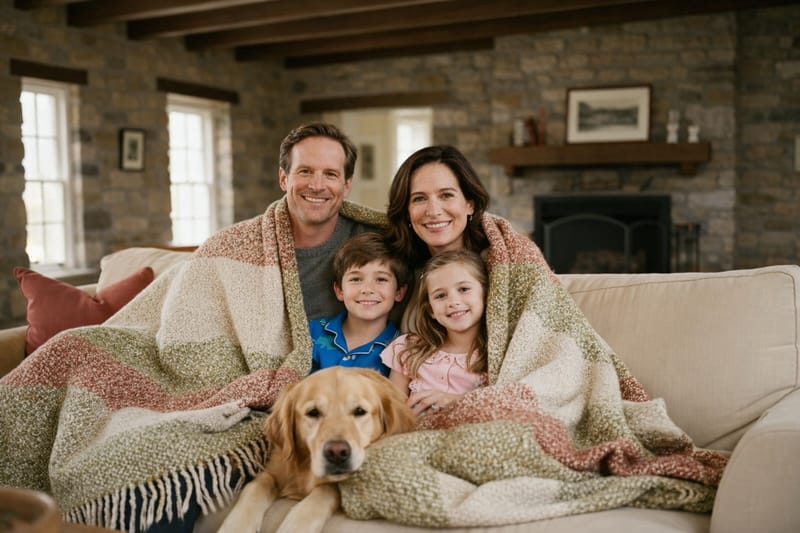
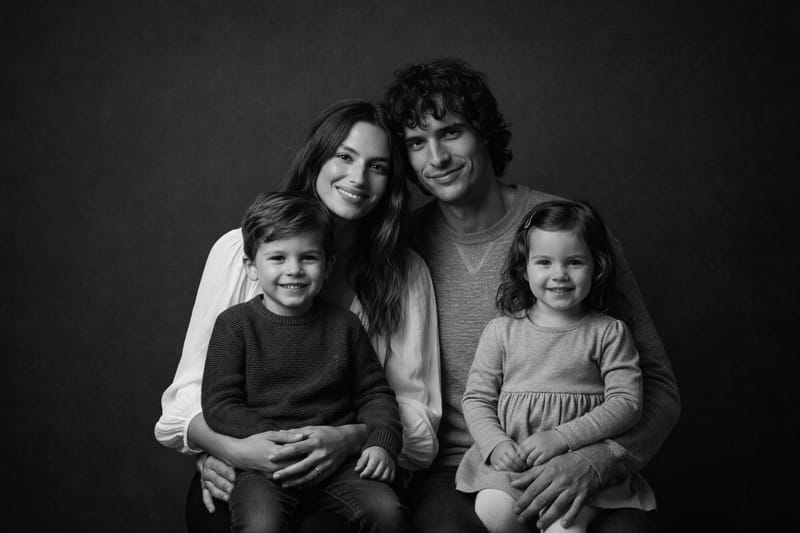
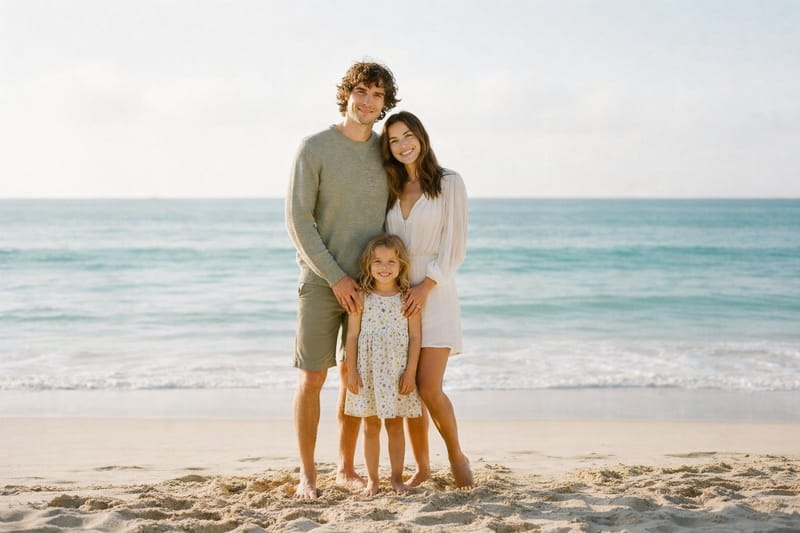
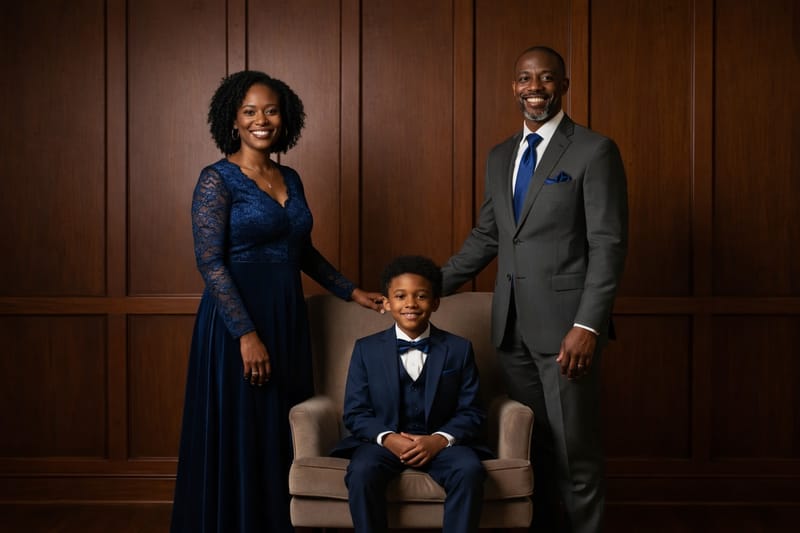
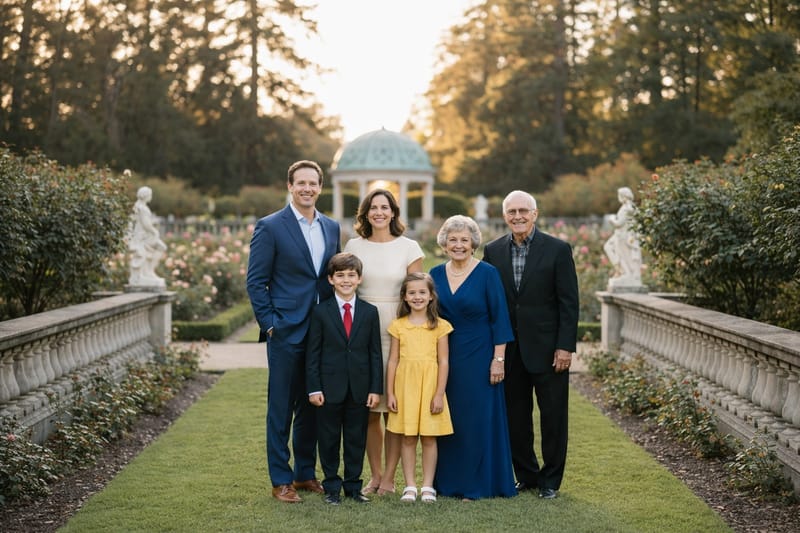
Generatore di Ritratti di Famiglia con l’IA: Crea e Dai Nuovo Stile alle Tue Foto di Famiglia
Hai mai desiderato riunire tutta la famiglia in un’unica foto perfetta, anche se non potete essere tutti insieme dal vivo? O vuoi dare nuova vita a una vecchia foto speciale? Il Generatore di Ritratti di Famiglia con IA su Somake fa proprio questo.
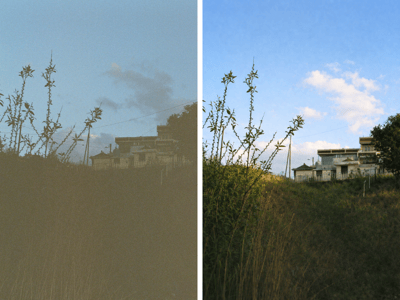
In automatico, unisce e sistema artisticamente foto diverse delle persone che ami per creare un unico ritratto di famiglia, oppure può trasformare una foto esistente e darle uno stile tutto nuovo e moderno. Carica semplicemente ogni foto singola sul Generatore di Ritratti di Famiglia usando la funzione di upload di Somake — poi lascia fare tutto alla nostra IA! Otterrai un ritratto di famiglia già pronto, senza doverlo modificare tu. Il risultato ha la stessa qualità cinematografica dei nostri generatori di foto di matrimonio per ritratti nuziali.
Come Creare un Ritratto di Famiglia da Foto Singole
Il Generatore di Ritratti di Famiglia è facilissimo da usare, e puoi sceglierlo per due modalità creative: Unisci Foto oppure Cambia Stile a una Foto.
Carica le Foto Singole: Scegli immagini nitide, ben illuminate e con il volto frontale di ogni membro della famiglia
Scegli lo Stile: Scegli un’ambientazione e uno stile che rispecchiano ciò che hai in mente, oppure personalizza come preferisci.
Lascia Fare all’IA: La tecnologia di fusione foto famiglia con IA unisce tutto in modo naturale
Scarica e Condividi: Ricevi il tuo ritratto di famiglia finale
Consiglio: Hai già una foto di famiglia ma manca qualcuno? Con Aggiungi una Persona alla Foto puoi inserire perfettamente chiunque, ideale per includere anche chi non era presente allo scatto originale. Vuoi dare un’occhiata al futuro? Prova il nostro strumento Make US a Family per immaginare la tua futura famiglia e curiosare su come potrebbero essere i tuoi futuri figli.
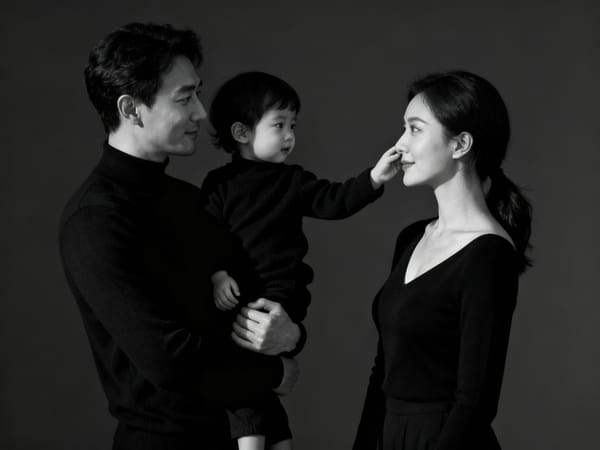
Cosa Ottieni
Quando l’IA ha terminato, riceverai un’opera d’arte digitale in alta risoluzione. Non è un semplice collage: l’Intelligenza Artificiale fonde e compone le foto di famiglia in modo realistico e toccante. Questo ritratto si adatta benissimo sia a una parete di casa dedicata alle foto di famiglia, sia come immagine principale in un album fotografico. È un modo creativo per custodire un ricordo anche quando non è possibile riunirsi di persona.
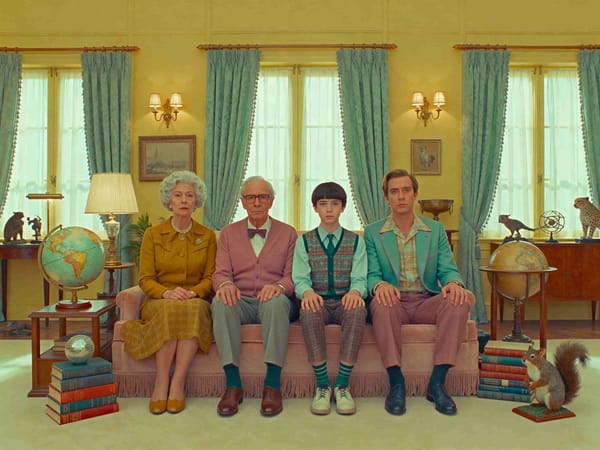
Consigli per un Risultato Perfetto
Per ottenere il massimo, segui questi consigli.
Usa foto chiare e ben illuminate. L’ideale sono scatti in pose naturali, senza posture strane o scomode.
Fai attenzione anche agli abiti: pur non essendo essenziale, foto con vestiti di stile simile aiutano a dare un risultato finale più armonioso. Alla fine, delle buone foto sono l’ingrediente principale per un capolavoro!
Perché Usare il Nostro Generatore IA di Ritratti di Famiglia?
Zero Fatica
Il nostro strumento è completamente automatizzato: puoi creare un ritratto di famiglia anche senza esperienza con l’editing fotografico.
Tutto il Divertimento
Passa in pochi attimi da foto separate a un vero ritratto di famiglia.
Abbatti le Distanze
Riunisci familiari da ogni parte del mondo in un’unica immagine e crea il senso di essere davvero insieme.
Conclusione
L’arrivo della tecnologia dei ritratti di famiglia con IA da foto singole rappresenta una rivoluzione nel modo in cui custodiamo i ricordi di famiglia. Senza più limiti dovuti alla distanza o agli impegni, oggi le famiglie possono ritrovarsi tutte insieme in un unico ritratto — anche se non è sempre possibile vedersi dal vivo.