Çıkartma Etiket Oluşturucu
Yapay zeka ile özel çıkartmalar ve ürün etiketleri tasarlayın. Tasarımınızı tarif edin, şekil ve renkleri seçin; baskıya hazır etiketiniz anında yanınızda.
AI Çıkartma Etiket Oluşturucu: Saniyeler İçinde Özel Etiketler Tasarlayın
Sıfırdan özel bir çıkartma etiketi tasarlamak çoğu insanın sahip olmadığı bir zamanı gerektirir; tasarım yazılımlarını öğrenmek, şablon bulmak ve matbaayla sürekli iletişimde kalmak vakit alır. Somake'in AI çıkartma etiket oluşturucusu, ihtiyacınız olanı tarif etmenize olanak tanır ve tasarım deneyimi gerektirmeden saniyeler içinde baskıya hazır bir etiket tasarımı oluşturur. İster el yapımı ürünleri etiketliyor olun, ister kişisel çıkartmalar tasarlayın veya küçük bir işletme markası oluşturun; tüm süreç tek bir metin komutuyla (prompt) işler.
Nasıl Kullanılır?
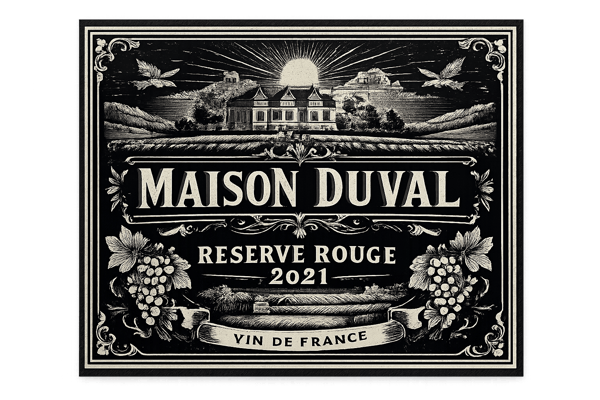
Etiketinizi tarif edin. Çıkartmanızın ne için olduğunu yazın; ürün adı, marka, yer almasını istediğiniz herhangi bir illüstrasyon veya metin.
Şekli, stili ve renkleri belirleyin. Yuvarlak, dikdörtgen, oval, özel kesim (die-cut) ve daha fazlası arasından seçim yapın; markanıza veya etkinliğinize uygun bir görsel stil ve renk paleti seçin.
Yüzey tipini seçin. Çıkartmanızı nasıl basmayı veya kullanmayı planladığınıza uygun olarak mat, parlak, holografik veya kraft seçeneklerinden birini belirleyin.
Oluşturun ve indirin. Sonucu gözden geçirin, gerekirse revize edilmiş bir komutla tekrar deneyin ve tasarımınızı dışa aktarın. Özel kesim çıkartmalar için, matbaanızın kullanabileceği temiz bir kesim hattı oluşturmak üzere sonucu Image Outliner aracından geçirin.
Temel Özellikler
Komut Bazlı Etiket Tasarımı — Şablonlara Gerek Yok
Çoğu etiket oluşturucu sizi bir şablonun içine hapseder ve ona uyum sağlamanızı bekler. Somake ile istediğiniz etiketi (ürün adı, görsel tema, renk dünyası) tarif edersiniz ve yapay zeka bunu sıfırdan oluşturur. Ürününüz standart bir şablona uymadığında veya gerçekten markanız gibi görünen bir şey istediğinizde çok kullanışlıdır.
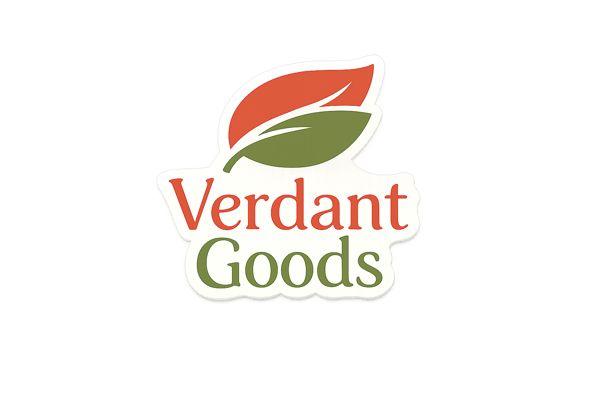
Tam Şekil ve Format Kontrolü
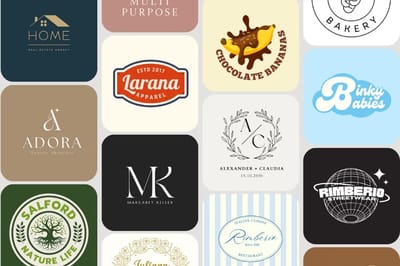
Yuvarlak etiketler, dikdörtgen etiketler, oval, altıgen, özel kesim — ambalajınıza veya çıkartma sayfanıza uyan şekli seçin. Her şekil varyantı, baskı veya dijital kullanım için hazır, temiz ve izole bir tasarım olarak oluşturulur.
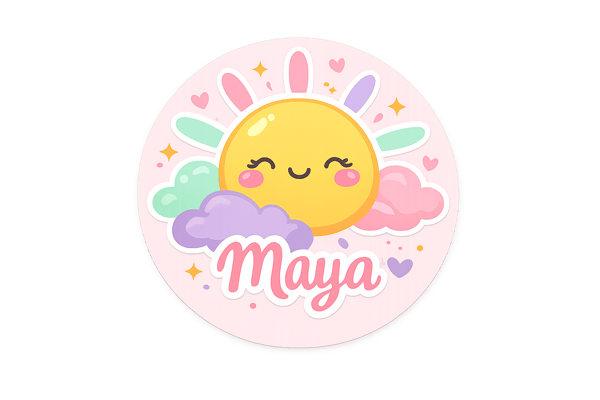
Stil Yelpazesi: Sevimliden Lükse
Aynı komut yapısı, çocuk mataraları için sevimli (kawaii) çıkartmaları da kozmetik ürünler için premium folyo etiketleri de işleyebilir. El çizimi illüstrasyondan minimalist ve sade bir görünüme geçmek sadece bir alan değiştirmeye bakar; sıfırdan yeniden tasarlamanıza gerek kalmaz.
Kullanım Alanları
Küçük İşletme Ürün Etiketleri
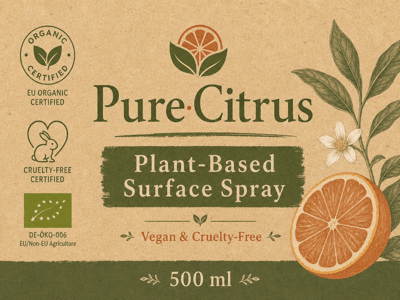
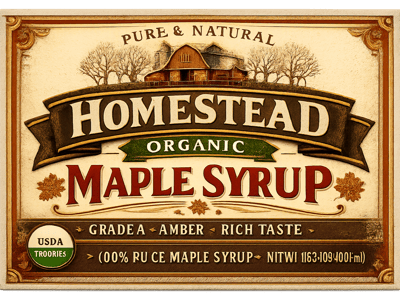
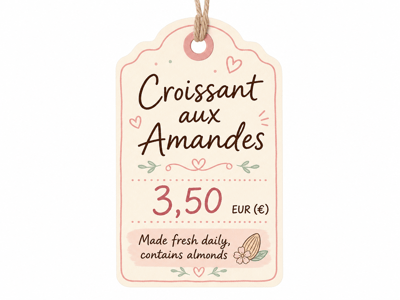
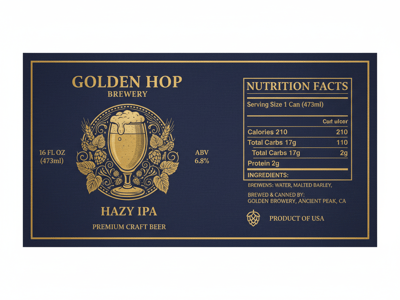
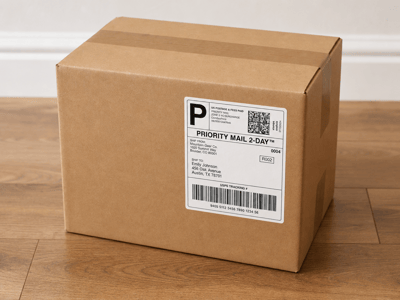
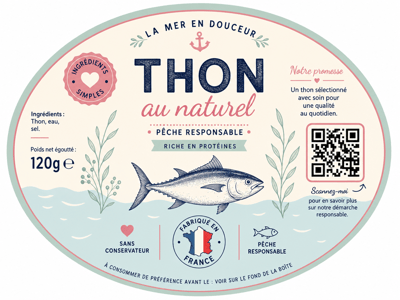
Mum, reçel, sos, cilt bakımı gibi el yapımı ürünler satıyorsanız, her ürünün özenli görünen bir etikete ihtiyacı vardır. Ürün hattınızdaki farklı ürünler için seçenekler oluşturmak üzere AI çıkartma etiket oluşturucuyu kullanın, aynı Stil ve Renk Paleti alanlarını kullanarak stili tutarlı tutun ve etiket, ürünün rafta uyandırmasını istediğiniz hisse tam olarak uyana kadar denemeye devam edin.
Hediyeler ve Etkinlikler İçin Kişiselleştirilmiş Çıkartmalar
Düğün hediyelikleri, doğum günü şişe etiketleri, çocukların eşyaları için özel isim çıkartmaları... Bunlar bir tasarımcıya ihtiyaç duymadan kişisel hissettirmelidir. Konu (Subject) alanında etkinliği, ismi ve estetiği tarif edin, bir şekil seçin ve oluşturun. Etiketiniz hazır olduğunda, dışa aktarın ve sosyal medya içerikleri, ürün tanıtımları veya paket içi kartlar için kullanın.
Neden Somake?
Tasarım yazılımı gerektirmez
Bir komut yazın, bir etiket alın; tüm iş akışı tarayıcıda çalışır, kurulum gerektirmez, öğrenme süreci yoktur.
Tek araç, her etiket türü
Gıda ambalajlarından düğün hediyeliklerine ve logo çıkartmalarına kadar, aynı komut yapısı araç değiştirmeye gerek kalmadan tüm yelpazeyi kapsar.
Deneme yapacak kadar hızlı
Günler değil dakikalar içinde birden fazla etiket yönü oluşturun; baskıya girmeden önce seçenekleri karşılaştırmanız gerektiğinde çok faydalıdır.