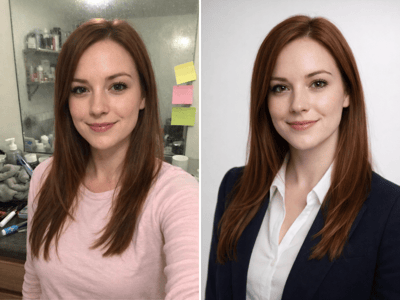
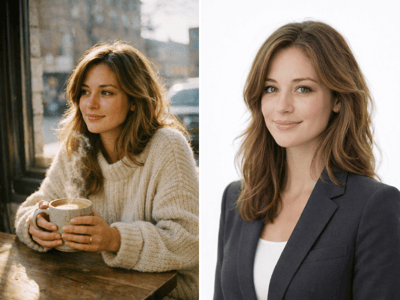
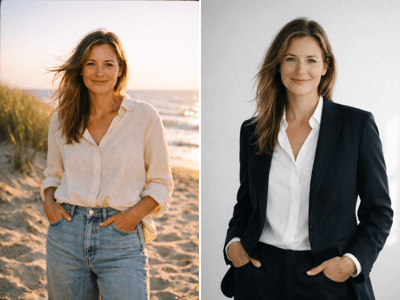
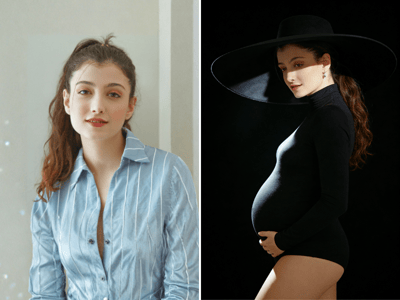
Birthday Photos
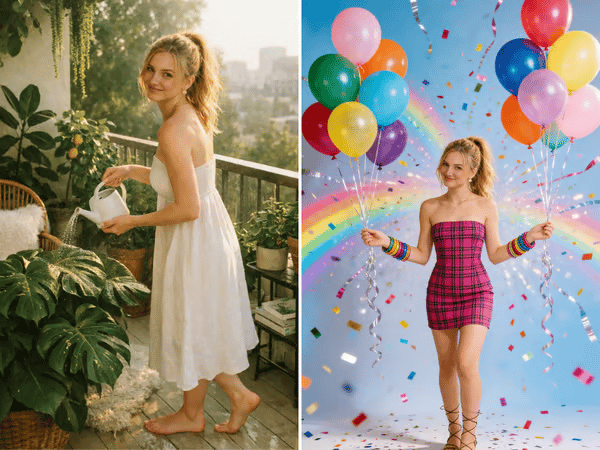
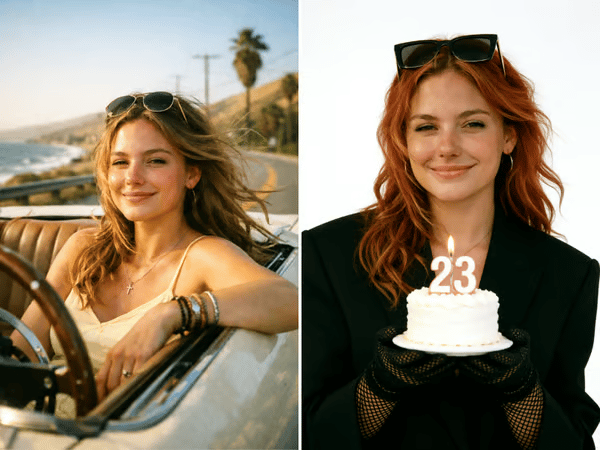
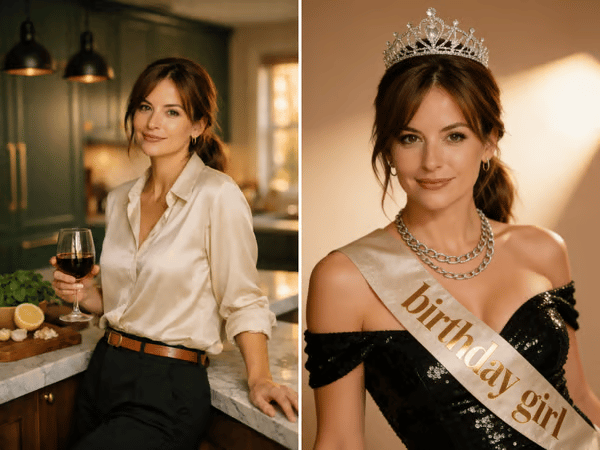
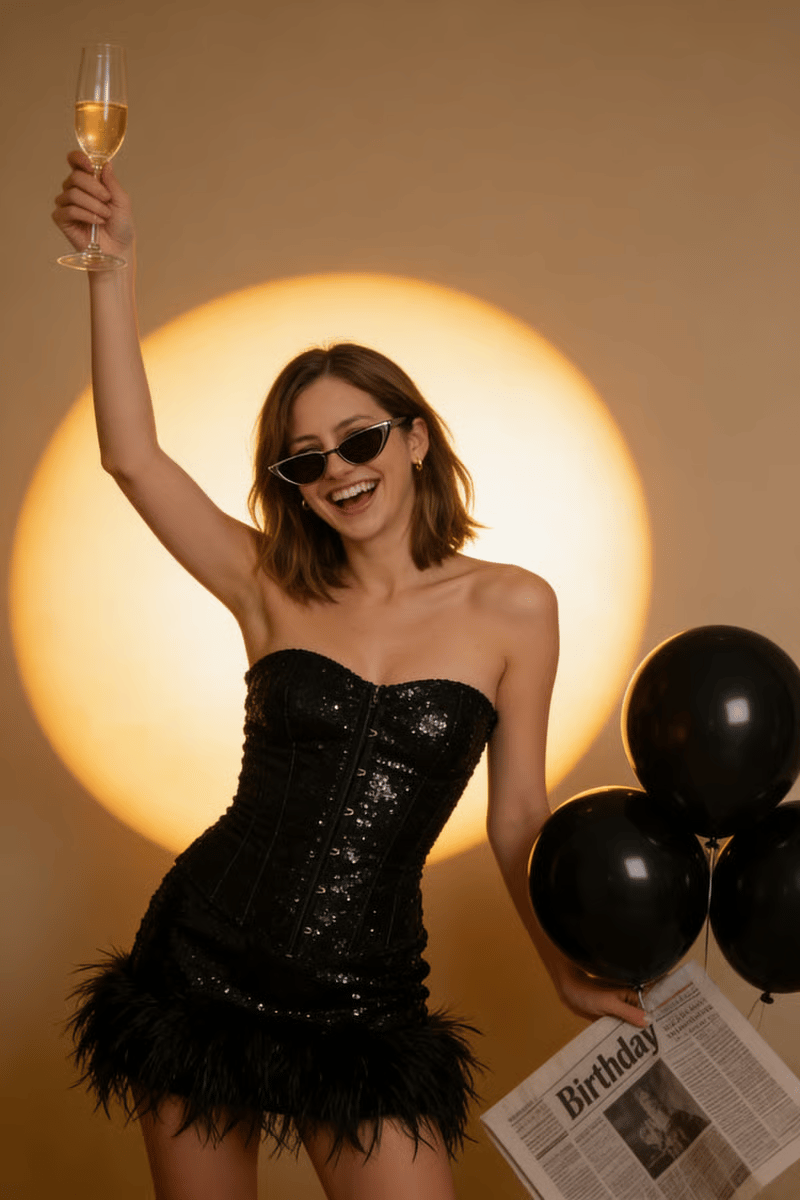
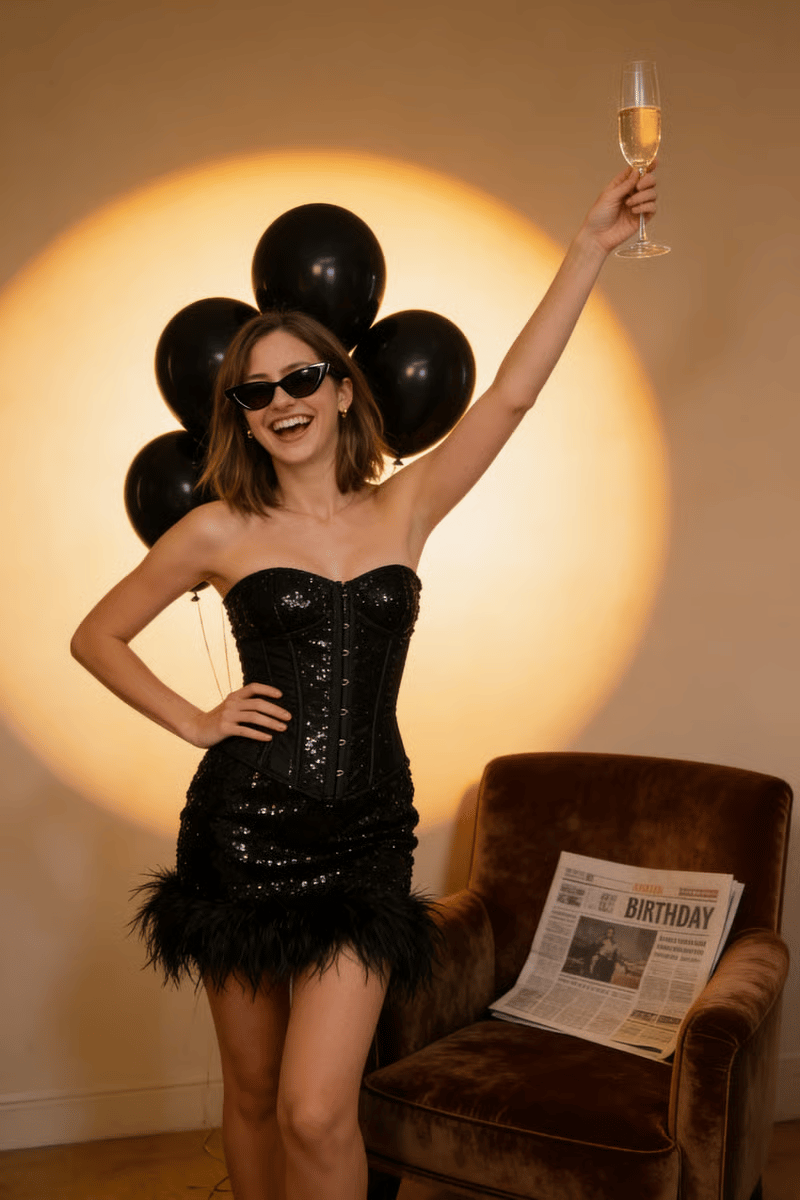
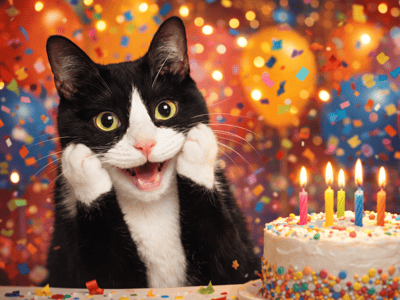
Turn a clear portrait into a styled birthday photo with cake, balloons, party lighting, and celebratory backgrounds. Choose a Style, enter the age, and customize the details.
AI Birthday Photos From Photos You Already Have
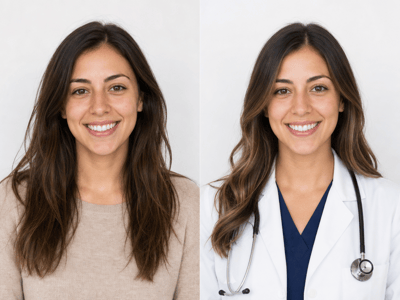
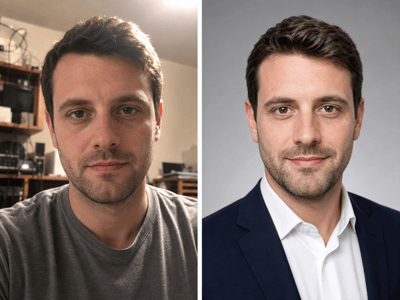
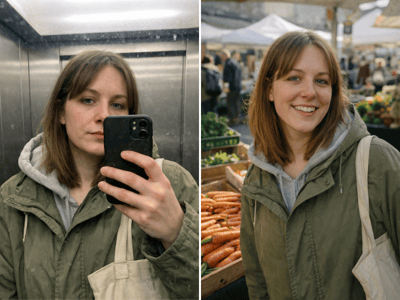
Sometimes the party photos are blurry, the lighting is poor, or there was no time for a separate birthday photoshoot. Birthday Photos creates a new celebratory portrait from a clear image of one person.
Upload a Front View, add an optional Side Profile, enter the age, and choose a Style. Use Fine-tune details when you want to change the outfit, background, makeup, color palette, or props.
What You Can Use It For

Turn an Everyday Photo Into a Birthday Portrait
A clear phone photo is enough to begin. Choose a Style with balloons, cake, confetti, flowers, or another birthday setting.

Create a Milestone Birthday Photo
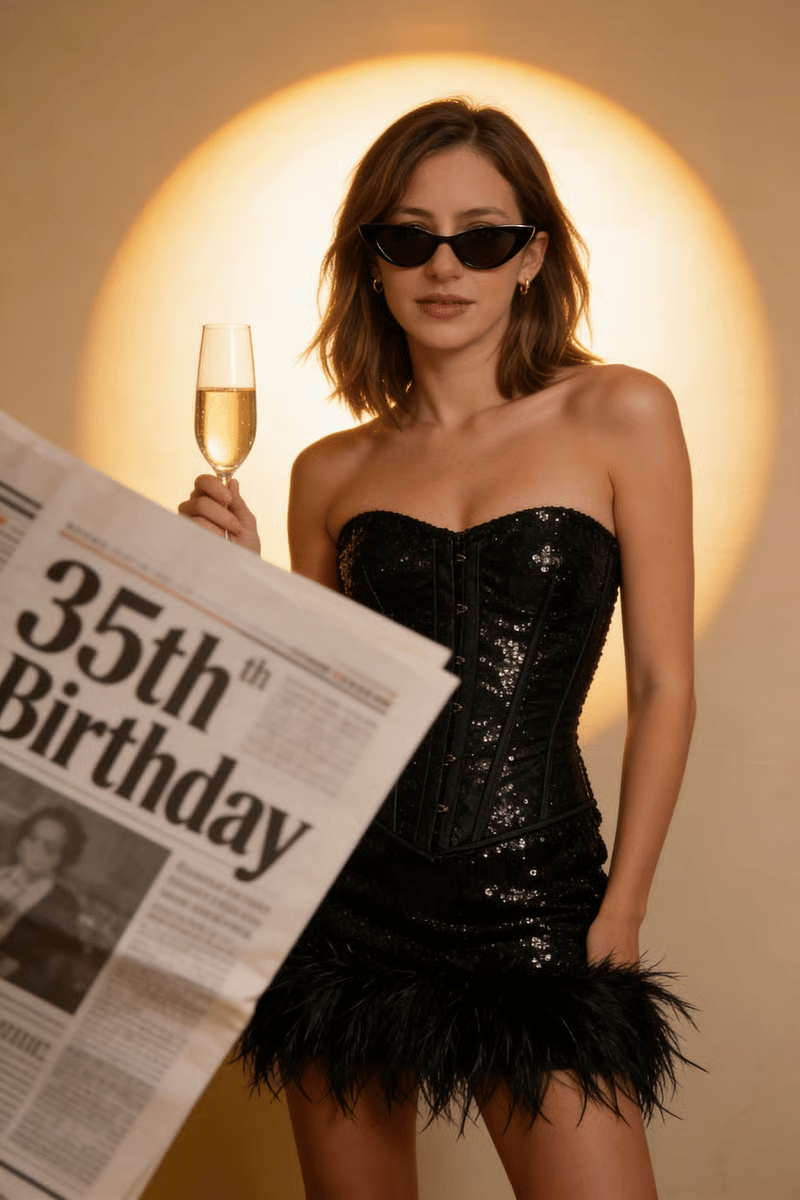
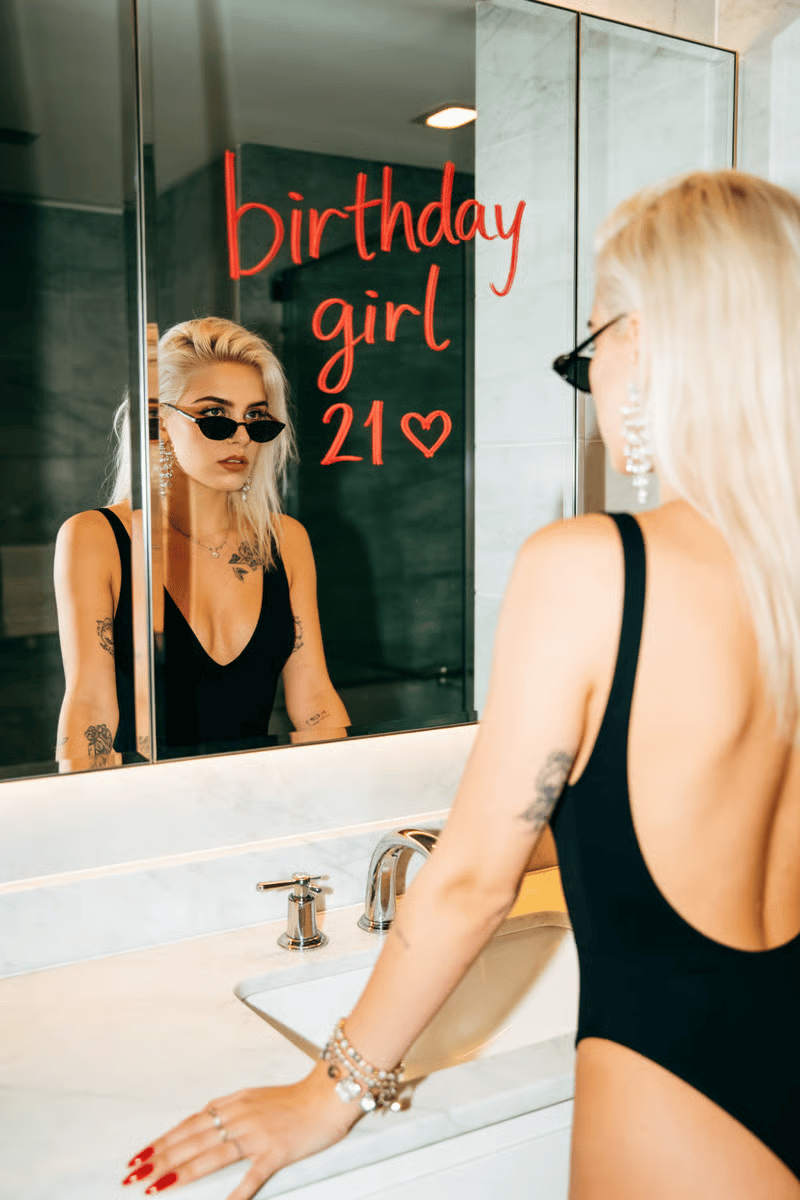
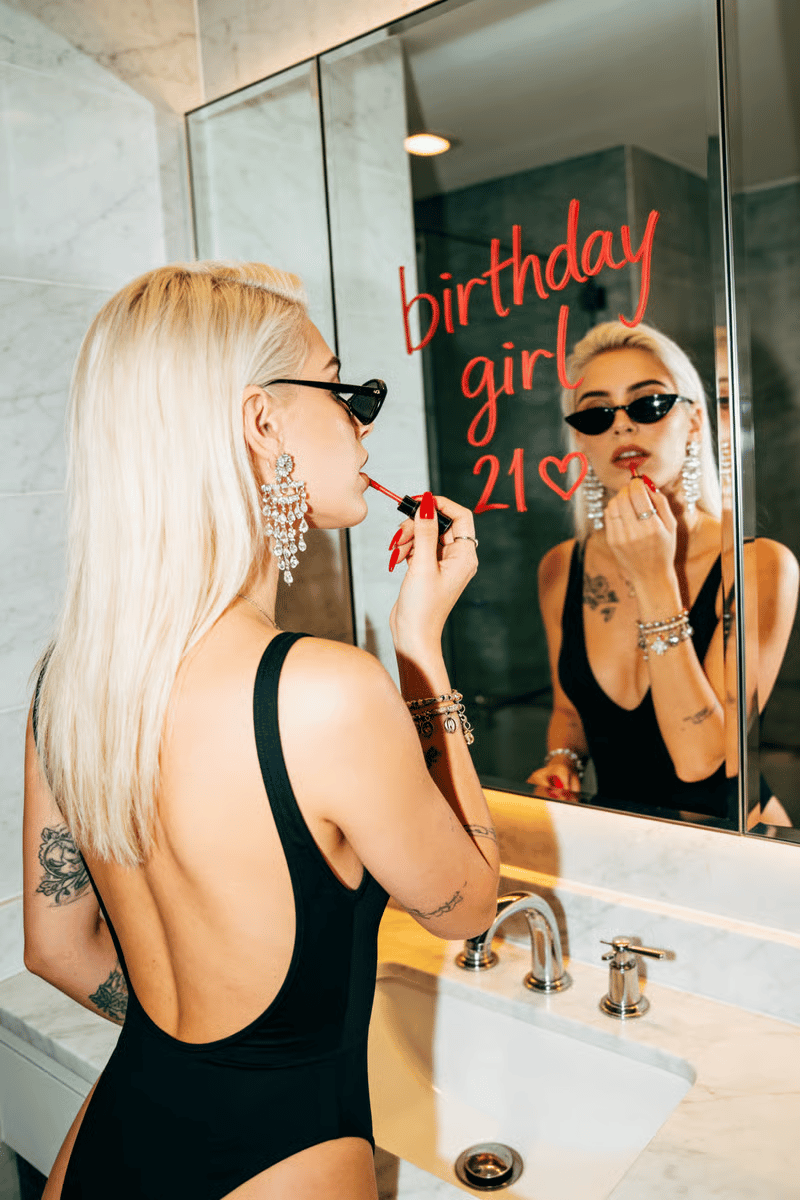
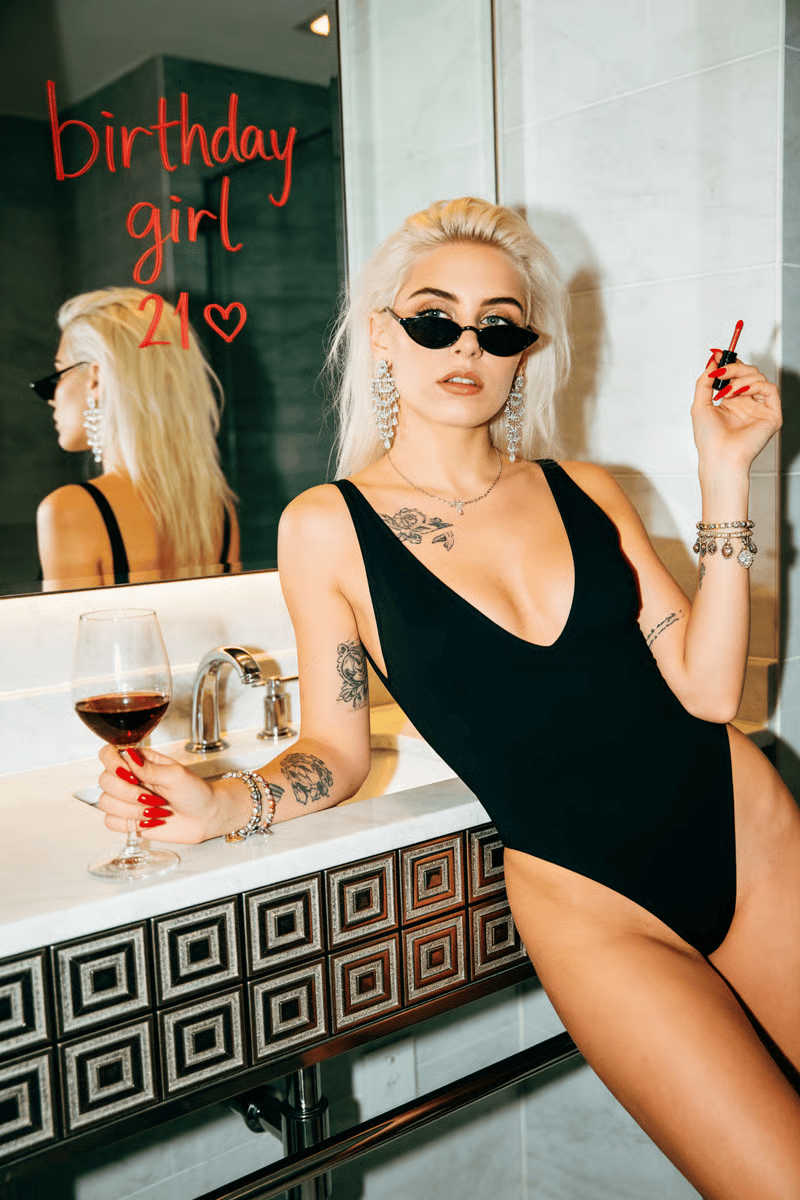
Enter the correct age and choose a look suited to the occasion, whether it is a first birthday, 21st birthday, 30th birthday, or later milestone.

Make a Birthday Portrait as a Gift
You can create a portrait for someone else if you own the source photo or have their permission to use it.
For child-focused portraits beyond birthdays, try Kids Photos.
How to Get a Good Result
Upload a selfie and enter your age
Source photo quality matters more than style choice — sharp, well-lit, no sunglasses, no shadows.
Pick a style that fits your vibe
Use the fine-tune field for specific tweaks like a different dress color or background. Keep edits short.
Generate and check the result
If the result is close but off, re-run with a different style or one tweak — a second pass usually lands it.
What Makes It Different
A Library of Pre-Styled Birthday Photo Looks
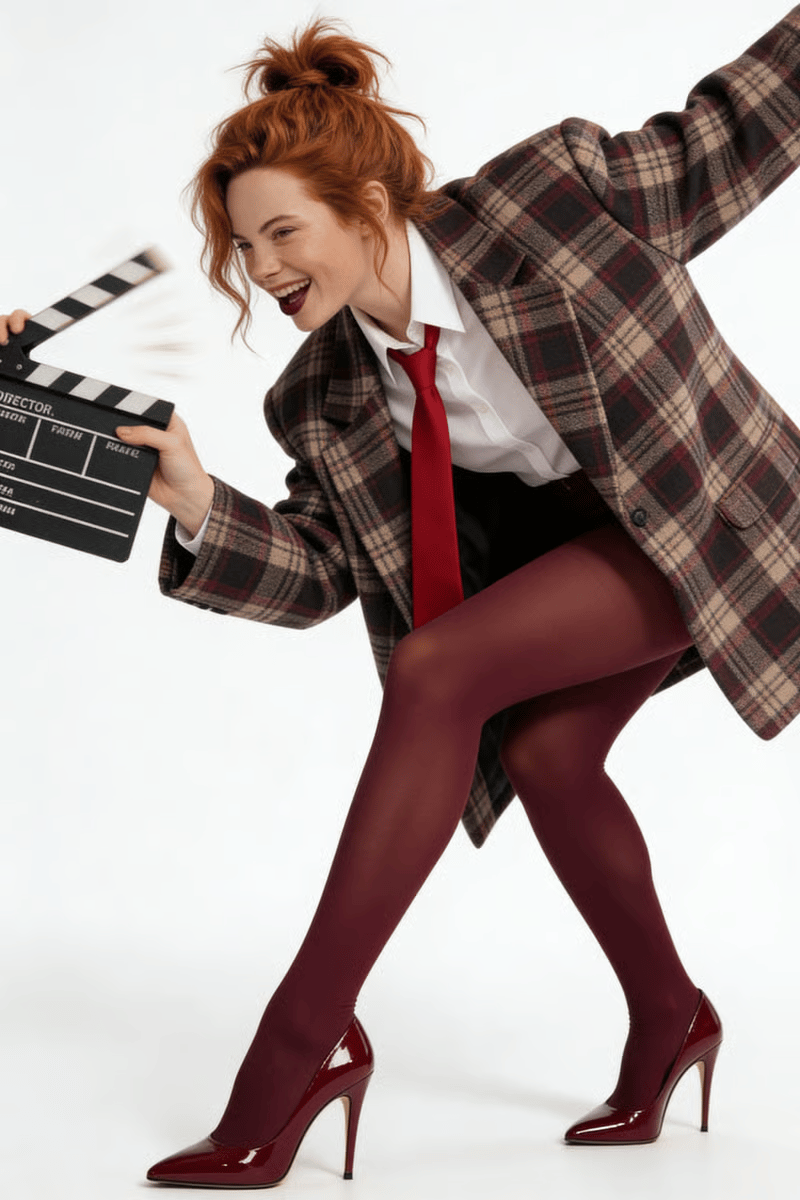
Most AI photoshoot tools hand you a blank prompt box. This one ships with more than 20 pre-styled birthday photo scenes — number balloons, princess crown, magazine cover, calendar burst, snow queen, champagne sit-down. You pick the vibe; the tool handles styling, lighting, and props.
Age-Aware Styling for First Birthday Photos Through Milestones
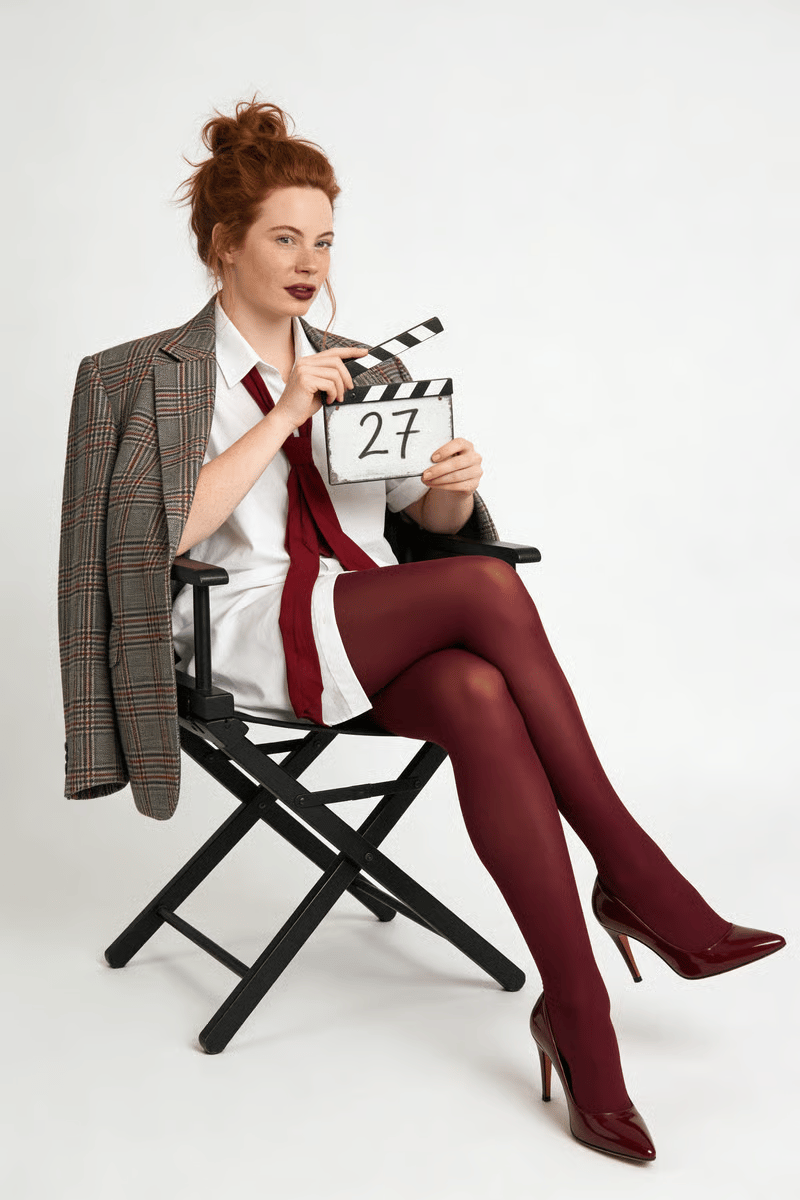
The age input isn't decorative. It changes the props and styling logic — a one-year-old gets a smash cake and soft pastels, a 21st gets number balloons and glam lighting, a 50th gets a clean elevated portrait. One tool covers the full range of birthday photoshoot ideas.
Two-Photo Likeness Capture
Most AI portrait tools work from a single front-facing image. This one accepts a side profile too, which gives the tool a second angle to anchor your facial structure — jawline, hairline, eye shape stay yours instead of drifting toward a generic AI face.
Editable Fine-Tune Field
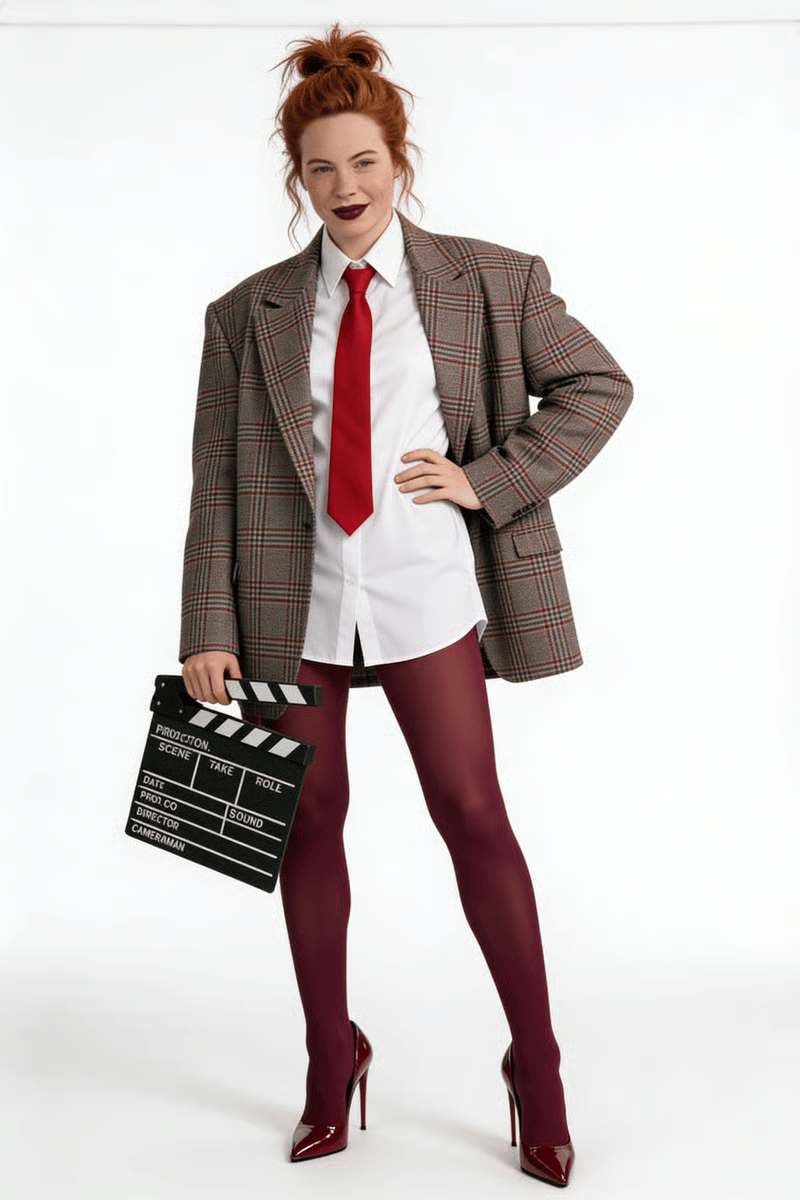
If the style is right but the dress should be red, or the background should be navy instead of cream, type it in. Short, specific edits override the preset cleanly, so you can adjust without losing the overall look.
From Selfie to Celebration