Embroidery Generator
Create realistic digital embroidery instantly. Turn photos into stitch art or generate new designs from text descriptions.
Turn Text and Photo into Embroidery Pattern with Realistic Texture
Instantly transform digital images into lifelike embroidery designs. This tool applies a sophisticated filter to convert picture to embroidery pattern, allowing you to create high-quality stitch mockups and visualize how designs will look on fabric before a single thread is sewn.
How to Use the Embroidery Effect
From Text: Enter a prompt describing your design and fabric (e.g., "red rose on denim"), then click Generate.
From Image:
Clean & Upload: Run grainy images through the Image Denoiser first to ensure clear stitch definition, then drag and drop your file.
Generate: Choose your Aspect Ratio and hit Generate.
Key Features
Flexible Text-to-Image Creation
If you do not have a source image, the text-to-image mode allows for pure imagination. You can specify not just the subject, but also the backing material—such as denim, canvas, or leather. The AI interprets these textual cues to adjust how the virtual "stitches" interact with the background fabric.
Native 4K Resolution
Achieve professional-grade clarity with Native 4K support. Every virtual thread is rendered with crystal-clear sharpness, ensuring that fine lines, intricate logos, and text remain legible—from small patches to full-sized jacket illustrations.
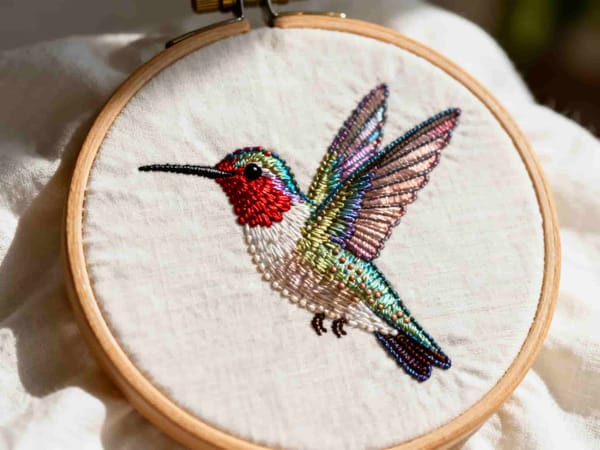
Realistic Stitch Simulation
The core engine uses advanced mapping to simulate physical thread. Unlike a simple overlay, this effect analyzes light and shadow to create depth, making the digital image look like a genuine woven patch.
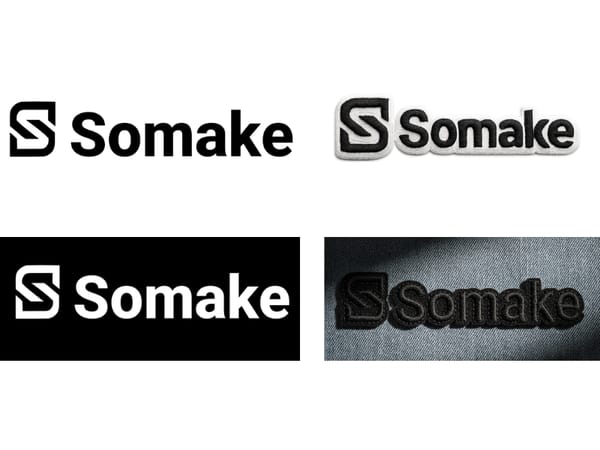
Instant Logo Digitization
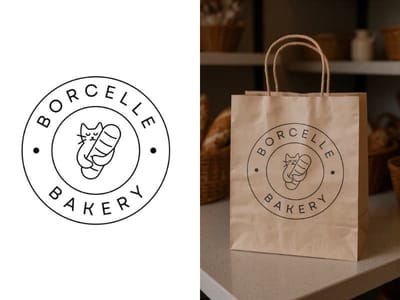
For branding professionals, the ability to digitize logo concepts instantly is invaluable. You can upload a flat vector or raster logo and immediately see how it would render as a stitched emblem on merchandise, saving time on physical sampling.
Practical Use Cases

Apparel Branding
Fashion designers use this tool to visualize branding on clothing. Instead of ordering a physical sample, simply run your graphic through the generator to create a convincing mockup of a logo on a polo shirt or cap.
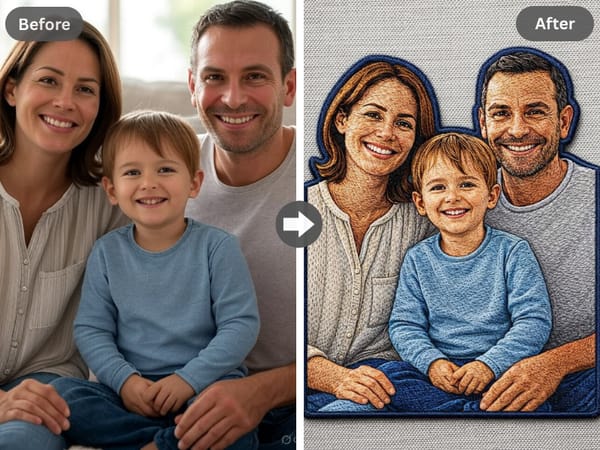
DIY Crafting and Hobby Projects
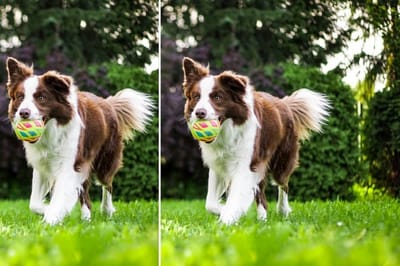
For the home crafter asking how to create your own embroidery design, this tool serves as a perfect visualization step. You can experiment with different photos of pets, landscapes, or family portraits to see which ones translate best into stitch art before buying supplies.
Digital Crafting & Social Content
Content creators can use the filter to add a tactile aesthetic to digital posts. Transforming a standard image into an embroidered piece adds texture and novelty to your feed.
Expand Your Digital Craft Toolkit
Somake offers a suite of texture-based tools designed to bring physical craftsmanship into the digital realm. If you enjoy the tactile feel of the Embroidery Effect, try these related styles:
Crochet: The closest "sister style" to embroidery. While embroidery focuses on surface stitching, the Crochet tool simulates the interlocking loops of yarn, offering a chunkier, warmer textile feel perfect for cozy aesthetic visuals.
Clay: Swap fabric for modeling compound. This tool renders your photos with the soft, matte finish and rounded edges of polymer clay, giving your images a delightful 3D stop-motion look.
Stained Glass: If you prefer rigid materials over soft fibers, this tool fractures your image into vibrant, illuminated shards. Like embroidery, it is a classic decorative art form, but it trades the warmth of thread for the spiritual and classical beauty of light and glass.
Why Choose Somake for Design?
Accelerate Your Creativity
Eliminate creative blocks by instantly generating dozens of unique ideas and variations.
Achieve Professional Detail
The tool uses expert terminology for stitches, fabrics, and lighting that you might not know, leading to richer and more realistic AI outputs.
Expand Your Craft Knowledge
By interacting with the tool, you'll learn how different elements of embroidery work together, making you a better prompter and artist.