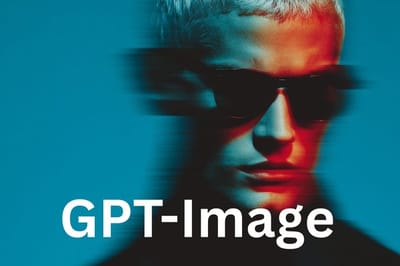
Grok Imagine
Szybka i przystępna cenowo eksploracja wizualna dla każdego projektu.
Grok Imagine: Sztuczna inteligencja do generowania obrazów, stworzona z myślą o szybkości i oszczędności
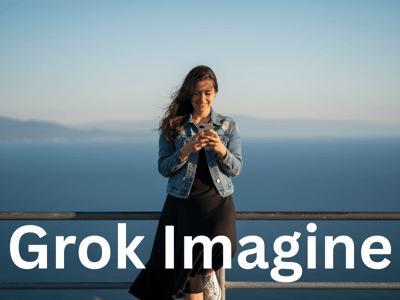
Grok Imagine pojawia się w Somake jako narzędzie, które łączy błyskawiczne działanie z szerokim wyborem stylów. Pełnię możliwości odkryjesz, generując sześć wariantów obrazów jednocześnie za jedyne 5 kredytów.
Najważniejsze cechy
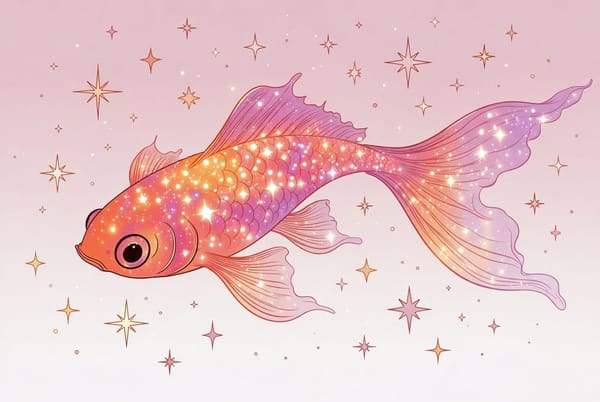
Wszechstronna interpretacja stylu
Grok Imagine nie ogranicza się do jednego estetycznego nurtu. Swobodnie żongluje różnymi językami wizualnymi, tworząc wszystko – od „fotorealistycznych” szkiców, po charakterystyczne style „anime” i „ilustracje”.

Masowa generacja przy niskim koszcie
Grok Imagine jest zoptymalizowany pod kątem eksploracji. Za zaledwie 5 kredytów otrzymujesz sześć unikalnych wariantów obrazów w ramach jednego polecenia. Takie tempo idealnie sprawdza się podczas burzy mózgów, gdy liczy się ilość i różnorodność, a nie wykończenie do perfekcji.
Zaawansowane wskazówki
Wypróbuj „syntetyczną” estetykę: Grok Imagine stawia na kreatywny efekt. Niektóre grafiki mogą wyglądać bardziej sztucznie lub stylizowanie. To świetne rozwiązanie do sztuki abstrakcyjnej – jeśli zależy Ci na realizmie, przetestuj inne modele, jak seedream, imagen czy nano banana.
Intensywna iteracja: Generuj zestawy 6 obrazów, by oglądać różne interpretacje polecenia i wybierz najlepszy wariant do dalszej edycji w Generatorze Obrazów.
Zastosowania

Błyskawiczne koncepcje dla niezależnych twórców
Traktuj Grok Imagine jak swoje narzędzie do szybkich szkiców. Świetnie sprawdza się przy tworzeniu moodboardów, miniatur na YouTube czy makiet, gdzie liczy się klimat, a nie idealny realizm. Użyj go do błyskawicznego zaplanowania układu okładki & projektu plakatu, a później wymień grafiki na wyższej jakości.
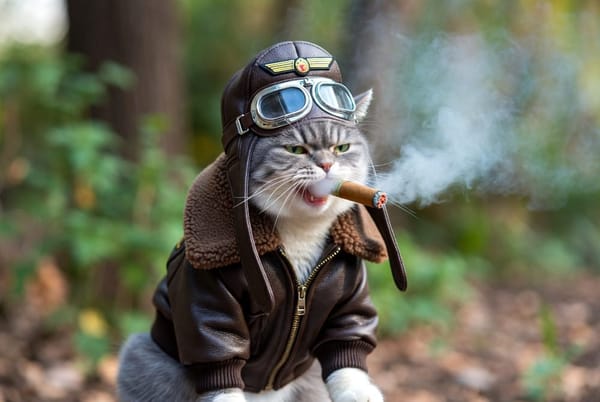
Social media i tworzenie treści
Dla influencerów i osób zarządzających socialami liczy się szybkość działania. Grok Imagine świetnie nadaje się do tworzenia tymczasowych materiałów na media społecznościowe i memów, gdzie cyfrowy, stylizowany wygląd jest wręcz pożądany. Połącz wygenerowane obrazy z Edytorem Tekstu na Obrazie, aby błyskawicznie przygotować posty na start.

Koncepcje biznesowe i storyboardy
Marki mogą wykorzystać Grok Imagine do szybkiego tworzenia storyboardów kampanii czy wizualizacji produktów na własny użytek. W przypadku komercyjnego wykorzystania zalecamy jednak ostrożność: ze względu na generatywny charakter modelu rekomendujemy weryfikację grafik przez człowieka, aby zadbać o bezpieczeństwo marki i zgodność z wytycznymi.
Dlaczego warto wybrać Somake
Ekonomiczne generowanie w dużych ilościach
Stwórz sześć obrazów jednocześnie za jedyne 5 kredytów — idealne do eksperymentowania.
Zintegrowany kreatywny zestaw narzędzi
Płynnie przechodź od generowania do edycji w powiązanych narzędziach, takich jak Image Upscaler czy Mockup Generator.
Interfejs przyjazny dla początkujących i profesjonalistów
Przejrzyste opcje i proste procesy ułatwiają start nowym użytkownikom, a jednocześnie gwarantują szybkie działanie zaawansowanym.