Somake

Poster Mockup Generator

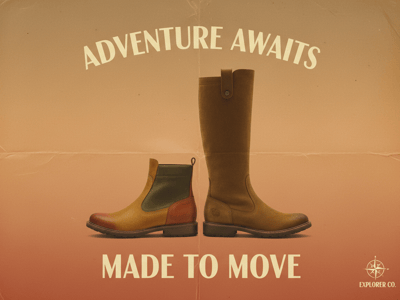
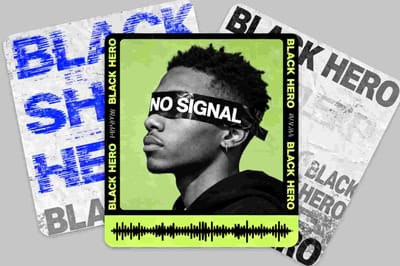
Generate a poster mockup in any setting — street wall, subway frame, gallery, or outdoor stand. No PSD files, no templates. Just describe your scene and go.

Examples
Settings
Aspect Ratio
Number of Images
1

AI Poster Mockup Generator: Visualize Your Poster Design in Any Setting

You've finished a poster design but have no idea how it'll read on a wall, in a subway frame, or out on the street — that's exactly what the AI poster mockup generator is for. A flat screenshot on a white background tells you almost nothing about how it will actually read in the world. Somake's AI Poster Mockup Generator places your design into realistic scenes — urban streets, gallery walls, outdoor stands, transit stations — so you can see exactly how it reads before you print or publish.

How to Use

  1. Describe the poster you want to mock up — the content type, where it should be displayed, and the setting around it.

  2. Choose the material, lighting, and orientation that match your actual poster dimensions and print specs.

  3. Generate the mockup and review how your design holds up in context.

  4. Adjust any slot — swap a street wall for a subway frame, or switch from portrait to landscape — and regenerate to compare.

Key Features

Material Options That Match Print Specs

Choose from matte paper, glossy, satin, weathered, or fabric canvas. If you're deciding between print finishes, generate two versions and compare how each material handles the lighting in your chosen scene.

Movie, Event, Brand, and Art Print Scenarios

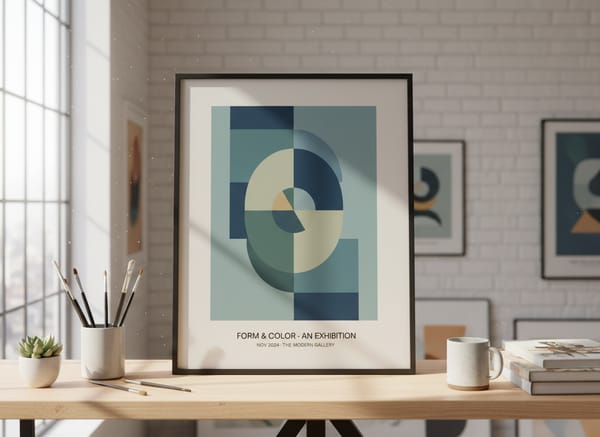
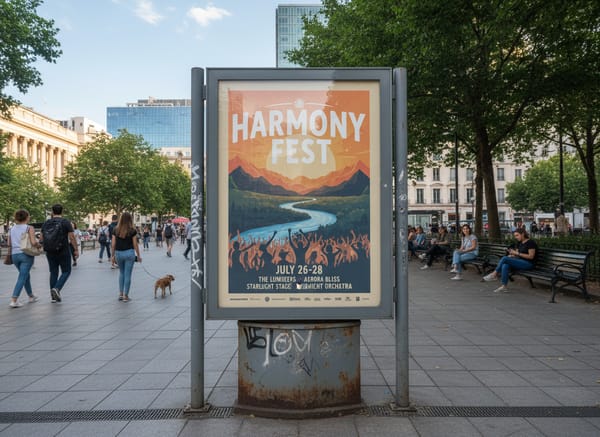
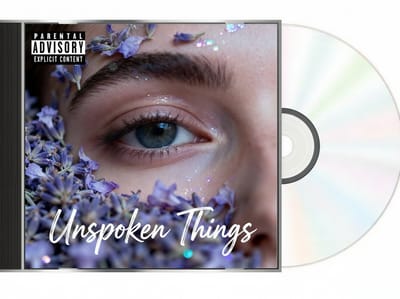
The generator handles a wide range of poster types — movie poster mockup, event or concert posters, brand advertising, gallery art prints. Each has its own visual conventions — scale, framing, context — and the tool places any of them in a scene that fits.

Street, Wall, Subway, and Outdoor Placement in One Tool

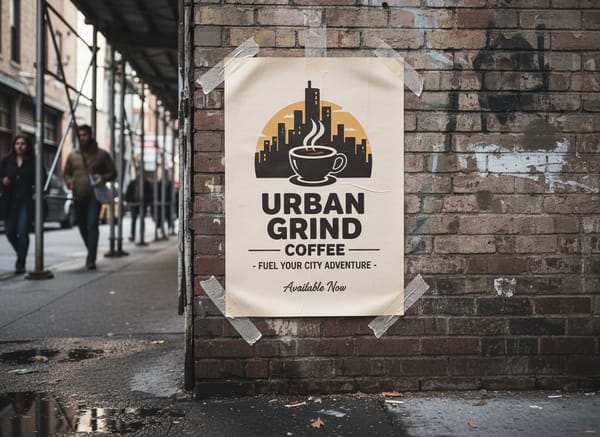
Most mockup tools lock you into one scene type. This generator covers the full placement range — wall-mounted indoors, taped on an urban street, framed in a transit station, or standing outdoors — so you can test the same design across every environment it might actually appear in.

Use Cases

Designers Presenting Work to Clients

A flat export rarely communicates how a poster will feel installed. Drop your design into a wall mockup or street scene and share that instead — clients can picture scale, contrast, and legibility far better than they can from a plain file.

Etsy, Redbubble, and similar platforms reward listings with lifestyle context. Generate a wall poster mockup or desk-frame scene for each design in your catalog without needing a physical print or photo shoot. For apparel, packaging, and other product types, the AI Mockup Generator covers a wider range of formats.

Event and Campaign Planners Checking Real-World Legibility

An outdoor poster mockup or subway station scene will tell you quickly whether your headline is readable at distance, whether your color contrast holds under overcast light, and whether the layout survives scaling. Catch those issues before the print run.

Why Somake

1

No Templates to Download or Install

Generate directly in the browser — no PSD files, no Photoshop required.

2

One Prompt Covers the Full Scene

Placement, environment, material, lighting, and orientation all set in a single prompt — no jumping between panels.

3

Iterate in Seconds

Swap one slot and regenerate; the turnaround is fast enough to compare three or four variations before committing.

FAQ