Přeměna místnosti
Proměňte svou místnost pomocí AI během vteřin. Udělejte z ložnice kancelář nebo ze sklepa posilovnu snadno a rychle.
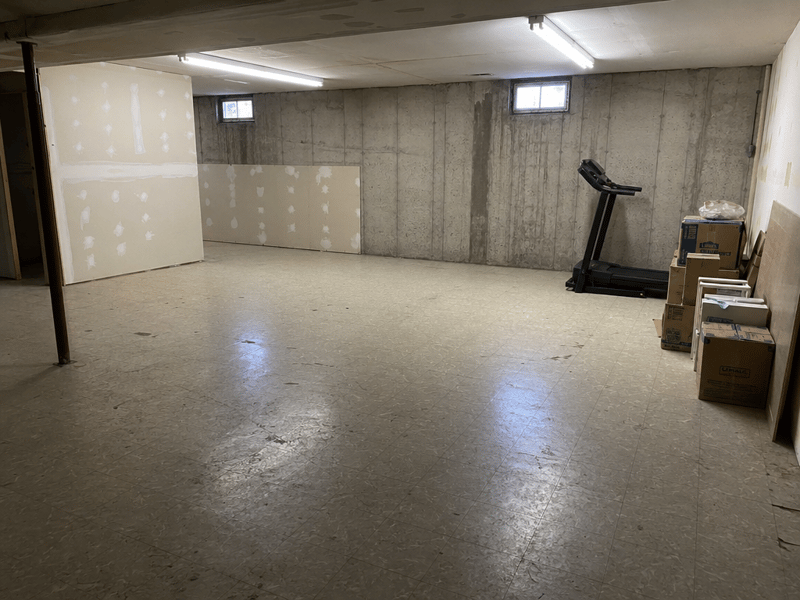
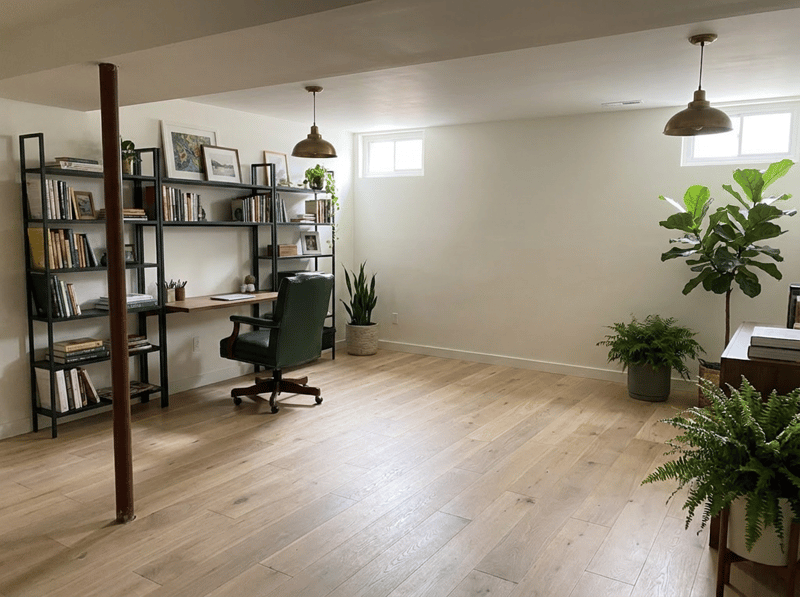
Přetvořte svou místnost na praktičtější prostor
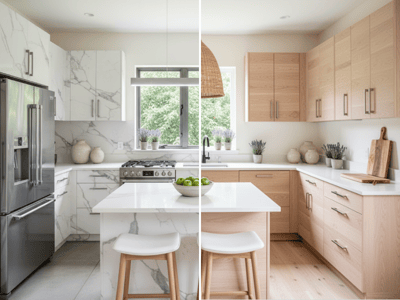
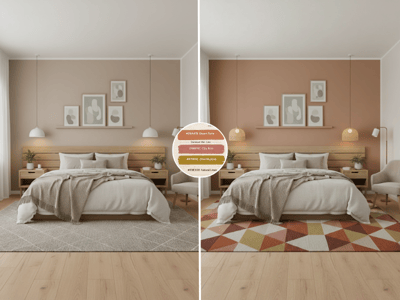
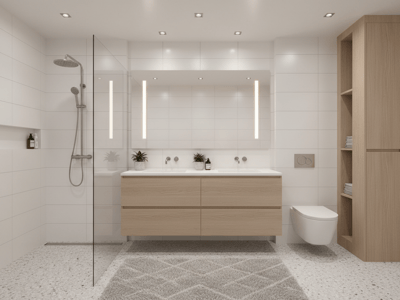
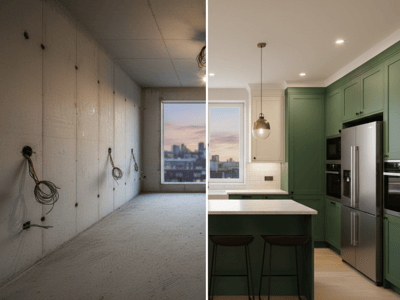
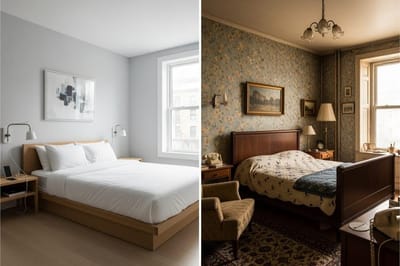
Přeměna místnosti vám ukáže, jak by mohl váš skutečný pokoj sloužit jako domácí kancelář, posilovna, ložnice, kavárna, ateliér nebo jiný typ prostoru. Výchozí zadání zachovává základní uspořádání místnosti a zároveň mění její účel i design.
Chcete-li si jen oživit styl, aniž byste měnili určení místnosti, použijte Návrh interiéru.
Nejčastější využití
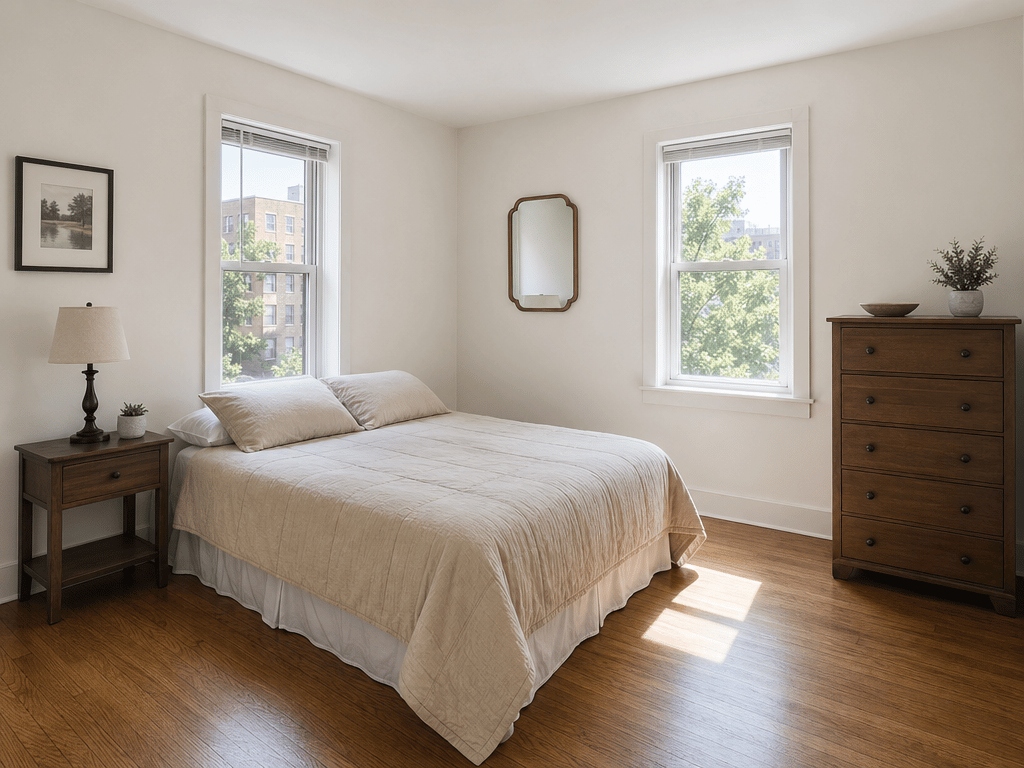
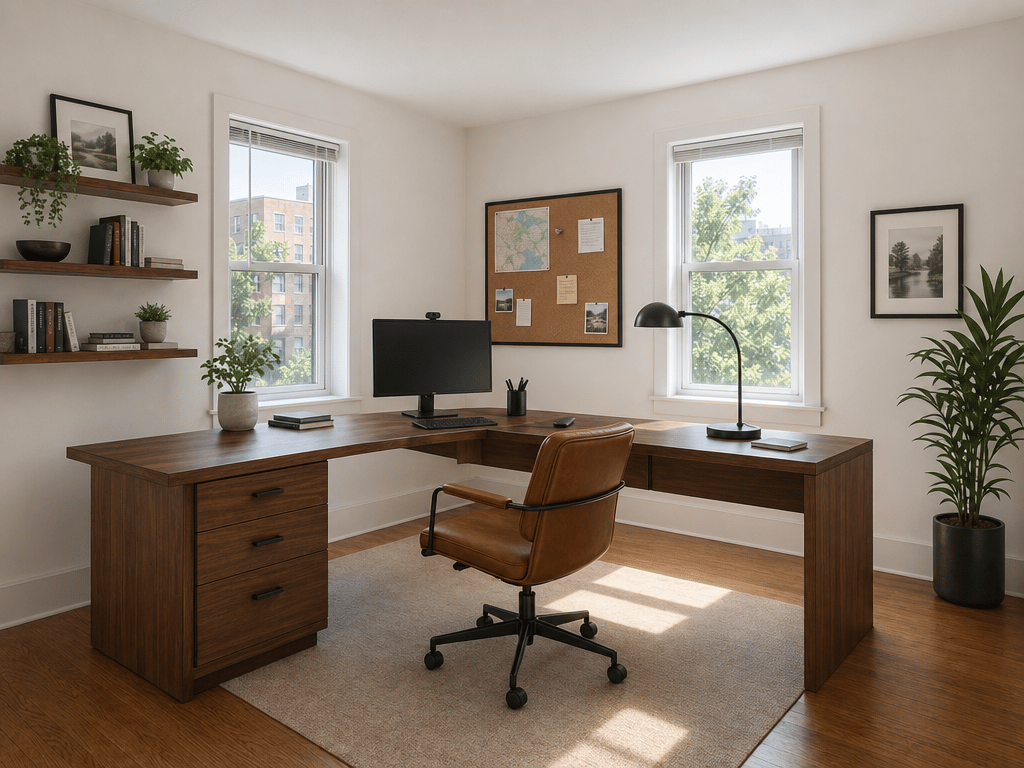
Z ložnice domácí kancelář
Zvolte možnost Domácí kancelář, vyberte styl a popište své požadavky, například vestavěné úložné prostory, výškově nastavitelný stůl nebo čtecí kout.
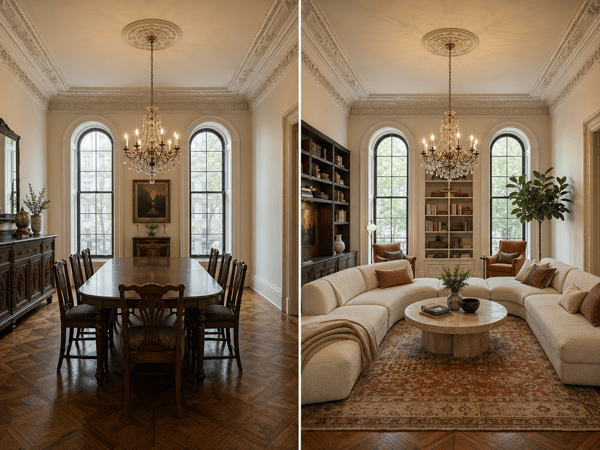
Změna nevyužívané jídelny
Vyberte Obývací pokoj, Domácí kancelář nebo jiný cílový typ. Do Dodatečných informací napište, co by mělo zůstat – například ozdobné lišty, okna nebo vestavěný nábytek.
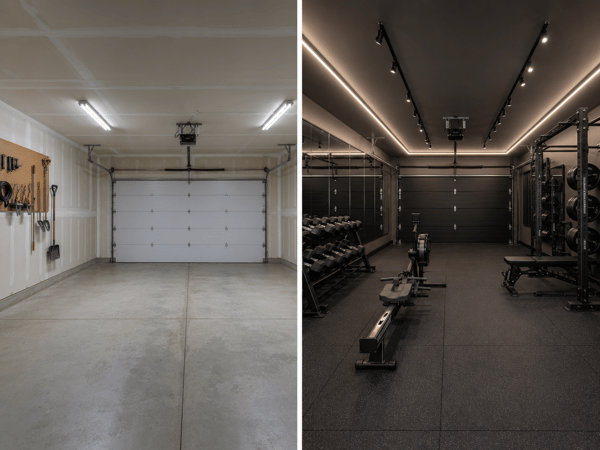
Proměna sklepa nebo garáže
Popište praktické požadavky jako fitness vybavení, úložné prostory, odhlučnění nebo zachování stávajících garážových vrat.
Jak to funguje
Nahrajte kvalitní fotku, která zachycuje většinu místnosti.
Zvolte cílový typ místnosti nebo možnost Vlastní.
Vyberte styl interiéru.
Přidejte požadavky do Dodatečných informací.
Pokud chcete, použijte jako výchozí zadání Výměna nábytku nebo Kompletní rekonstrukce.
Zvolte Rychle nebo Profi a vygenerujte.
Chcete-li si vyzkoušet nový kus nábytku bez celkové přeměny místnosti, použijte Vizualizaci nábytku.
Hlavní funkce
Desítky typů místností na výběr
Vyberte z bytových i komerčních prostor, jako jsou ložnice, kanceláře, posilovny, kavárny, ateliéry, showroomy nebo hotelové pokoje.
Nezávislé nastavení místnosti a stylu
Kombinujte jakýkoli typ prostoru s různými styly, například skandinávský, Japandi, industriální, boho nebo moderní venkov.
Editovatelné stavební pokyny
Předvyplněné Dodatečné informace žádají AI, aby zachovala tvar místnosti, dveře a okna. Pro větší proměnu můžete upravit podle potřeb.