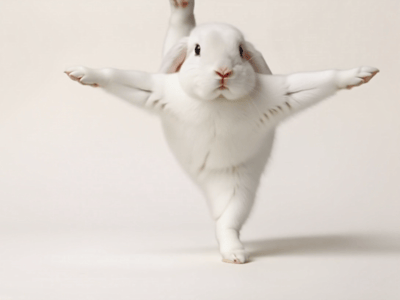
Video to Watercolor
Create artistic animations in two steps using our Video to Watercolor Style AI. No watermarks, commercial use allowed, and strict data privacy. Try it now.
Transform Your Content with Video to Watercolor Style
Video to Watercolor Style Converter by Somake allows you to instantly convert short video clips into animated watercolor paintings. This tool focuses on speed and artistic accuracy, requiring no technical editing skills.
How to Generate Video
Follow these two steps to process your file.
Upload your clip: Drag and drop your video file (3 to 10 seconds in length) into the upload zone.
Click Generate: Press the primary action button and wait for the AI to process the visual transformation.
Key Capabilities of Video to Watercolor Style
This tool provides specific features designed for creators and professionals.
Zero Watermarks: All downloaded videos are clean and ready for immediate professional use.
Commercial Rights: You own the rights to the generated content for ads, social media, or projects.
High-Speed Processing: The two-step engine minimizes wait times for rendering.
Strict Privacy: We do not store your data permanently or use it to train our models.
Practical Use Cases
Here are three common ways users utilize this tool.
Social Media Ads: Create scroll-stopping visuals for Instagram or TikTok that look hand-painted.
Digital Greeting Cards: Turn personal memories into artistic clips for holidays or birthdays.
Presentation Backgrounds: Generate unique, looping aesthetic backgrounds for slide decks.
Why Choose Somake
Data Security First
Your uploads are processed temporarily and deleted; we never use your work for model training.
Professional Quality
Output maintains the fluidity of the original video while applying a consistent artistic texture.
Cost-Effective Production
Create high-end artistic styles without hiring illustrators or animators.