Wan Image
Access Alibaba's Wan 2.7 image model on Somake AI. Create stunning posters, illustrations, and brand assets with advanced text rendering and logical design capabilities.
Wan AI Generator
Last Updated: April 3, 2026
Wan is an image generation model developed by Alibaba, specializing in both Text-to-Image generation and precise Image Editing. In the latest Wan 2.7 release, the model continues to push the boundaries of text rendering and structural layout generation. Whether you are a marketer needing accurate typography or a digital artist building complex scenes, this review breaks down what you need to know.
Current Version: Wan 2.7. You can access legacy versions via the left-hand panel.
What's New in Wan 2.7
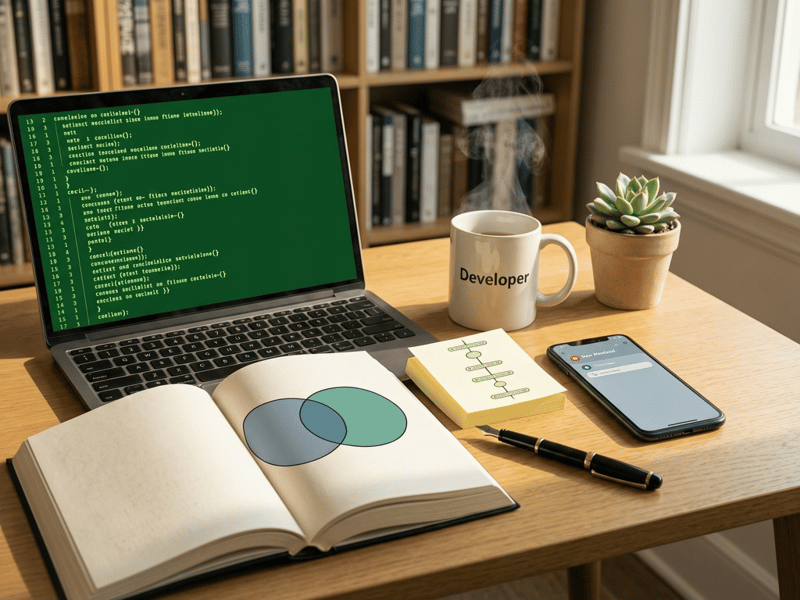
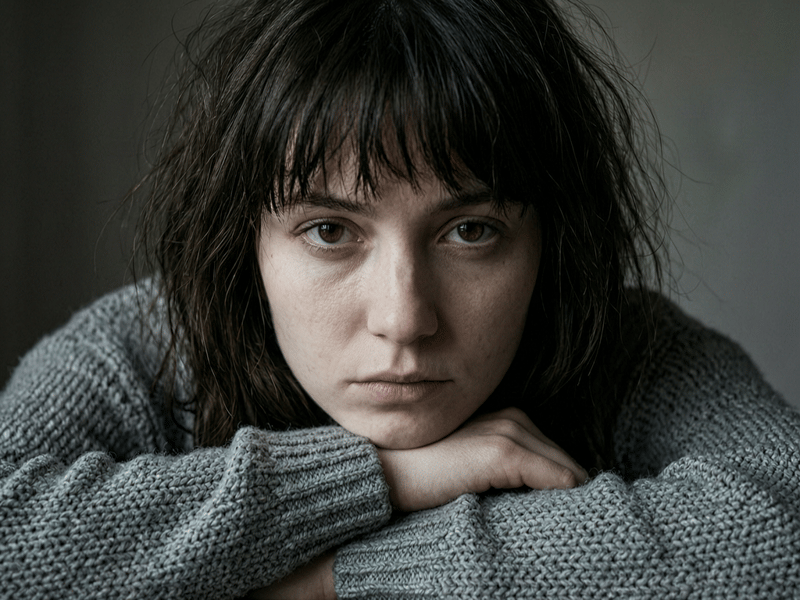
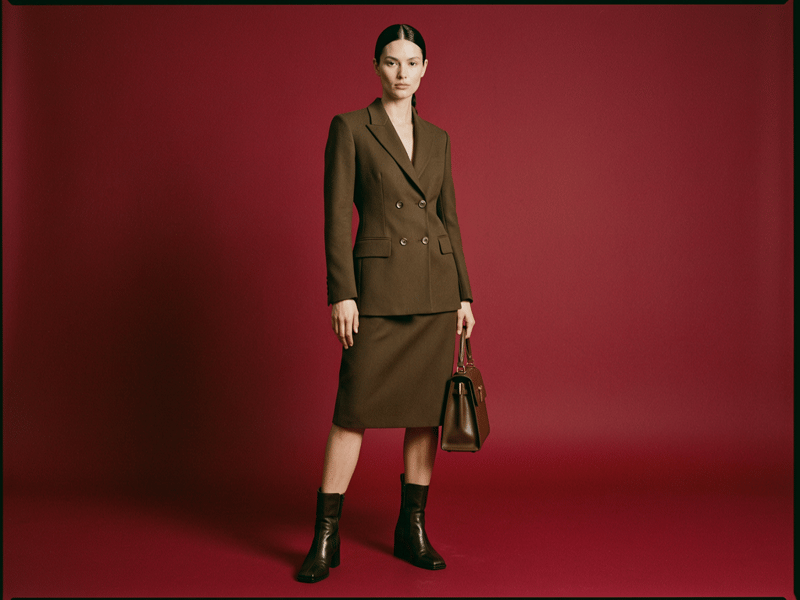
As of the April 2026 update, here are the key improvements and changes over v2.6:
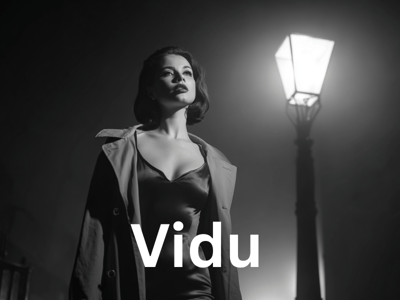
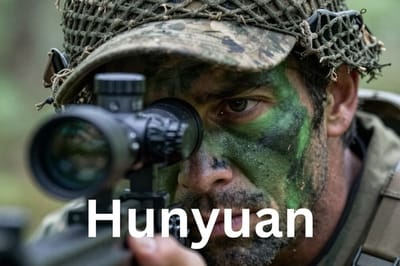
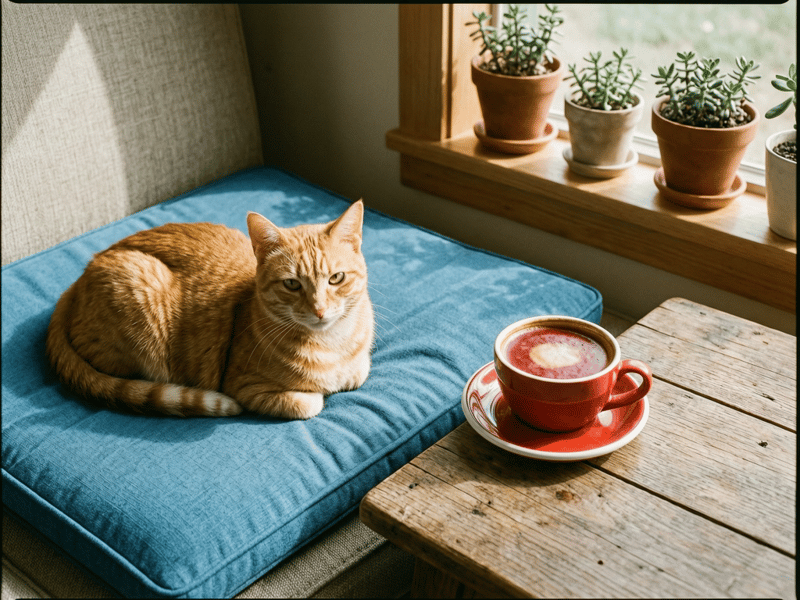
Grittier, Realistic Textures: Deliberately moves away from the overly smooth, "plastic AI" look of v2.5 and v2.6, introducing highly detailed (sometimes rough) skin and physical materials.
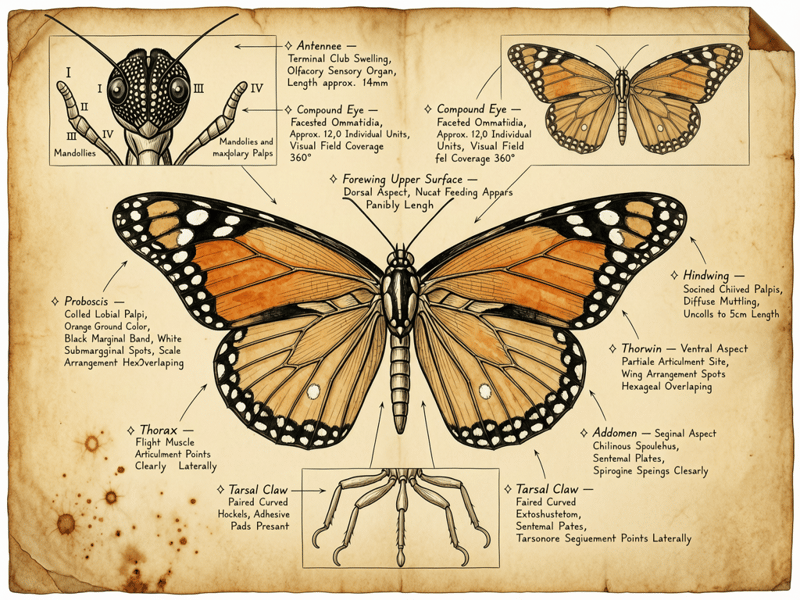
Flawless Multilingual Typography: Massive leap in text rendering, now capable of generating perfect Chinese characters alongside English.
Strict Spatial & Logic Adherence: Flawlessly follows complex multi-subject positioning and handles surreal geometric concepts with ease.
(Assessment: This upgrade significantly boosts commercial utility for product and material rendering, though portrait photographers need to be mindful of its new skin and eye texture quirks.)
Hands-On Test Results (Wan 2.7)
To see how Wan 2.7 handles complex instructions, we ran several strict stress tests:
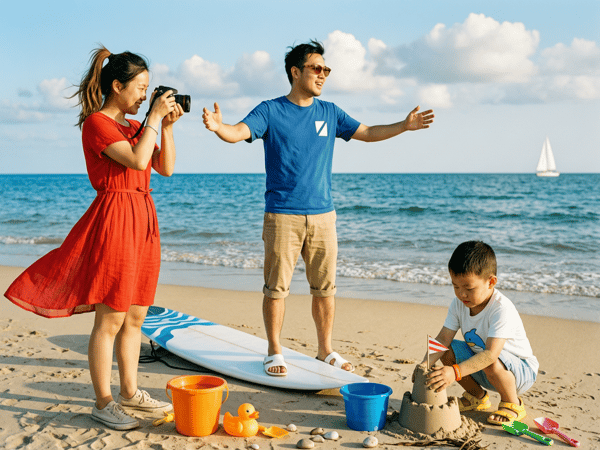
Test 1: Spatial Logic
Prompt: "Three people standing on a beach: a girl in a red dress on the left taking photos, a boy in blue on a surfboard in the middle, and a child in a white T-shirt building a sandcastle on the right."
Result: Wan 2.7 flawlessly followed the spatial logic. Colors and actions were perfectly isolated without bleeding into one another.
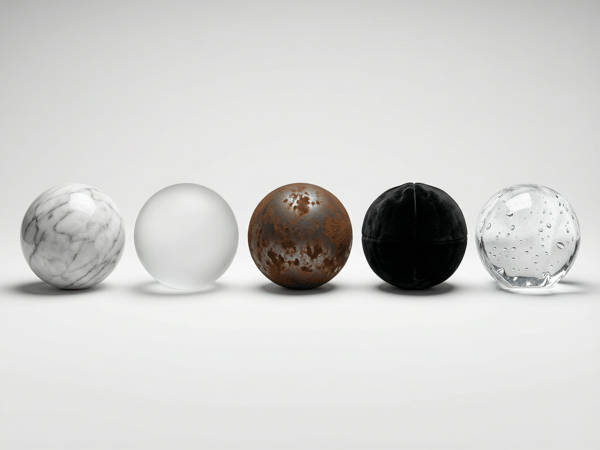
Test 2: Material & Lighting Precision
Prompt: "Display 5 spheres side by side: ① Marble ② Frosted Glass ③ Rusty Iron ④ Velvet ⑤ Transparent Ice — unified lighting, highlighting material differences."
Result: The model demonstrated industry-leading texture rendering. The contrast between the light-absorbing velvet and the light-scattering frosted glass was highly realistic.
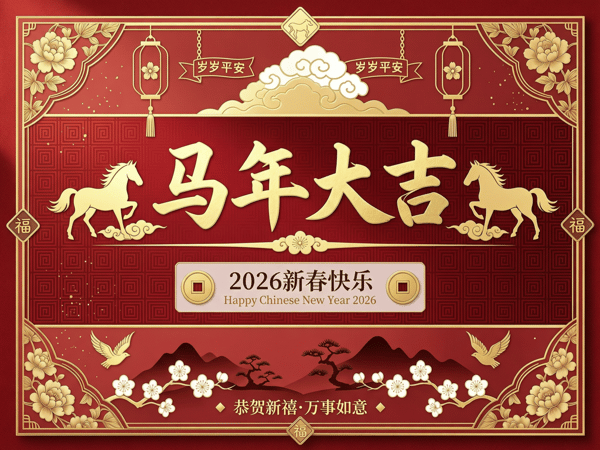
Test 3: Multilingual Text Integration
Prompt: "A Chinese-style New Year greeting card with the text '马年大吉' and '2026新春快乐'."
Result: The model rendered the Chinese characters perfectly without the typical strokes distortion seen in older models, seamlessly blending the typography into the festive design.
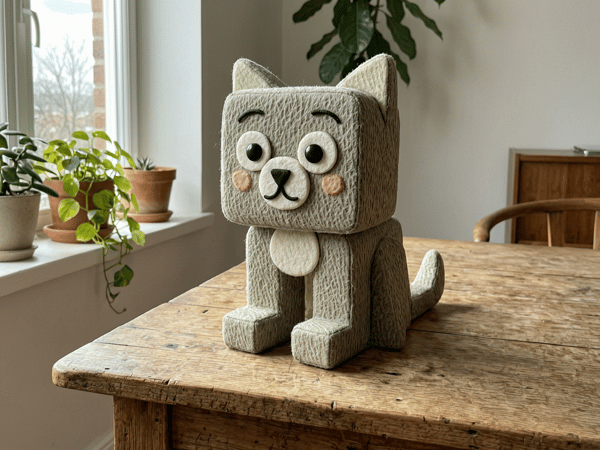
Test 4: Surreal Concept Manipulation
Prompt: "A square-shaped cat, with square limbs, sitting on a table."
Result: Wan 2.7 successfully broke standard biological constraints to follow the prompt structurally, maintaining the "cat" texture while strictly enforcing the "square" geometry.
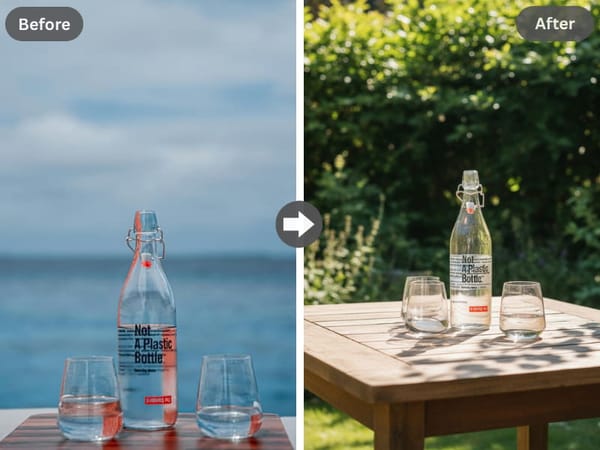
Test 5: Multi-Subject Consistency
Prompt: "placed on a wooden table in a sunlit garden"
Result: Characters, objects, and environmental elements maintain visual coherence throughout generated images—critical for scenes with multiple interacting subjects.
Why Choose Somake
Helpful Support
Our team is always available to answer questions and help you improve your prompts.
Simple Editing Tools
Our interface is designed for everyone, making advanced editing as easy as painting with a brush.
Safe and Private
Your uploads and creations are private to you and are not used to train our public models.
Best Use Cases for Wan 2.7
Commercial Poster Design: Ideal for marketing materials where text integration and logical layout matter.
Editorial Illustrations: Multi-subject consistency makes it suitable for complex narrative scenes.
Brand Asset Creation: Delivers stable compositions with convincing textures and polished lighting.
Portrait and Character Work: Handles both headshots and full-body shots effectively, with strong small-face generation.
Style-Based Art Projects: Maintains style consistency even when prompts include elements outside the style's typical associations.
FAQ
Version History
| Version | Release | Key Features |
|---|---|---|
| Wan 2.2 | Mid-2025 | Enhanced image quality, improved LoRA training |
| Wan 2.5 | Sep 2025 | 1080p output, expanded aspect ratios |
| Wan 2.6 | Dec 2025 | Enhanced text rendering, logical reasoning, multi-subject consistency |
| Wan 2.7 | Apr 2026 | Perfect text generation, and strict spatial logic |