Room Planner
Slut med at gætte på, om møblerne passer. Brug vores AI room layout planner til at vælge stil og farver, og få et realistisk billede af dit nye rum.
AI Room Planner
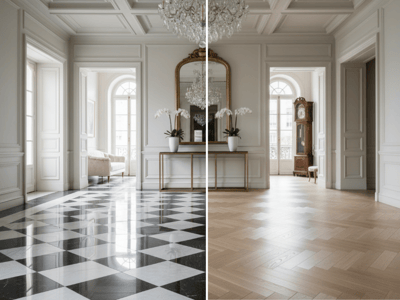
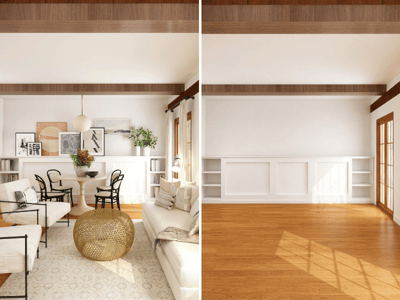
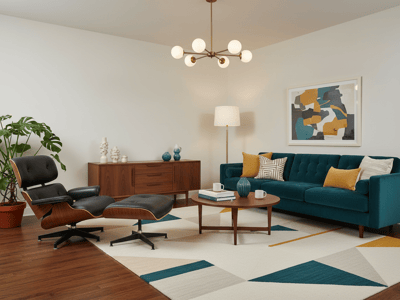
At stirre på et tomt rum og gætte på, om en sofa kan være der, er den hurtigste vej til fortrydelse. Design af en indretning bør handle om kreativitet, ikke om tunge løft eller kamp med kompliceret software. Vores værktøj lader dig teste stilarter, farver og layouts med det samme og genererer realistiske visuelle koncepter af dit rum, før du køber et eneste møbel.
Sådan gør du
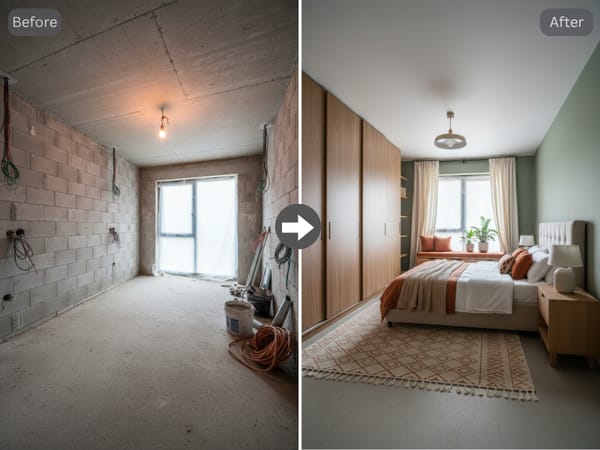
Vælg din ønskede rumtype, foretrukne designstil og ideelle farveskema fra rullemenuerne.
Definer dine praktiske behov ved at vælge et hovedmål og angive specifikke møbler, du absolut skal have.
Klik på generer for straks at modtage et realistisk, statisk billede af dit nydesignede rum.
Nøglefunktioner
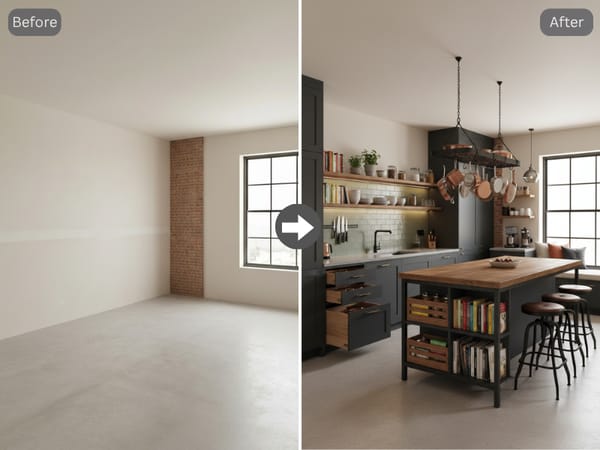
Menu-drevet design
Spring de komplekse tekstbeskrivelser over. Ved blot at vælge dine præferencer fra overskuelige menuer eliminerer du tekniske barrierer og får øjeblikkelige visuelle resultater uden at skulle udtænke det perfekte prompt.
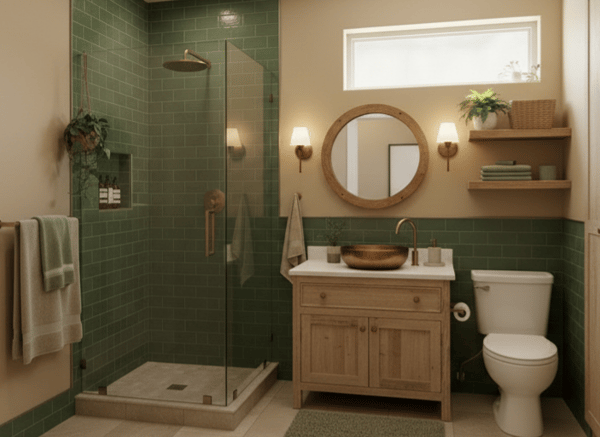
Målrettede AI-layouts
Fortæl værktøjet præcis, hvad du ønsker at opnå. Uanset om du prøver at forbedre funktionaliteten i et lille badeværelse eller holde en stue-makeover inden for budgettet, tager AI'en højde for dit primære mål i det endelige layout.
Specifik møbelmålretning
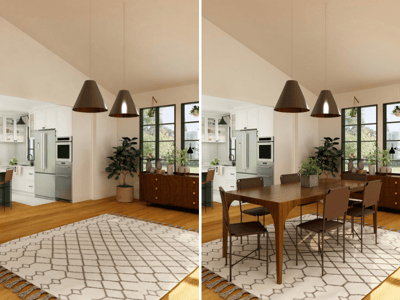
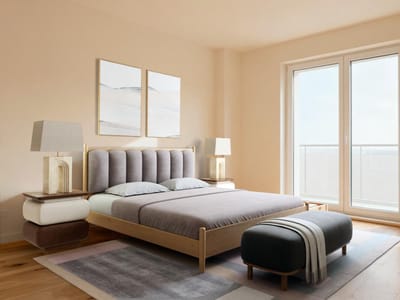
Sørg for, at det genererede billede rent faktisk opfylder dine praktiske behov. Ved at specificere must-have genstande som en seng og natborde eller et spisebord og stole, får du en realistisk gengivelse af, hvordan dine vigtigste møbler vil passe sammen.
Anvendelsesmuligheder
Planlægning af en minimalistisk stue
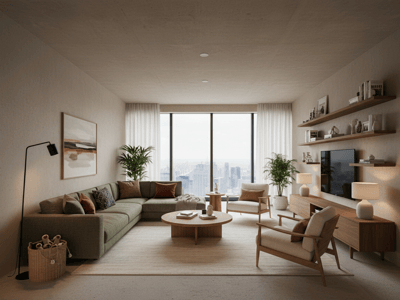
Glem alt om ternet papir og udmattende gætterier, når du indretter din nye lejlighed. Vælg blot dit rum, vælg en æstetik – som et minimalistisk sort/hvidt design – og værktøjet vil øjeblikkeligt generere et realistisk billede, der viser præcis, hvordan dine møbler passer ind i rummet.
Præsentation af et nyt kontor til en kunde
Indretningsarkitekter og entreprenører har brug for en hurtig måde at skitsere de første koncepter på. Vælg blot et rum og et mål – som et hjemmekontor optimeret til opbevaring – for at generere et professionelt billede af arbejdsområdet. Gør derefter din præsentation levende ved at animere designet til en hurtig virtuel gennemgang for din kunde.
Hvorfor Somake
Øjeblikkelige visuelle resultater
Generer realistiske rum-renders i høj kvalitet på få sekunder. Klar til at blive delt, klar til at blive præsenteret.
Ingen prompting påkrævet
Erstat kompleks prompt engineering med intuitive rullemenuer – ingen teknisk erfaring er nødvendig.
Fokus på funktionelt design
Skræddersy layouts til at løse virkelige pladsudfordringer, lige fra at maksimere opbevaring til at få et rum til at virke større.