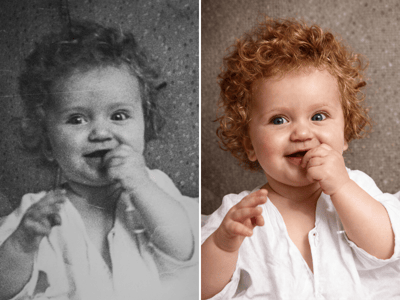
Añadir nombre y fecha
Pon nombres, fechas y marcas de tiempo a tus fotos al instante. Herramienta segura, privada y sin perder calidad.
Añadir nombre y fecha a fotos online
¿Necesitas poner un sello de fecha en una foto para una solicitud oficial o documentar el progreso de una obra? Con esta herramienta online gratuita puedes añadir nombres y marcas de tiempo a tus imágenes al instante y sin perder calidad.
Ya seas un estudiante preparando exámenes para oposiciones o trámites oficiales, un jefe de proyecto documentando avances de construcción, o simplemente alguien que quiere archivar recuerdos familiares, nuestra herramienta garantiza que el texto sea nítido, legible y con el formato correcto.
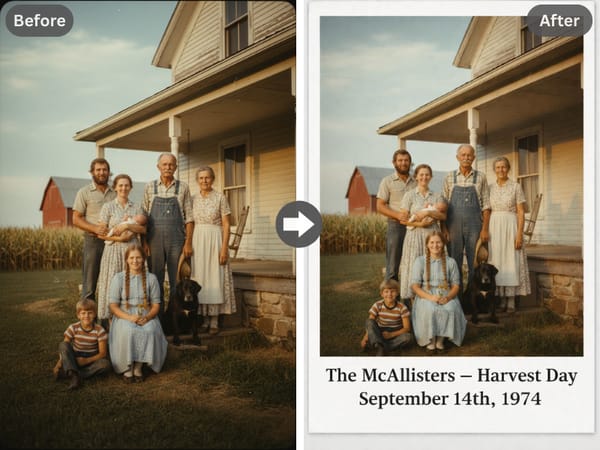
Cómo añadir fecha y nombre a una imagen
Sigue estos sencillos pasos para crear una foto con sello profesional:
Sube tu foto: Arrastra y suelta tu imagen. Consejo: Si la foto está borrosa, usa primero nuestro Mejorador de Fotos con IA.
Escribe: Introduce tu nombre y la fecha.
Descarga: Obtén tu foto con el sello al instante.

E-commerce y protección de marca
Añade el nombre de tu tienda o la fecha a las imágenes de tus productos para evitar robos de contenido.
¿Vendes online? Crea fotos de estudio profesionales al instante con nuestra IA para fotografía de producto.
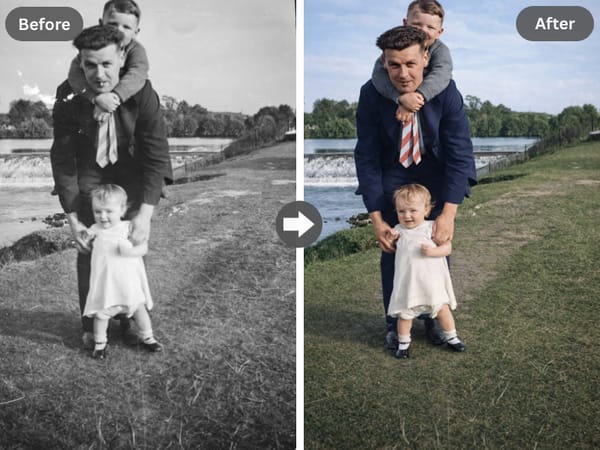
Archivo de recuerdos y álbumes familiares
¿Estás digitalizando álbumes físicos? Añade la fecha original a tus fotos escaneadas para mantener tu cronología organizada.
¿Restaurando recuerdos antiguos? Después de ponerles fecha, devuélveles la vida con nuestra herramienta de Restauración de Fotos Antiguas.
Por qué Somake ofrece mejores resultados
Sin necesidad de aplicaciones
Resuelve la duda de "cómo añadir nombre y fecha a una foto en el móvil" sin tener que instalar aplicaciones pesadas.
Privacidad ante todo
A diferencia de las apps móviles que piden mil permisos, nuestra herramienta web procesa las imágenes de forma segura.
Formato inteligente
El diseño de la franja blanca evita que el texto tape la cara o la ropa.