Discordバナー作成
Discordのバナーを数秒でデザイン。デザインのスキルがなくても、Somakeを使えば自分だけのオリジナルバナーが簡単に作れます。
Discordバナー作成ツール:サーバーやプロフィールの背景を自作
Discordのサーバーやユーザープロフィールに最適なサイズのバナーを、わずか数秒で作成できます。このAIツールは、Discordの21:9のアスペクト比に最適化されたアートワークを生成するので、デスクトップでもモバイルでも、あなたのビジュアルを鮮明に表示させることができます。
Discordバナーの作り方
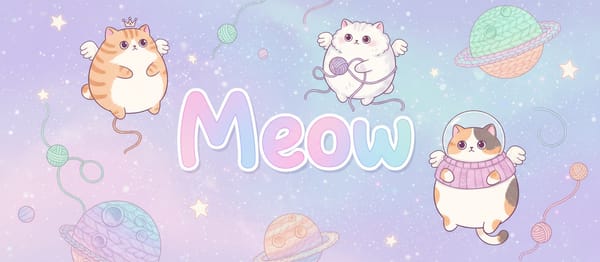
テーマとスタイル: あなたが作りたいイメージを説明してください
カラー設定: サーバーのブランディングに合わせて、カラー名や16進カラーコードを入力します。
テキスト (任意): サーバー名やキャッチコピーをアートワークに直接追加できます。
生成: 矢印ボタンをクリックして、バナーを作成します。
主な特徴
最適化された21:9のサイズ
Discordのバナーは、不自然な切り抜きを避けるために特定の比率が必要です。このデフォルトの比率なら、チャンネルヘッダーやプロフィールのポップアップに表示されても、見せたい部分がしっかり中心に収まります。
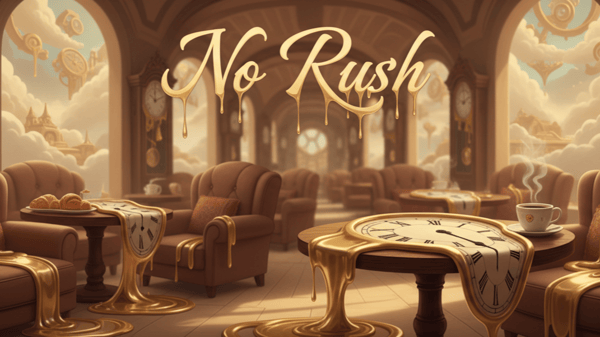
構造化されたプロンプトシステム
テンプレートがスタイル、テーマ、色、テキストに分かれているため、AIがあなたのイメージを正確に理解しやすくなっています。
テキストの統合
専用のテキストフィールドを使うことで、AIは文字を綺麗にレンダリングします。サーバー名やクランタグをデザインに組み込みたい場合に最適です。
活用シーン
個人のプロフィールカスタマイズ
Discord Nitroユーザーなら、カスタムプロフィールの背景をアップロードできます。ありきたりな壁紙ではなく、あなたの個性を反映した世界に一つだけのアートワークを作ってみましょう。
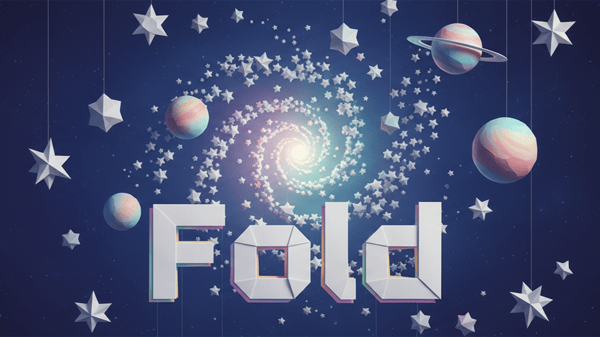
ロールプレイサーバーの世界観づくり
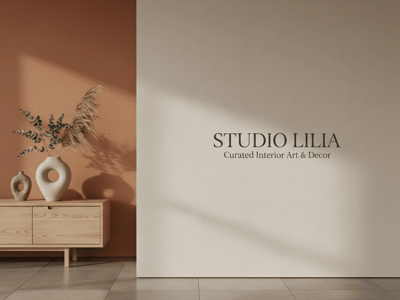
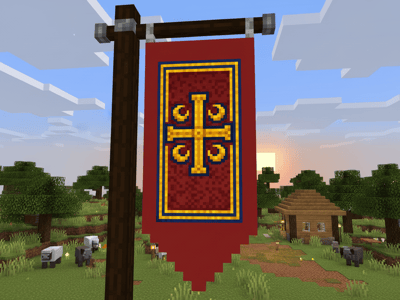
ポスト・アポカリプスな荒野、ハイファンタジーの王国、SFの宇宙船など、サーバーの物語を象徴するバナーを作成できます。魅力的なヘッダーがあれば、ユーザーが最初のメッセージを読む前から、その世界観を伝えることができます。
動きのあるNitro用バナー
ここでハイクオリティな静止画を作成し、動画生成ツールでビデオに変換してみましょう。降り注ぐ雨、グリッチエフェクト、流れる雲など、控えめな動きを加えることで、ループ再生に最適なアニメーションヘッダーが完成します。
DiscordアートにSomakeを使う理由
自由なクリエイティブ
絵師に依頼したりPhotoshopを学んだりしなくても、プロ級の素材が手に入ります。
高解像度
デスクトップモニターでもくっきり綺麗に見え、モバイルでも素早く読み込めるよう最適化されています。