Desenfocar Imagen
Desenfoca imágenes al instante con Somake. Elimina el rastro de movimiento, enfoca textos y mejora la calidad de tus fotos con un solo clic.
Desenfocar Imagen con IA: Arregla Fotos Borrosas y Pixeladas
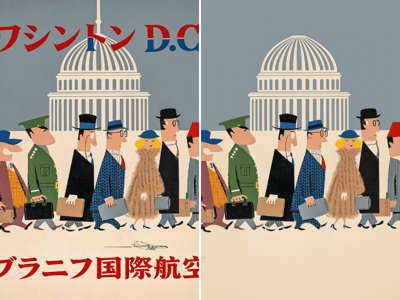
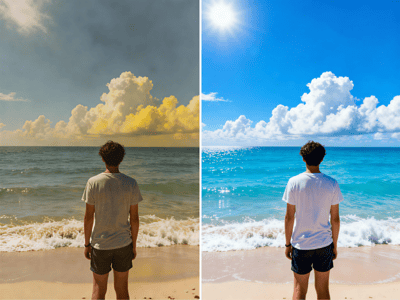
Transforma al instante fotos borrosas o pixeladas en imágenes nítidas y claras. Sube tu foto, deja que nuestro potenciador de imágenes con IA haga el trabajo y descarga un resultado impecable en segundos.
Cómo desenfocar una imagen online
Paso 1: Subir
Arrastra y suelta tu imagen. Nuestro convertidor de imágenes borrosas a nítidas es compatible con JPG, PNG y WEBP (máximo 10 MB).
Paso 2: Auto-ajuste con IA
La IA detecta automáticamente el rastro de movimiento o la baja resolución para arreglar fotos pixeladas de forma óptima.
Paso 3: Descargar
Previsualiza tu foto mejorada y guarda la versión enfocada al instante.
Características principales
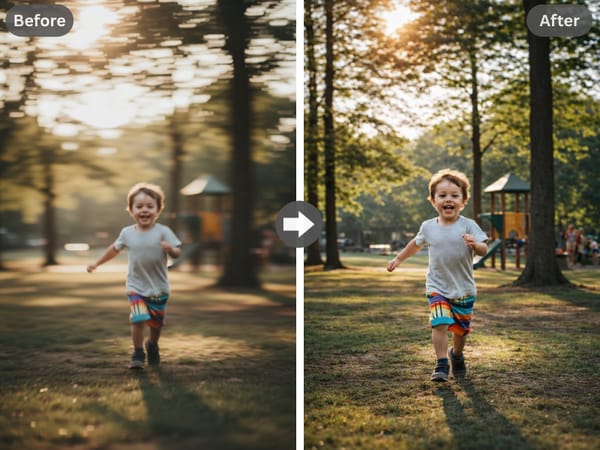
Eliminación avanzada de desenfoque
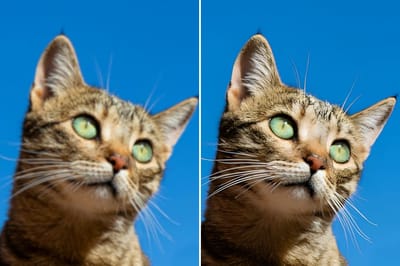
A diferencia de los enfocadores básicos, nuestra herramienta de desenfoque de imágenes online analiza y reconstruye de manera inteligente los detalles perdidos. Elimina el desenfoque de las fotos de forma eficaz manteniendo un aspecto natural.
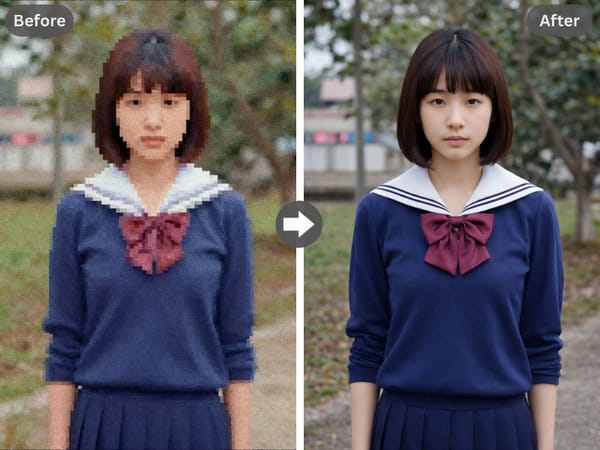
Arregla imágenes pixeladas
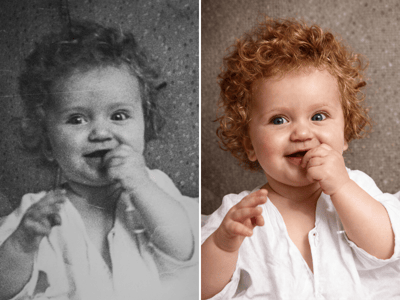
Más que solo desenfocar, este mejorador de calidad de imagen con IA escala archivos de baja resolución. Refina la textura para arreglar fotos pixeladas, siendo ideal para restaurar imágenes antiguas o pequeñas.
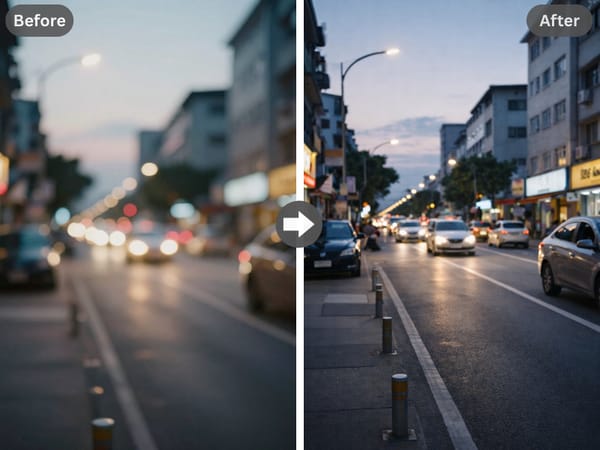
Cuándo usar esta herramienta
Eliminar rastro de movimiento: Corrige el movimiento de la cámara en tomas a mano alzada o sujetos en movimiento. Rescata recuerdos de fiestas y viajes.
Enfocar fotos de productos: Aumenta la confianza de los compradores con imágenes de e-commerce nítidas. Una solución gratuita para mejorar catálogos con fotos suaves o granuladas.
Desenfocar texto: Haz que capturas de pantalla, documentos y recibos vuelvan a ser legibles. Desenfoca imágenes de texto online gratis para facilitar su lectura y archivo.
¿Por qué elegir Somake?
Procesamiento rápido
La mejora de imagen con IA se completa en cuestión de segundos.
Conserva la calidad
Elimina el desenfoque sin introducir artefactos visuales extraños.
Privado y seguro
Tus fotos se procesan de forma segura y no se almacenan permanentemente.