インテリアデザイン
お部屋の写真をアップして、簡単な指示を伝えるだけ。AIが瞬時に新しいインテリアデザインを提案します。速くて簡単、今すぐ無料でお試しください!
新しいインテリアの方向性を見つけましょう
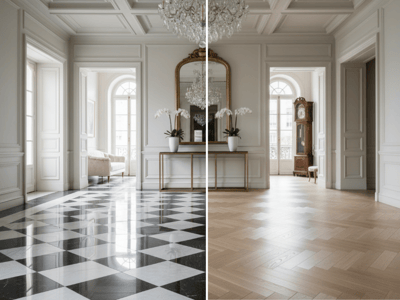
インテリアデザインは、アップロードしたお部屋の写真をもとに、その空間に合った新しいビジュアルスタイルを提案します。どんな仕上がりになるかイメージしやすい「テンプレートモード」や、もっと自由に指示を書ける「カスタムモード」から選べます。
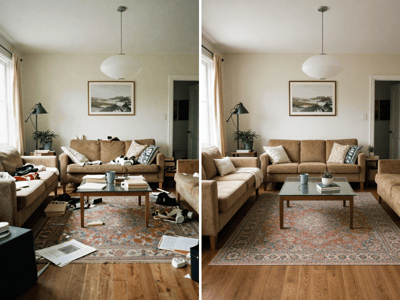
今ある家具がリデザインの邪魔になる場合は、Empty the Roomで画像を準備しましょう。
インテリアデザインの使い方
テンプレートモードまたはカスタムモードを選択。
FastまたはProを選択。
お部屋の写真をアップロード。
テンプレートモードでは、部屋のタイプ、スタイル、雰囲気、照明を選びます。
「特別な特徴」で家具や素材、その他の要素を追加できます。
出力比率を選んで生成しましょう。
特別な特徴の例:
明るいオークのフローリング、L字型のグレーソファ、真鍮のフロアランプ、左の壁に造作棚など。
できることの一例
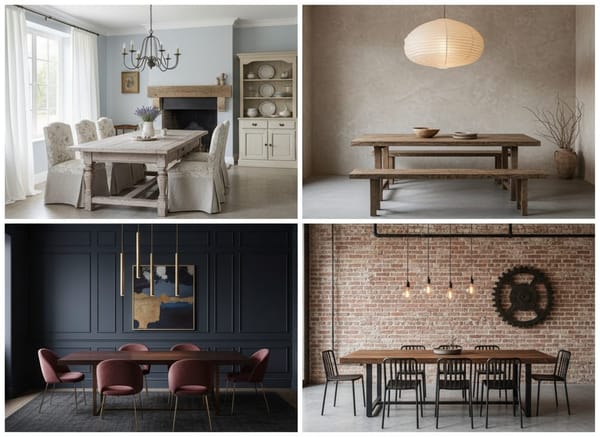
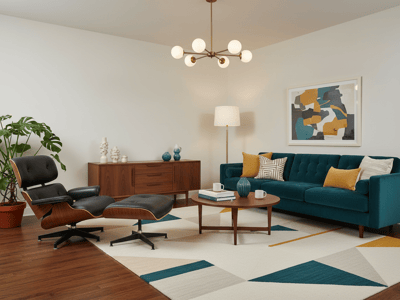
インテリアスタイル
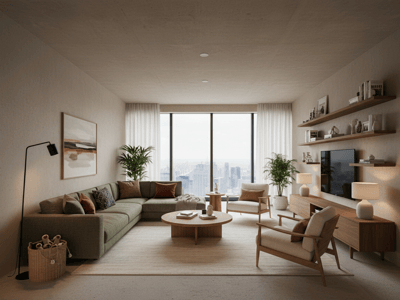
北欧風、ミニマリスト、ミッドセンチュリーモダン、インダストリアル、コースタル、ボヘミアンなど、いろんなテイストを比べてみましょう。
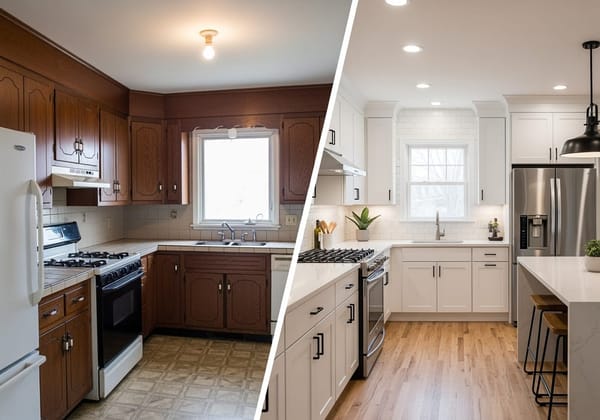
雰囲気と照明
写真を加工せずに、「温かみ」「落ち着き」「明るさ」「ドラマチック」「自然光」など、様々な雰囲気やライティングをお試しいただけます。
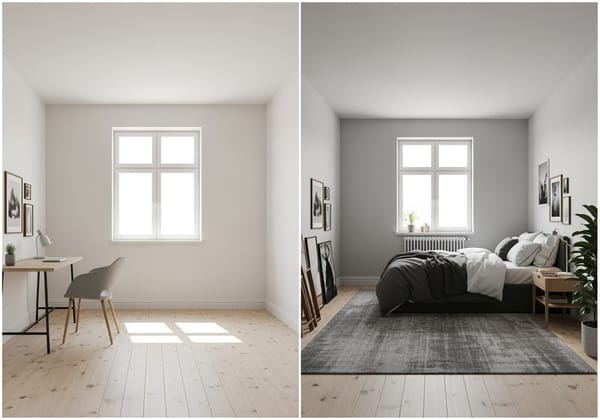
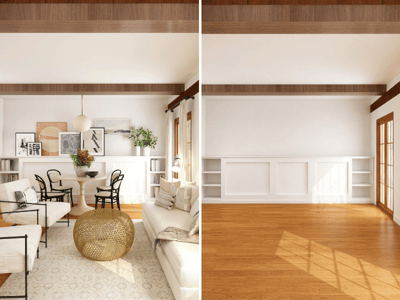
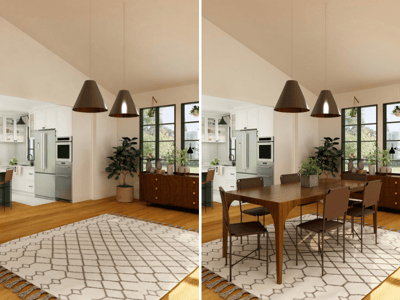
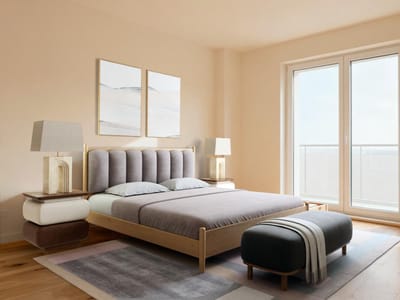
空室コーディネート
何もないお部屋の写真をアップして、どんな家具を置きたいか自由に指示できます。特定の商品だけ試したい場合は、Furniture Visualizerをどうぞ。
Somake AI インテリアデザイナーが選ばれる理由
ガイド付きテンプレート操作
お部屋の種類、スタイル、雰囲気、照明、特別な特徴を項目ごとに設定できます。
自由記述カスタム
テンプレートで選べないデザインを試したいときは、カスタムモードで自由に入力できます。
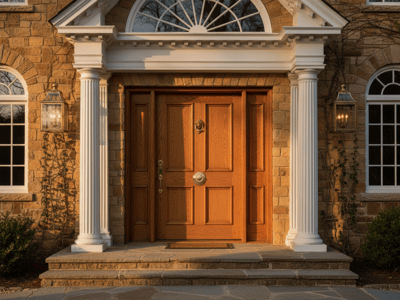
お部屋に合わせたデザイン
アップロードした写真を元に、お部屋の形やバランス、雰囲気も反映したご提案ができます。ただし細部は多少変わることもあります。