Smyckesgenerator
Skapa unika smyckesdesigner med AI. Ladda upp bilder eller beskriv din vision – designa ringar, hängen och kedjor på ett ögonblick.
AI-smyckesgenerator: Förvandla idéer till designkoncept
Förvandla textbeskrivningar eller referensfoton till professionella smyckeskoncept på några sekunder. Visualisera ringar, hängen, kedjor och mer – ingen specialiserad programvara eller designkunskaper krävs.
Så skapar du smyckesdesigner
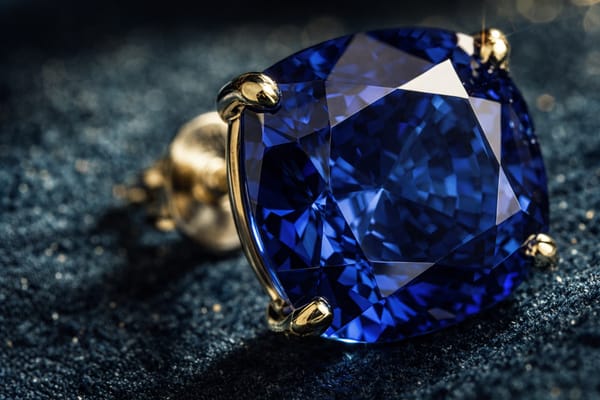
Från text:
Ange en detaljerad instruktion med hjälp av den inbyggda mallen. Ange typ av smycke, stil, material, ädelsten och tillfälle.
Från bild:
Ladda upp ett referensfoto och lägg till en beskrivning av önskad variation – annan presentation, stilistiskt sammanhang eller designändringar.
Nyckelfunktioner
Strukturerade mallar för instruktioner
Det guidade ramverket delar upp önskemål i typ, stil, material, ädelsten och tillfälle – vilket ger mer relevanta resultat än vaga beskrivningar.
Uppladdning av referensbilder
Generera variationer utifrån befintliga smyckesfoton. Återförsäljare kan visualisera koncept för produktfotografering; designers kan utforska ändringar av befintliga smycken.
Snabbvalstaggar för idéer
Klickbara förslag som "Makronärbild", "Flera vinklar" och "Med presentask" hjälper dig att utforska olika presentationsstilar utan att behöva skriva instruktioner från grunden.
Användningsområden
Designers som snabbar på konceptutvecklingen
Skapa flera konceptinriktningar under en och samma session. Presentera olika alternativ för kunder innan du sätter igång med detaljerade tekniska ritningar – särskilt värdefullt i de tidiga utforskningsfaserna.
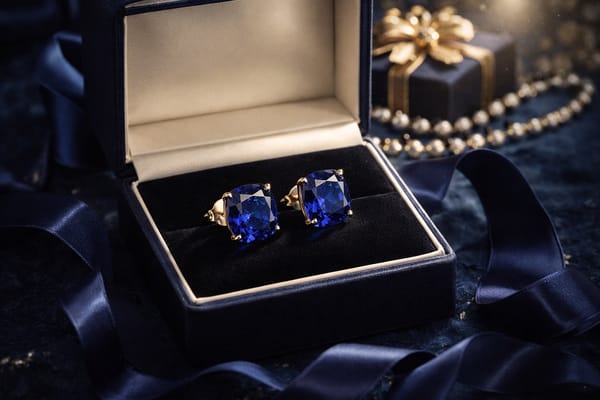
E-handlare som planerar produktfotografering
Använd referensfoton av befintligt lager för att skapa livsstilsbilder – presentförpackningar, makrobilder på detaljer eller styling på modeller. Få en tydlig riktning för fotograferingen innan dyra plåtningar bokas.
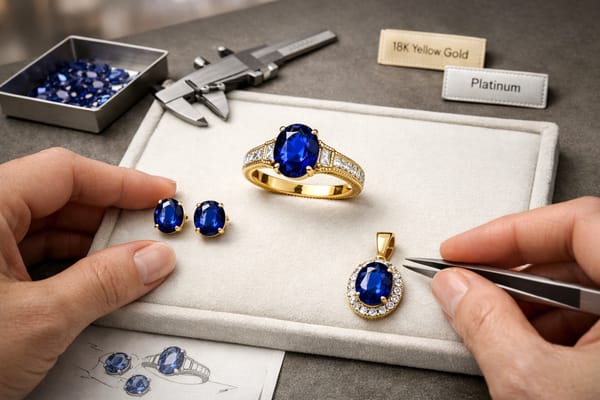
Entusiaster som skapar egna smycken
Generera designkoncept som fångar dina stilpreferenser, materialval och ädelstensplaceringar. Ta med dig tydliga visuella referenser till konsultationen hos guldsmeden istället för vaga beskrivningar.
Varför välja Somake
Webbläsarbaserad åtkomst
Inga nedladdningar, inga installationer, inga systemkrav.
Omedelbar produktivitet
Ett intuitivt gränssnitt och guidade instruktioner ger resultat redan vid första sessionen.
Integritetsfokus
Dina uppladdningar och genererade designer förblir din kreativa egendom.