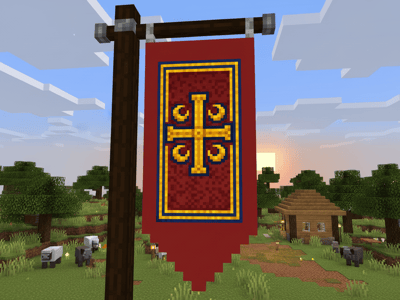
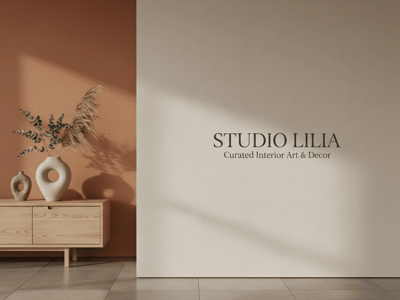
LinkedInバナー作成
LinkedInのヘッダー画像のデザインでお困りですか?SomakeのAIバナーメーカーなら、テキストを入力するだけで、あなたのプロフィールにぴったりのプロフェッショナルなバナーを自動生成できます。
LinkedInバナー作成ツールで、プロ級のデザインを簡単に
「サイズが合わない」「なんとなく野暮ったい」など、プロフェッショナルなLinkedInバナーの作成でお困りではありませんか?せっかくデザインしても、いざ設定すると画像がぼやけたり、文字が切れたりするとガッカリしてしまいますよね。SomakeのLinkedInバナー作成ツールなら、あなたのアイデアから直接高品質なバナーを生成できます。デスクトップでもモバイルでも、LinkedInに最適な解像度で自動的に出力されるので安心です。
使い方
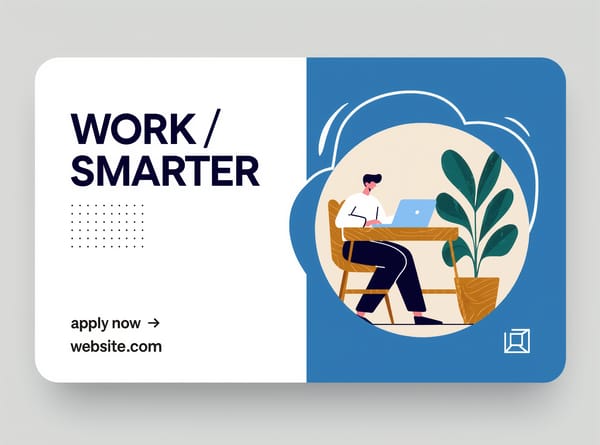
詳細を入力する:プロンプトのテンプレートにバナーの内容を入力します。あなたの仕事の雰囲気や、希望するスタイル、カラー、メインのテキストやタグラインを記入してください。
参考画像をアップロードする(任意):AIの参考用として、写真をアップロードすることも可能です。ロゴや顔写真、デザインの参考例など、最大3枚(各10MBまで)をドラッグ&ドロップで追加できます。
設定を調整する:生成したい画像のバリエーション数を選択します。
生成ボタンを押す:「生成」をクリックすると、あなただけのカスタムバナーが作成され、ダウンロードできるようになります。
主な特徴
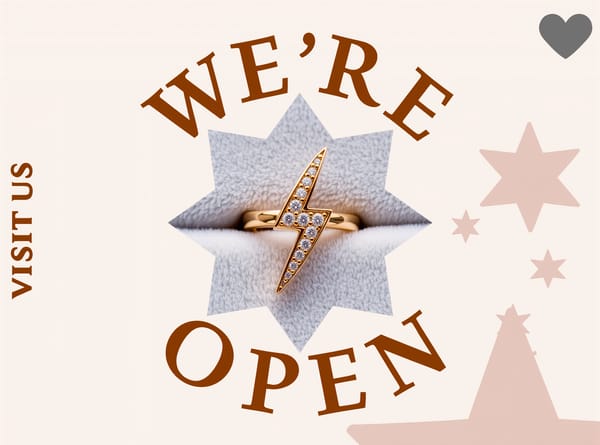
カラーとスタイルを厳密にコントロール
プロフェッショナルなブランディングには、視覚的な一貫性が欠かせません。プロンプトで希望の色合いやデザインスタイルを指定することで、会社のガイドラインや個人の好みにぴったりの背景を作成できます。素材サイトのテンプレートを使うよりも、より自由度の高いブランディングが可能です。
雰囲気の微調整も思いのまま
プロフィールから受ける印象は、業界にマッチしている必要があります。プロンプトでムードを定義すれば、AIがライティングや形状、全体の構成を調整します。職務経歴を読まれる前に、あなたのプロフェッショナルなイメージを背景画像で正しく伝えることができます。
活用シーン
パーソナルブランディングの確立
独立したコンサルタントなら、プロフィールを一目見ただけで信頼感と専門性をアピールしたいもの。ありきたりな背景画像に頼るのではなく、テンプレートを使って自分のプロフェッショナルな美学を定義しましょう。名前、キャッチコピー、好みのデザインスタイルを入力するだけで、ページを訪れた潜在顧客の信頼を勝ち取るカスタムバナーがすぐに完成します。
クリエイティブエージェンシーの立ち上げ
エージェンシーの代表なら、LinkedInでの存在感に統一感を持たせたいはずです。ロゴを参考画像としてアップロードし、テンプレートで全体のスタイルとムードを記述します。理想的な静止画バナーが完成したら、そのカスタムアートワークをアニメーション化して、フィード投稿用のダイナミックな告知動画を作ることもできます。
新しいキャリアへの挑戦
異業種へ転職する場合、新しい方向に合わせた新鮮なバナーが必要です。汎用的な素材で妥協せず、テンプレートを使って新しい雰囲気を定義しましょう。新しい肩書きを入力し、関連する参考写真をアップロードしてスタイルを指定すれば、採用担当者に新しい専門性を瞬時に伝えられるバナーをAIが生成してくれます。
Somakeが選ばれる理由
ツール間のシームレスな連携
プラットフォームを切り替えることなく、画像から動画作成まで数秒で完了します。
直感的なインターフェース
デザインの経験がなくても、高品質なビジュアルを生成できます。
プロンプトテンプレート
項目を埋めるだけの簡単なテンプレートで、迷わずすぐに始められます。