Gravidfoton
Skapa professionella gravidfoton direkt från mobilen – ensam, par eller familj. Över 25 stilar. Ingen fotograf eller bokning krävs.
AI-gravidfotografering – utan fotograf
En traditionell gravidfotografering kräver planering, klädval, resor och en fotograf. Med det här verktyget skapas stilrena gravidporträtt av bilder du redan har tagit.
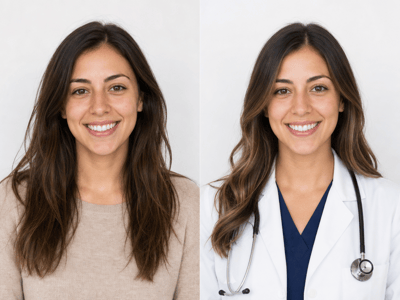
Ladda upp en tydlig bild, välj Ensam, Par eller Familj och välj en stil. AI:n skapar ett nytt porträtt med matchande bakgrund, kläder, ljussättning och komposition. Eftersom resultatet kan variera är det bra att använda bilder där alla ansikten syns tydligt och magen är synlig.
Gravidfotoidéer efter stil
Studio
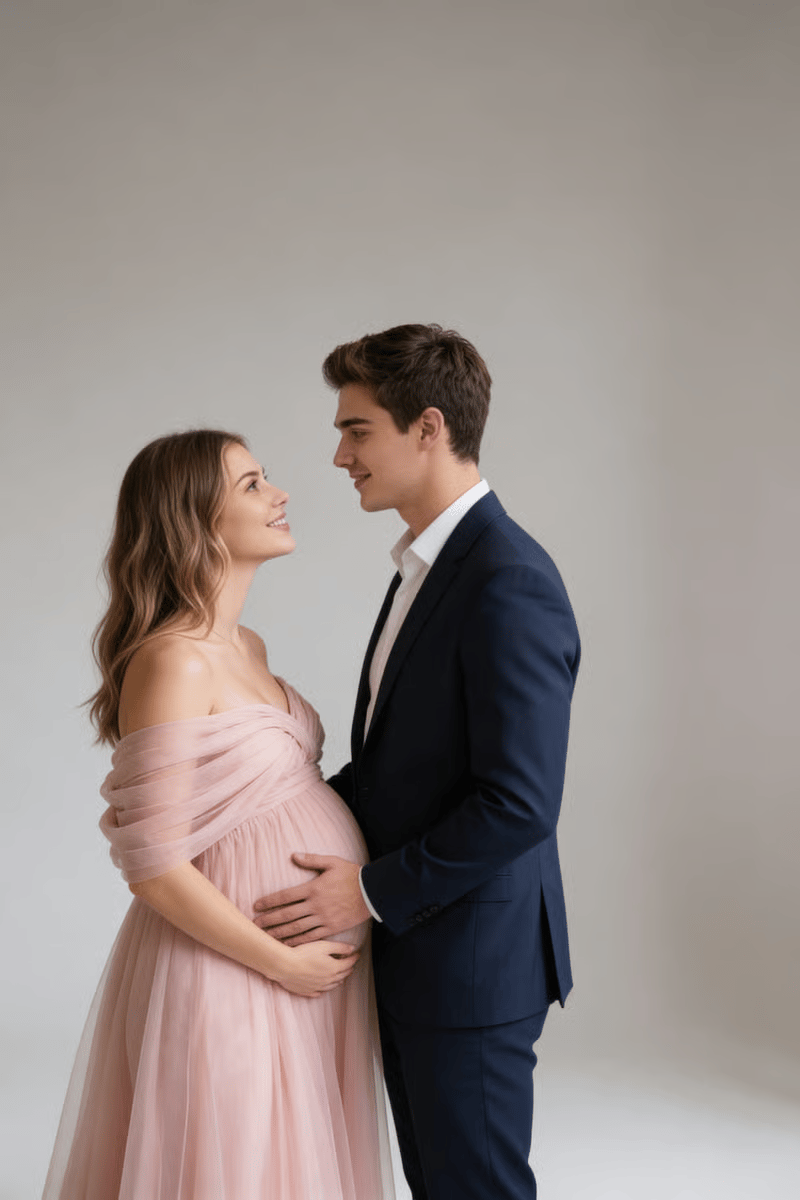
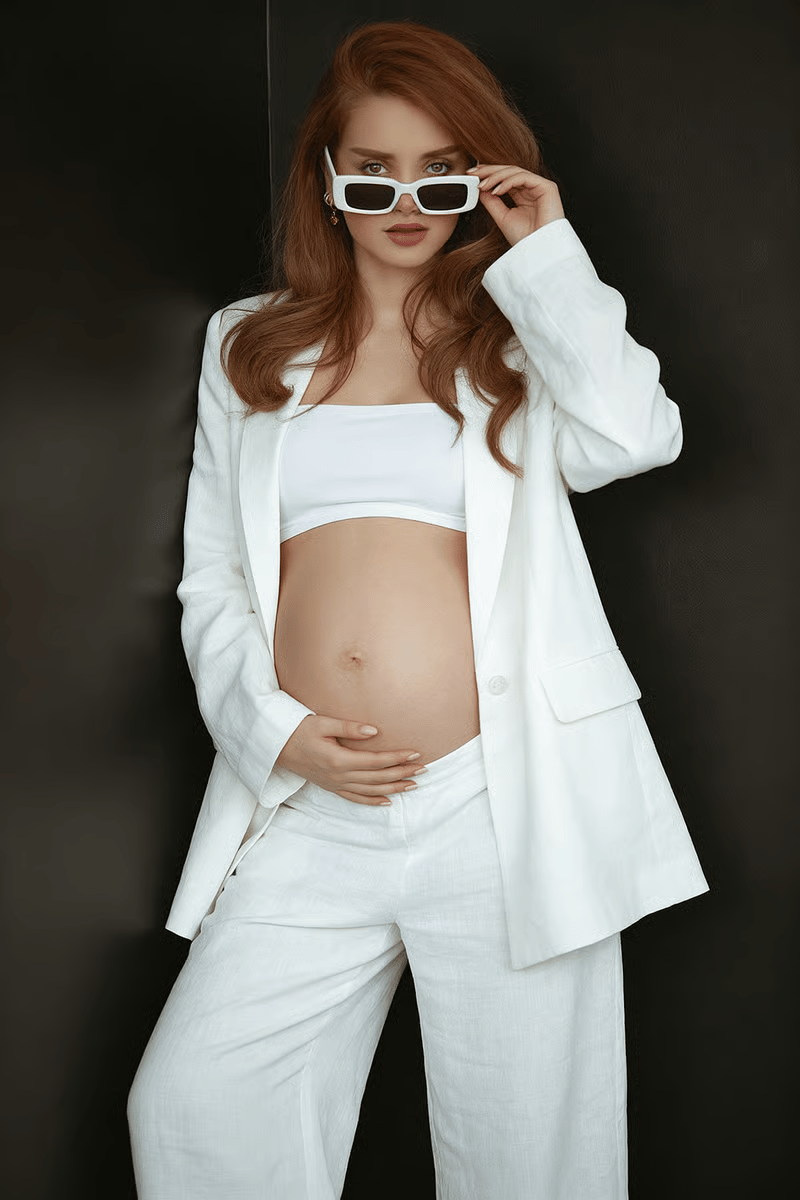
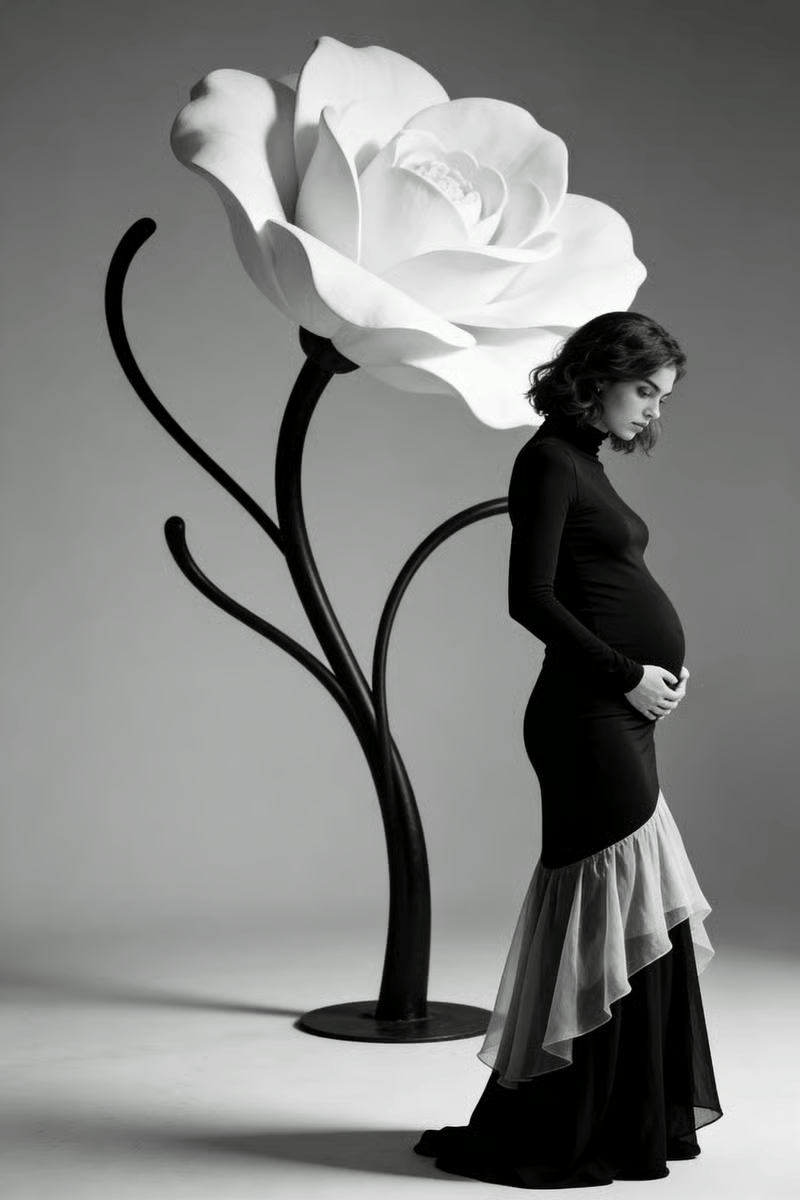
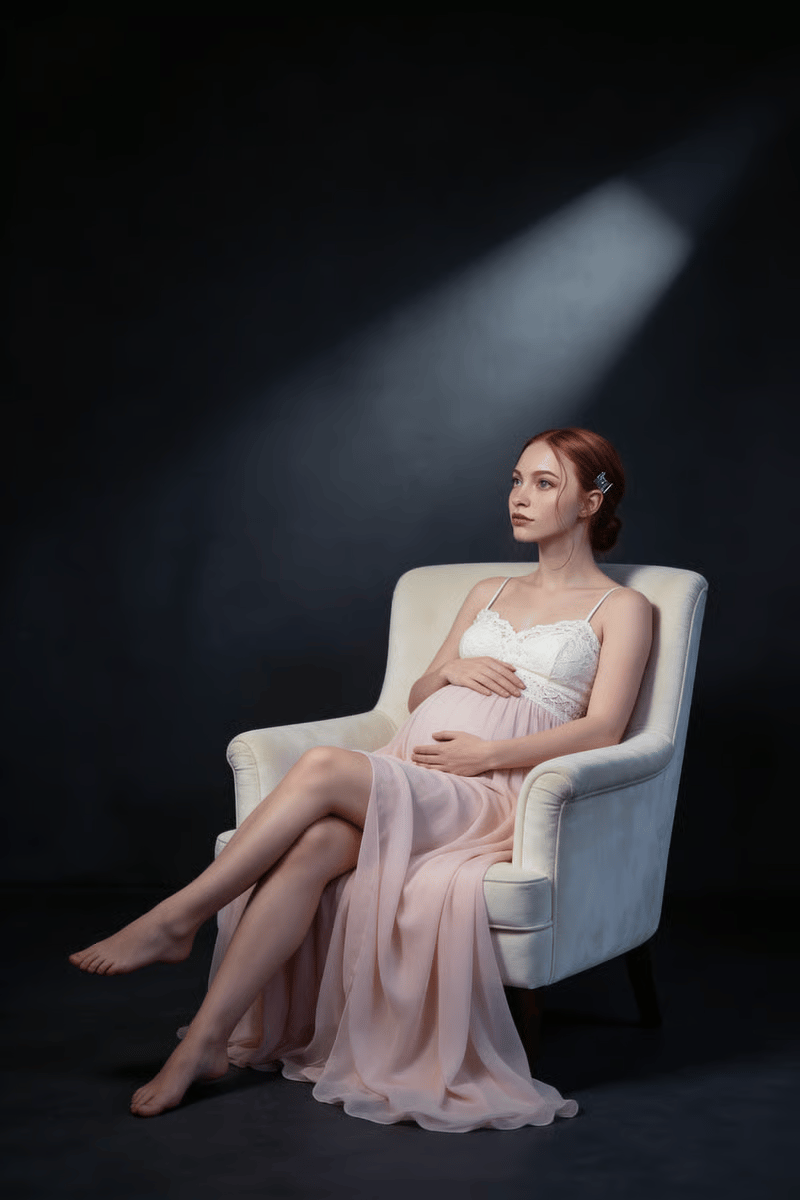
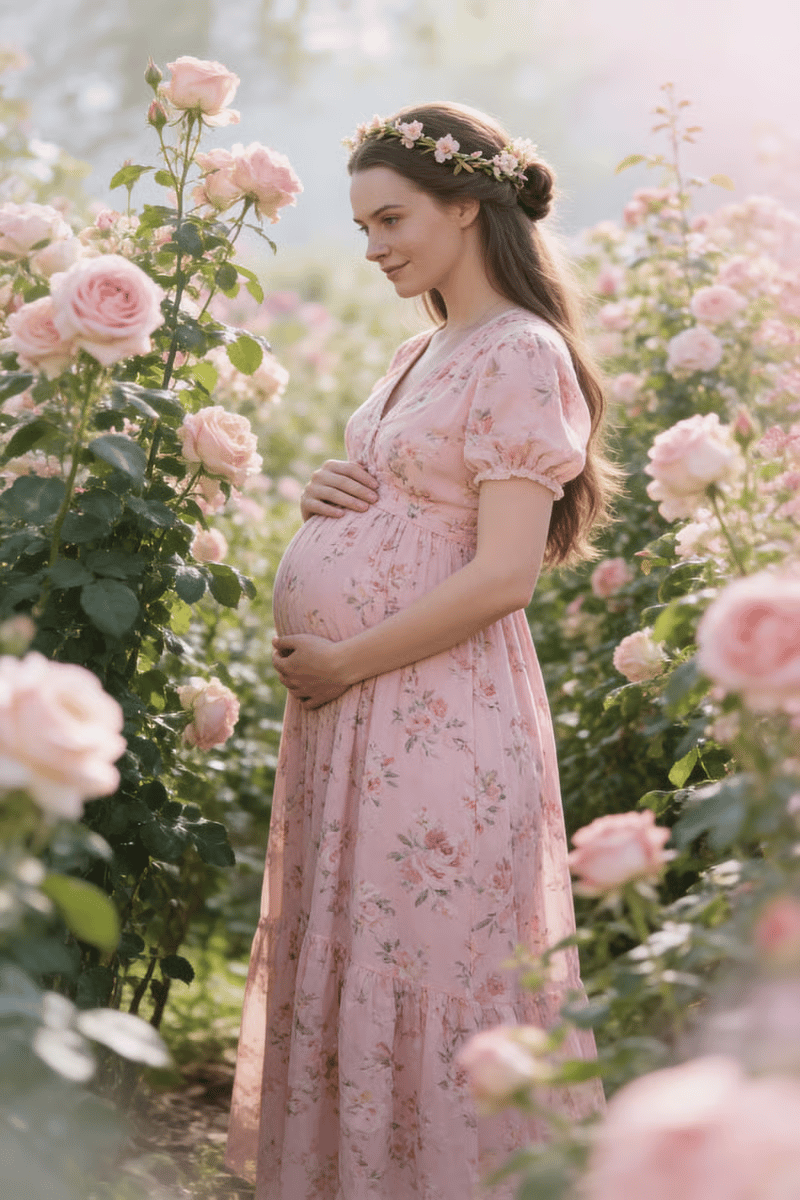
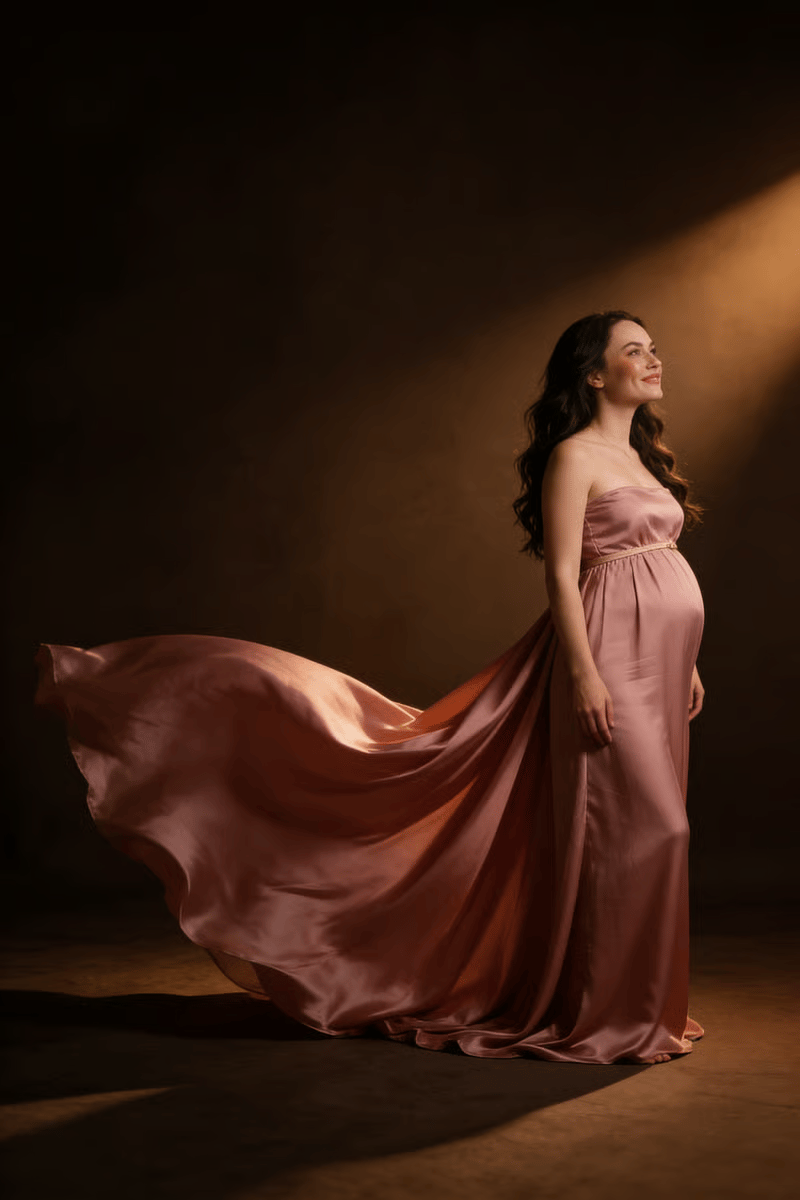
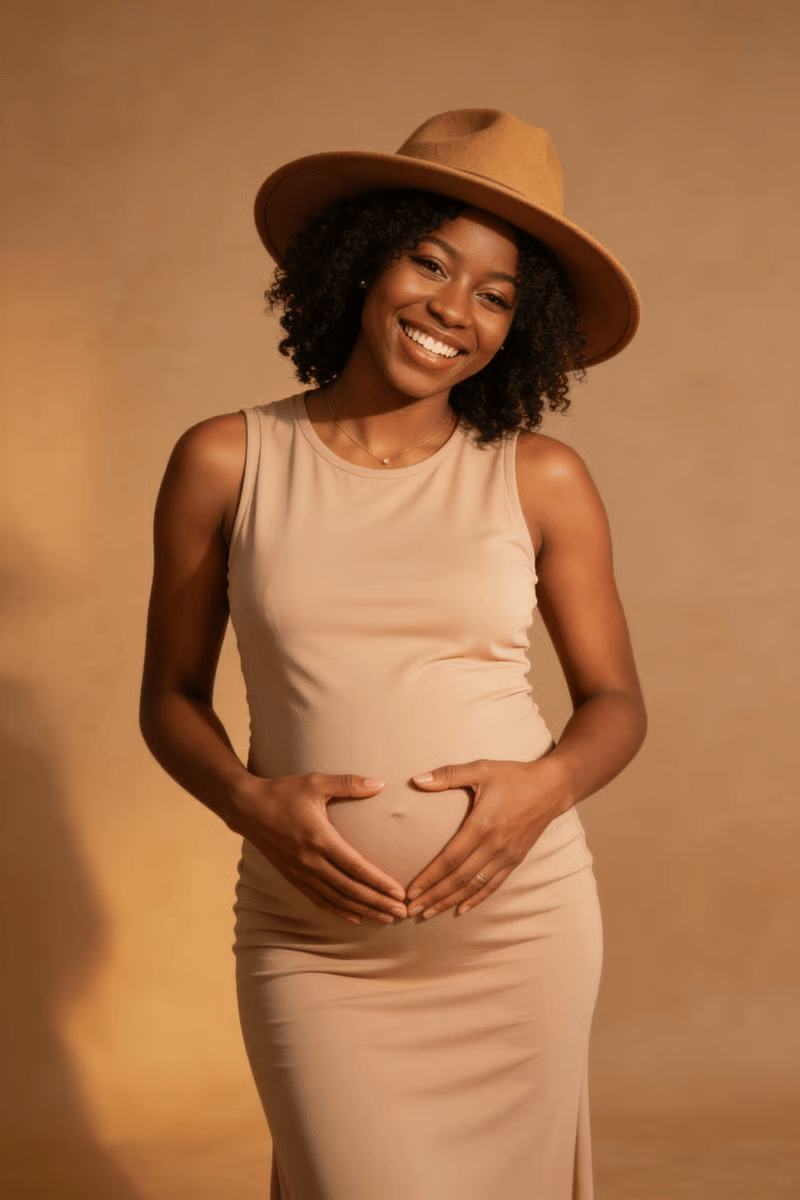
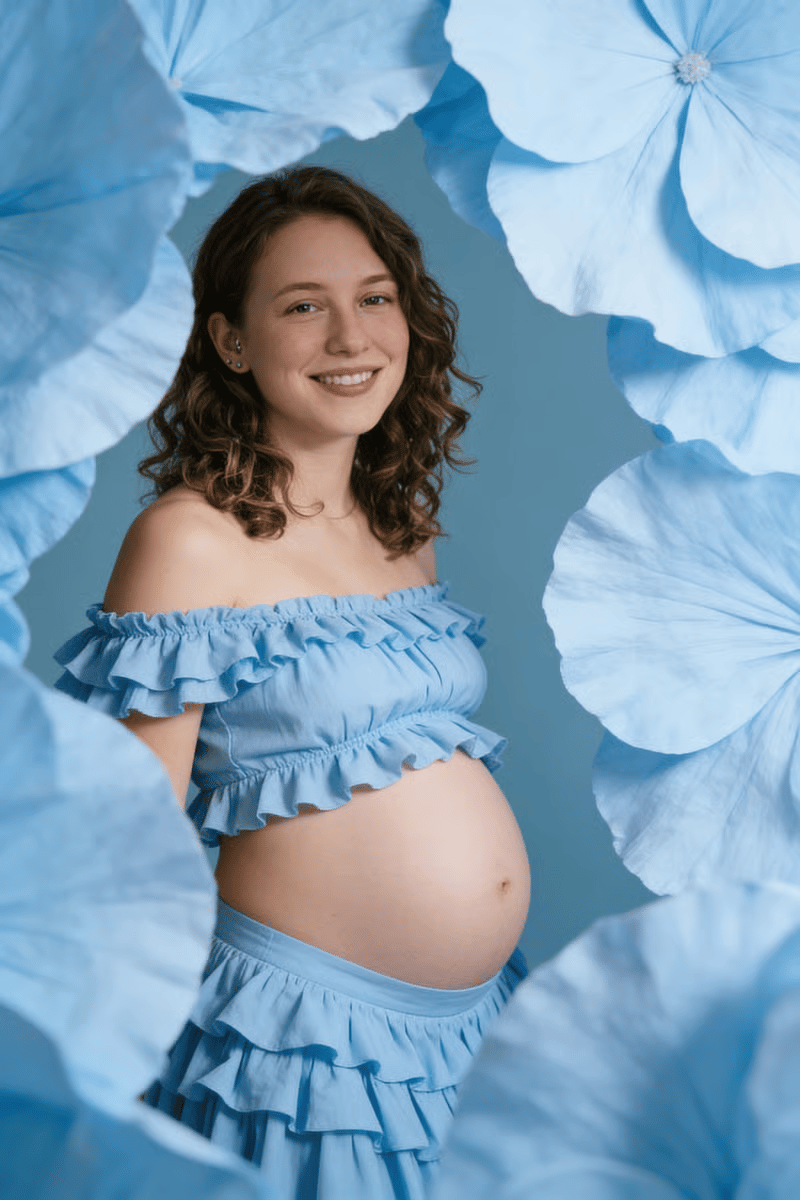
Studiostilar har kontrollerat ljus och rena bakgrunder. Välj exempelvis en minimalistisk stil som Clean Slate, ett dramatiskt porträtt som Obsidian eller en romantisk känsla med Moonlit Rose.
Lifestyle
Lifestyle-stilar ger en mer avslappnad känsla. För en intimare porträtt, istället för en strikt poserad bild, passar Cozy Home och liknande förinställningar bra.
Utomhus
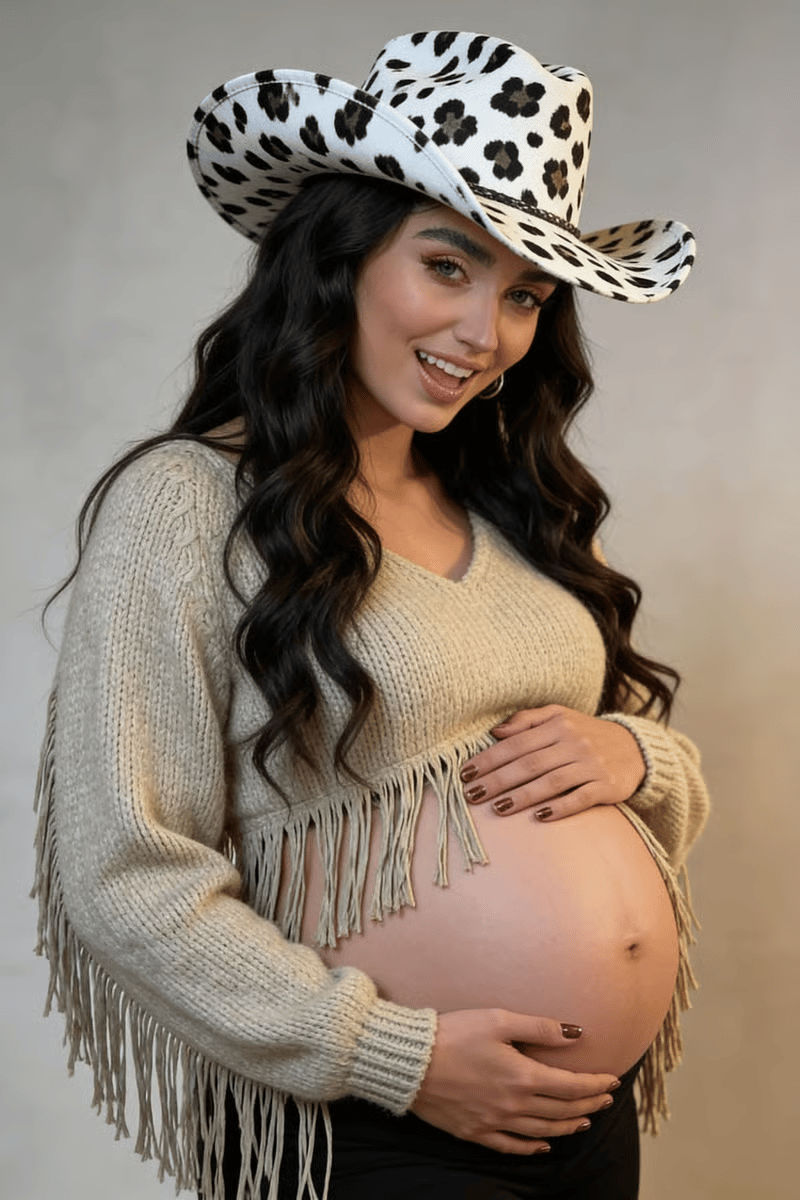
Utomhusstilar placerar porträttet i miljöer som strand, gyllene timmen eller naturliga landskap. Perfekt när du vill ha en utomhuskänsla utan att behöva ordna en fotografering på plats.
Anpassad
Om förinställningarna inte passar din idé kan du beskriva din egen vision. Ett format som fungerar bra:
Kläder: t.ex. flödande salviagrön chiffongklänning, off-shoulder
Miljö: t.ex. solbelyst vetefält, gyllene timmen, varm diffus belysning
Foto 1: närbild i trekvartsvinkel, magen i centrum, mjuk leende, händerna om magen
Foto 2: helkroppsbild, sidoprofil, tittar ner på magen
Foto 3: tittar rakt mot kameran, avslappnad min, utsläppt hår
Foto 4: sittande på marken, benen åt sidan, spontant uttryck
Du kan också bara beskriva en övergripande känsla – t.ex. "filmgrain, dova jordtoner, tidningskänsla" – utan att specificera varje bild.
Det här kan du skapa
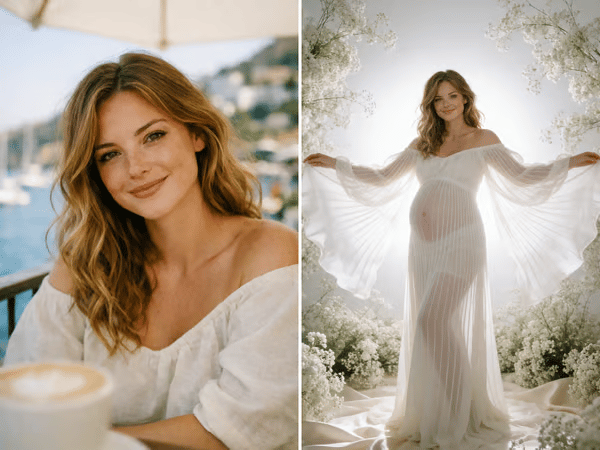
Gravidfoto ensam
Du behöver ingen studiosession för att få ett snyggt, ensamt gravidfoto. Ladda upp en tydlig mobilbild där din mage syns – en selfie, ett foto din partner tagit, eller vilken gravidbild som helst fungerar. Rutnätet visar miniatyrer av alla stilar – bläddra tills du hittar den känsla du är ute efter.
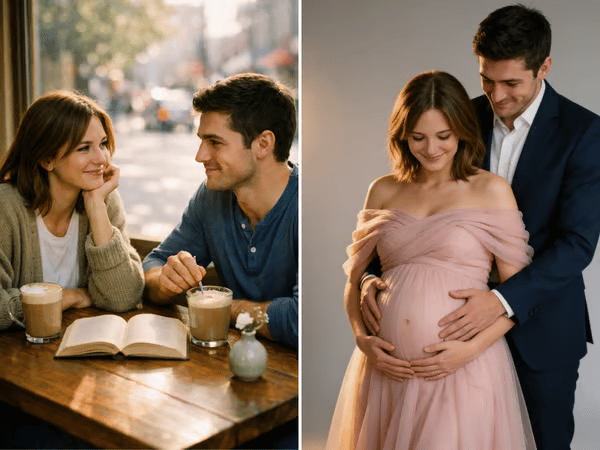
Gravidfoto par
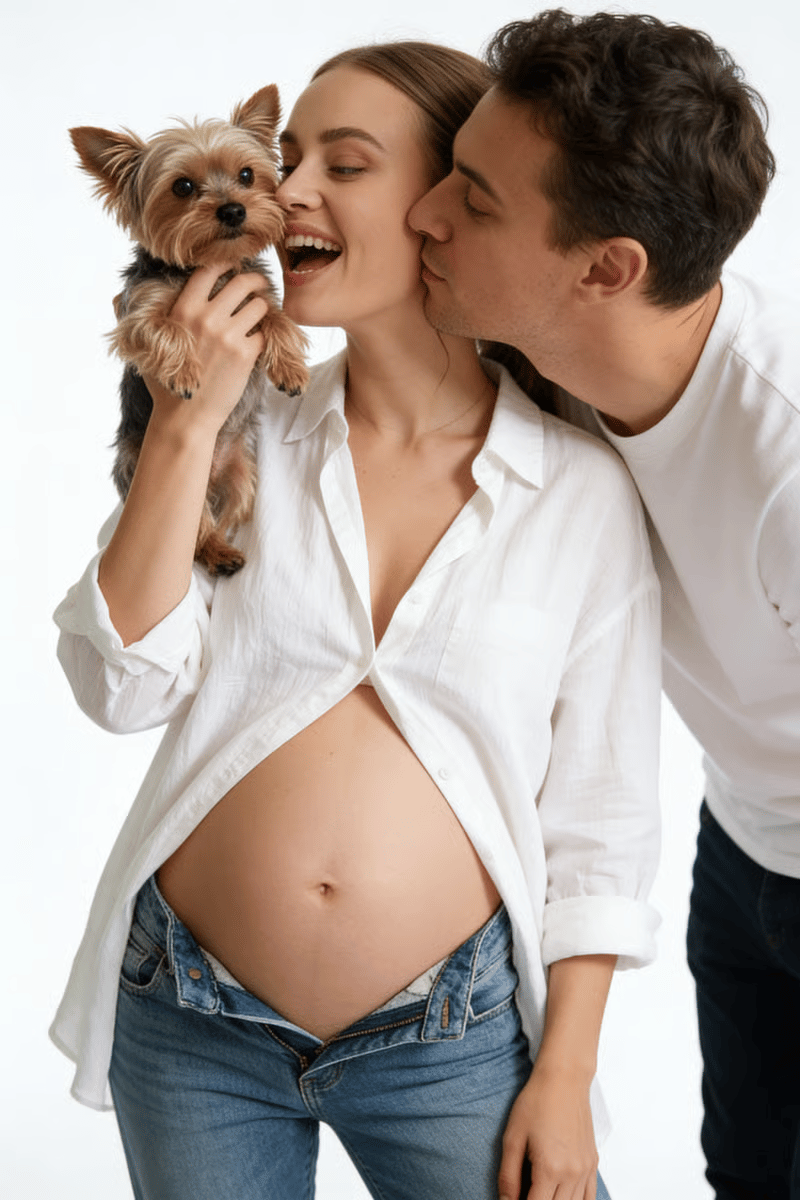
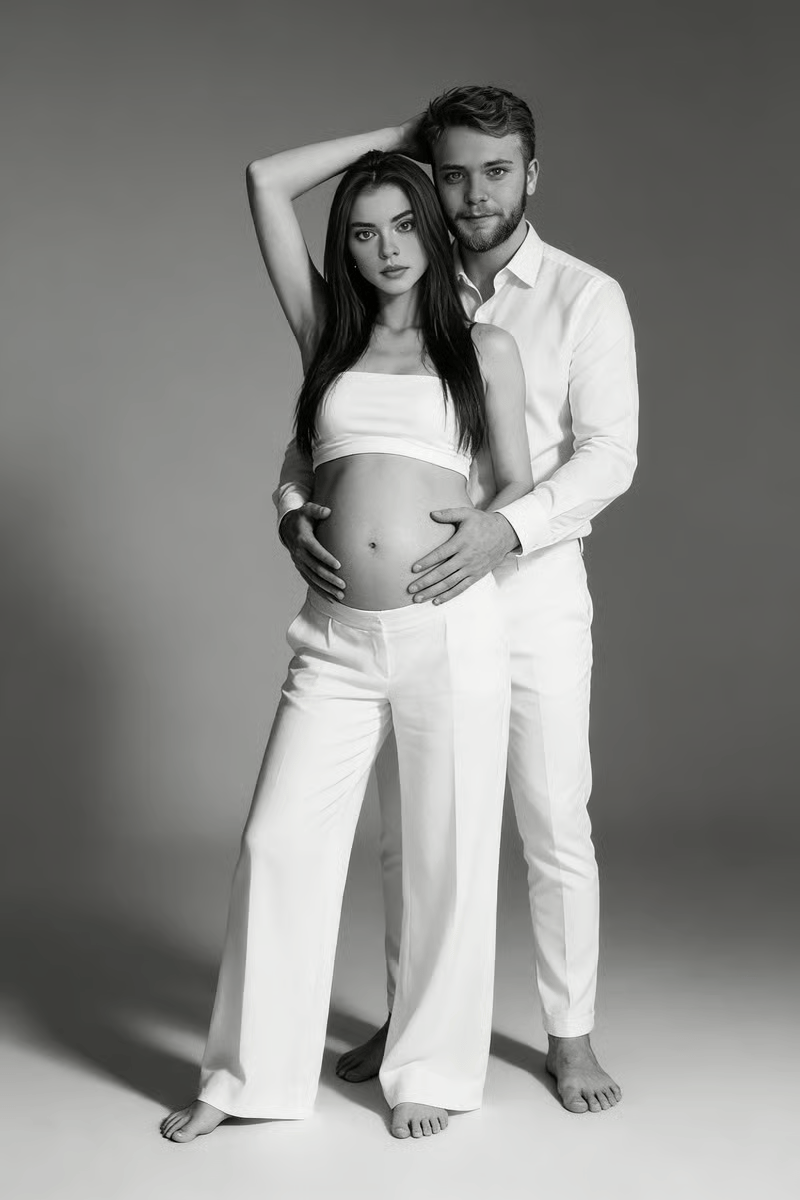
Att boka in gravidfotografering tillsammans kan vara lättare sagt än gjort – olika scheman, en tid med fotografen. Ladda upp ett foto på er båda och byt till fliken Par. Verktyget behåller bådas ansikten och lägger till matchande kläder, mjukt studioljus och ren bakgrund. För parporträtt utan gravidmage används samma tillvägagångssätt.
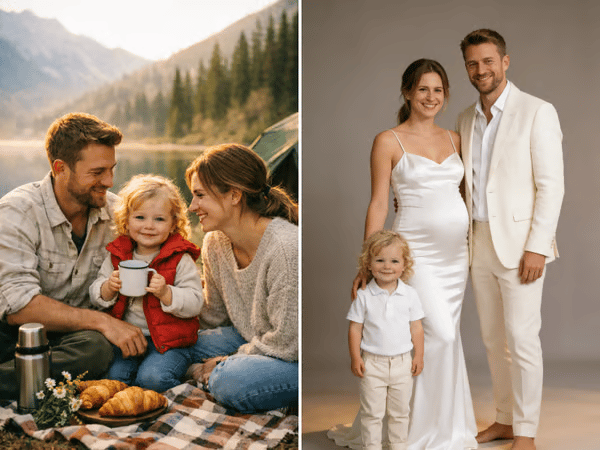
Gravidfoto familj
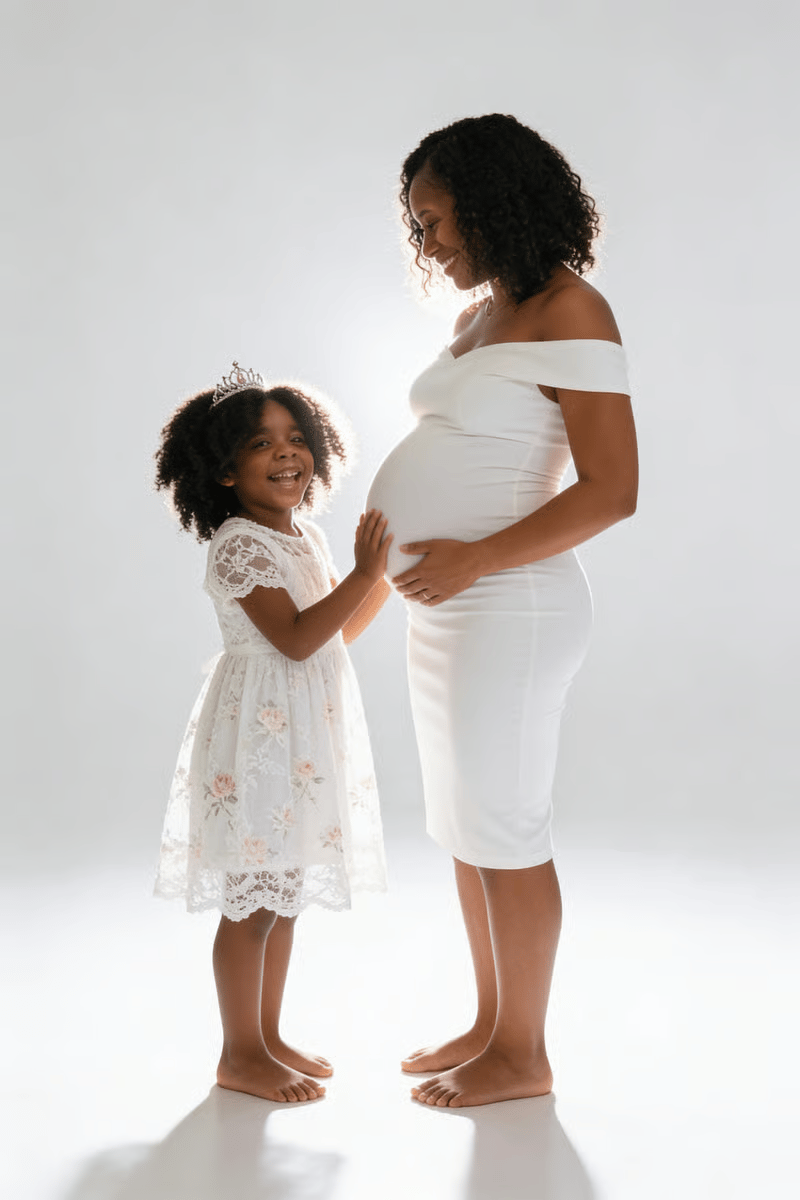
Välj Familj för porträtt med partner eller barn. En förlaga där alla tittar åt ungefär samma håll ger oftast bäst resultat.
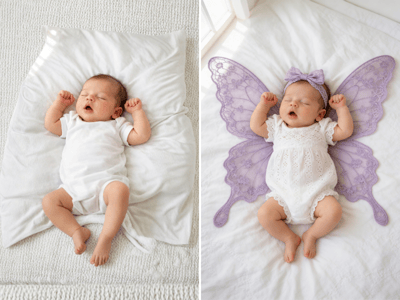
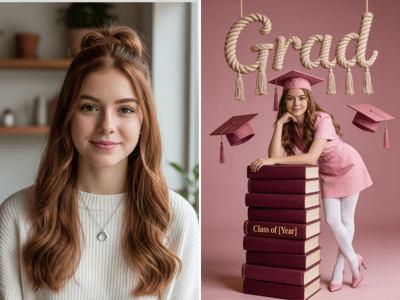
När bebisen har kommit kan du fortsätta historien med Nyföddbilder. För porträtt på äldre barn, prova Barnfoton.
Så här gör du
Välj din flik
Välj det alternativ som passar personerna på din bild.
Ladda upp dina bilder
Använd skarpa, välbelysta bilder där ansikten syns. För Ensam-porträtt ska magen synas tydligt.
Välj en stil
Välj den förinställning som passar bäst för bakgrund, kläder och känsla.
Vad som gör det unikt
Komposition med fokus på graviditet
Alternativen Ensam, Par och Familj ger olika startlägen för vanliga gravidporträtt.
Förinställningar med valfri anpassning
Börja med en färdig stil och justera detaljerna om du vill finjustera något i bilden.
Fånga gravidglowen