Ta bort text
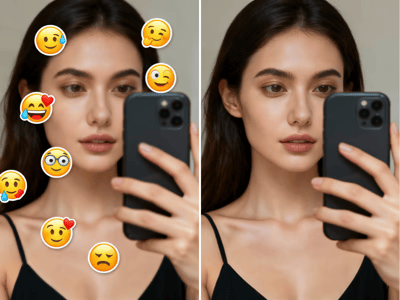
Ta enkelt bort oönskad text, undertexter och vattenstämplar från dina foton. Somake AI återskapar bakgrunden på ett ögonblick.
AI Ta bort text från bild: Rena bilder med Somake
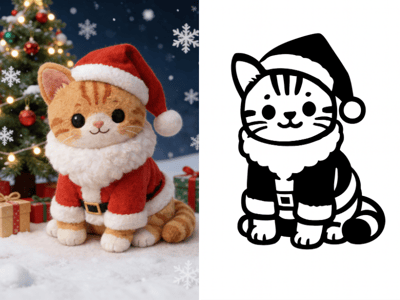
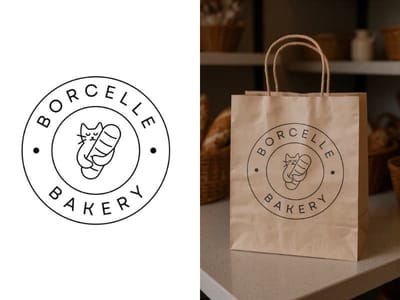
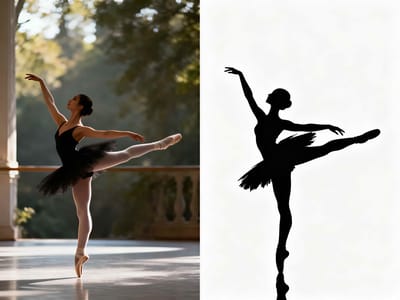
Somakes textborttagare är ett automatiserat verktyg designat för att upptäcka och radera oönskad typografi från digitala bilder. Genom att använda kontextmedveten AI återskapar verktyget bakgrundspixlarna bakom textöverlägg, undertexter, datumstämplar eller vattenstämplar, vilket ger en ren bild utan manuell redigering.
Nyckelfunktioner
Specialiserade lägen för borttagning
Till skillnad från generiska radergummi-verktyg erbjuder detta gränssnitt skräddarsydda lägen för specifika störningsmoment. Användare kan välja "Vattenstämpel", "Undertexter" eller "Datumstämpel" för att aktivera algoritmer som är optimerade för just dessa textmönster. Detta skapar en mer effektiv upplevelse för att ta bort vattenstämplar än vanliga kloningsverktyg.
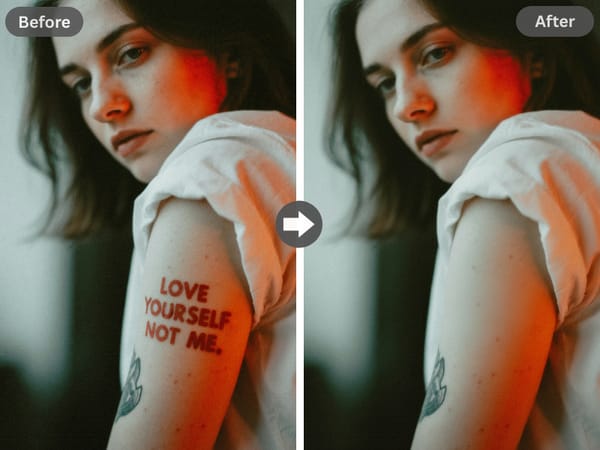
Smart bakgrundsåterskapning
AI-tekniken analyserar de omgivande pixlarna – textur, ljussättning och färggradienter – för att fylla i det tomrum som uppstår när texten tas bort, vilket gör redigeringen osynlig för blotta ögat.
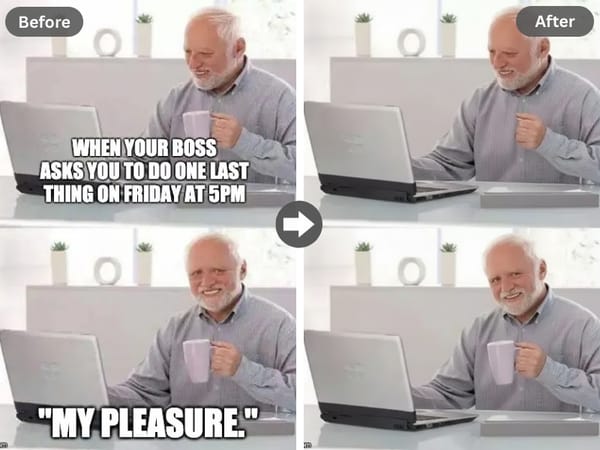
Automatiserad textigenkänning
Vår maskin för att ta bort text från bild identifierar textlager omedelbart. Oavsett om det är en meme-text eller en tidsstämpel separerar AI:n texten från bakgrunden utan att du behöver använda en mus eller penna.
Användningsområden i verkligheten
Professionell uppfräschning av arkivbilder
Som en smidig textborttagare i fickformat låter det här verktyget dig rädda fantastiska bilder som förstörts av oavsiktliga tidsstämplar eller passerande reklamskyltar, så att du kan dela det perfekta ögonblicket direkt.
E-handel och produktfotografering
Säljare kan använda verktyget för att fota produkter, omedelbart ta bort oönskade etiketter eller prislappar, och sedan ladda upp säljklara bilder direkt utan att behöva använda en dator.
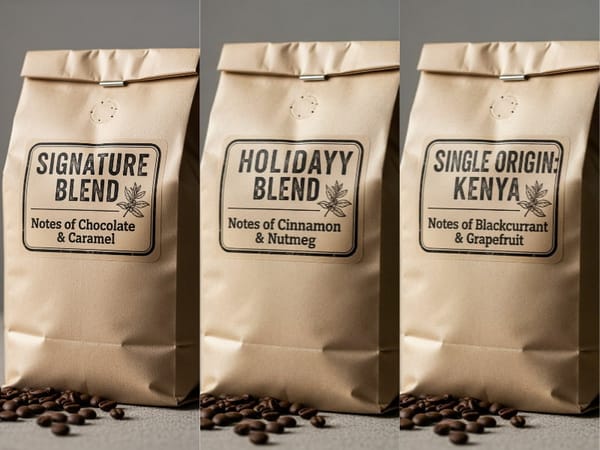
Återanvändning av innehåll för sociala medier
Behöver du ta bort text från TikTok eller Snapchat?
Snygga till videor eller memes som sparats från andra plattformar innan du postar dem igen. När texten är borta kan du enkelt redigera text i bild för att lägga till dina egna texter till Instagram Stories eller Reels direkt i mobilen.
Varför välja Somake
Snabbhet och effektivitet
Somake bearbetar högupplösta bilder på några sekunder, vilket ersätter timmar av manuell redigering i Photoshop.
Integriteten i fokus
Dina uppladdningar behandlas säkert och används inte för att träna publika modeller utan ditt samtycke.
Kontextmedveten precision
AI:n förstår skillnaden mellan ett textöverlägg och ett texturmönster, vilket minskar risken för fel.