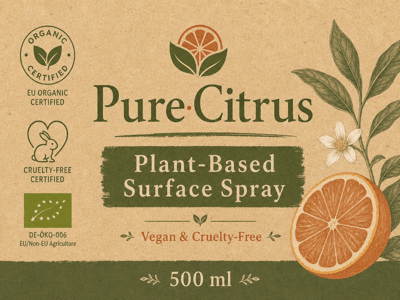
Generador de Etiquetas
Crea etiquetas de alimentos con IA. Plantillas por país, formas personalizadas y logos — todo online con Somake, sin instalar programas.
Generador de Etiquetas con IA: Diseña Etiquetas para Productos con Normativa y Listas para Imprimir en Minutos
Diseñar una etiqueta de alimento implica hacer malabares con las normativas, el estilo de marca y las limitaciones del empaque; y un solo error te manda de vuelta a la imprenta. Este generador de etiquetas IA convierte una descripción corta en una etiqueta lista para impresión con la forma correcta, la normativa del país y el look de tu marca, para que los diseñadores de packaging y las pequeñas marcas de gran consumo puedan hacer pruebas antes de pasar a producción.
Cómo usarlo
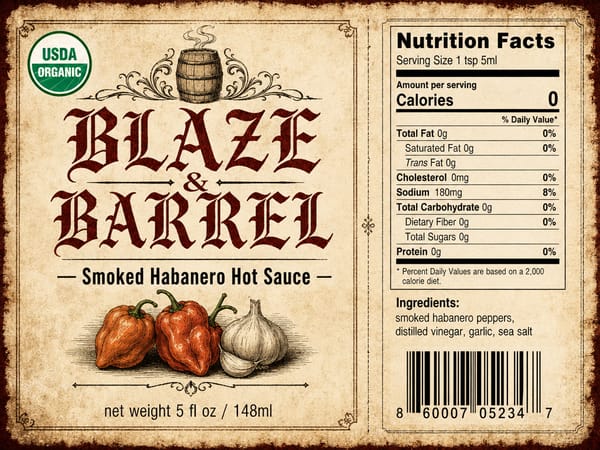
Describe tu etiqueta en un solo prompt: elige el tipo de etiqueta, la forma, el estilo y el formato de normativa del país que necesites.
Añade detalles específicos de la marca: gama de colores, elementos obligatorios (código de barras, iconos de alérgenos, certificaciones) y el contenido del texto.
Sube tu logo o la imagen del producto para que la IA integre tus activos de marca directamente en el diseño de la etiqueta.
Genera, revisa y ajusta cualquier sección del prompt para obtener una etiqueta lista para enviar a la imprenta.
Características Principales
Formatos de Normativa Multipaís
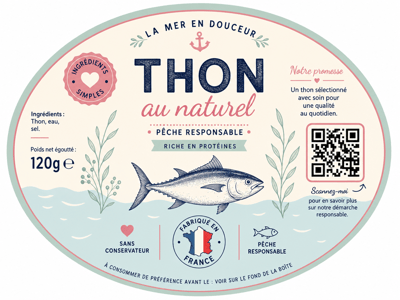
Cambia el campo del país y el generador de etiquetas se adaptará al formato esperado de esa región: Tabla Nutricional de la FDA (EE. UU.), información obligatoria de la UE, formato bilingüe de Canadá y más. Muy útil cuando un producto se exporta y cada mercado exige una estructura de panel diferente.
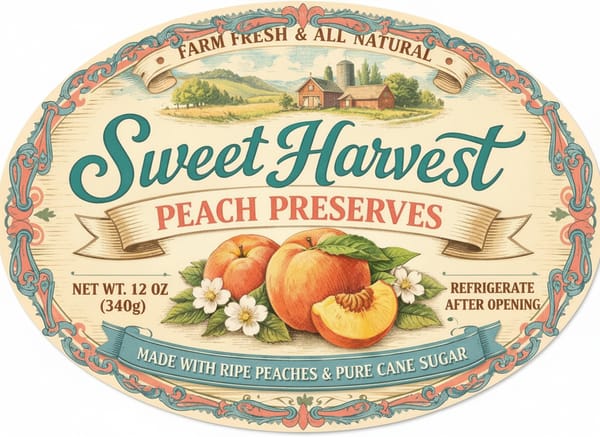
Cualquier Forma, Cualquier Envase
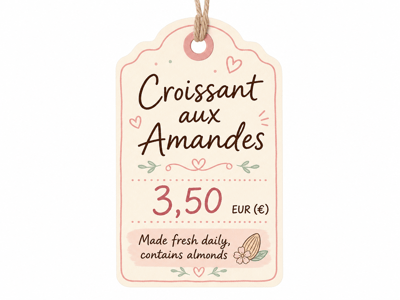
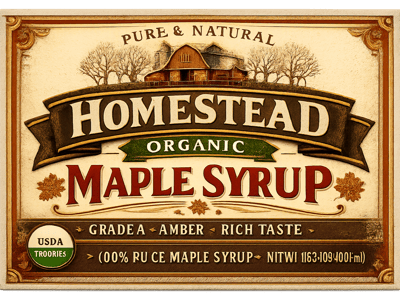
Frascos redondos, latas ovaladas, bolsas cuadradas o etiquetas rectangulares envolventes para botellas: el campo de forma te permite adaptar la etiqueta al envase y no al revés. Se acabó lo de forzar una plantilla plana en un frasco curvo y preguntarte por qué se ve mal.
Subida de Logo e Imágenes
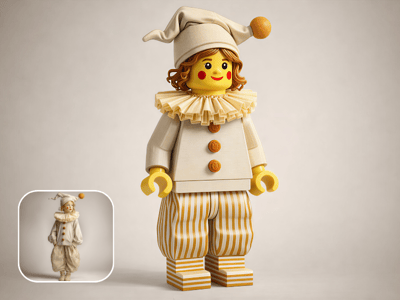
Sube el logo de tu marca o fotografías de producto y la IA los integrará en el diseño de la etiqueta, manteniendo una colocación coherente en todos los productos de la misma línea.
Casos de Uso
Lanzamiento de Marcas de Comida Independientes
Una marca de salsa picante artesanal necesita etiquetas para 3 productos con el mismo estilo, pero con diferentes nombres de sabor y listas de ingredientes. Genera la primera etiqueta y luego cambia solo el texto y la gama de colores para que la línea sea visualmente coherente.
Lanzamientos de Productos Transfronterizos
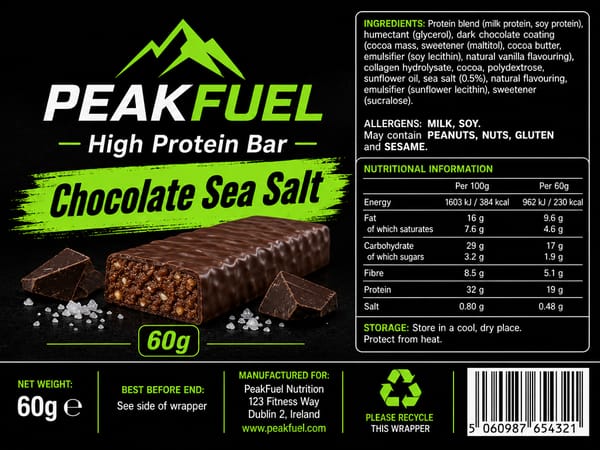
Vas a enviar la misma barra de proteína a EE. UU., Canadá y la UE. Genera tres variantes de etiqueta cambiando el país; cada una mostrará el formato de panel que ese mercado espera, lista para entregar a tu imprenta o para animarla en anuncios creativos.
Pruebas de Prototipos de Packaging
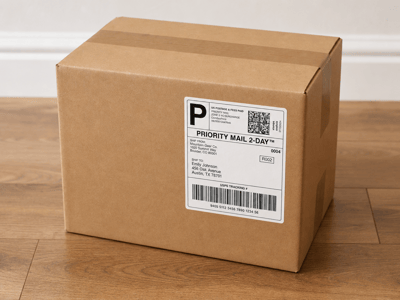
Los diseñadores que comparan formas de etiquetas en un render 3D de una botella no quieren diseñar 5 versiones en Illustrator primero. Genera opciones de etiquetas en diferentes formas y estilos, aplícalas al mockup del producto y deja que el cliente elija antes de empezar a retocar cada píxel.
Por qué elegir Somake
Un Solo Prompt, Sin Software de Diseño
Olvídate de Illustrator e InDesign: describe la etiqueta y edita campo por campo.
Normativa Integrada
Los formatos de panel específicos por país los gestiona el prompt, no tú.
Resultados Listos para Diseñadores
Sube tu logo y la IA lo integra directamente; el resultado es limpio y está listo para mockups desde la primera generación.