Rumsplanerare
Osäker på hur din inredningsvision ser ut i verkligheten? Skapa snygga bilder med Somake AI och jämför olika stilar direkt.
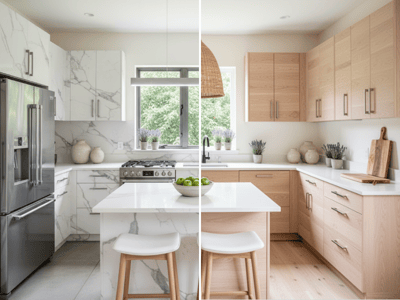
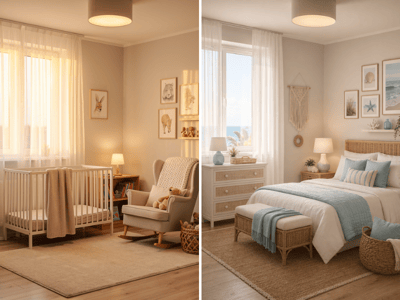
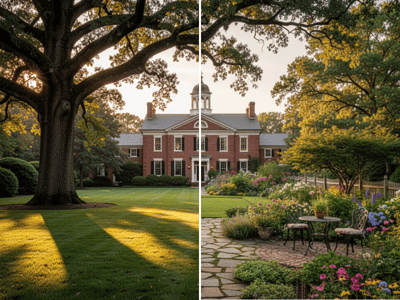
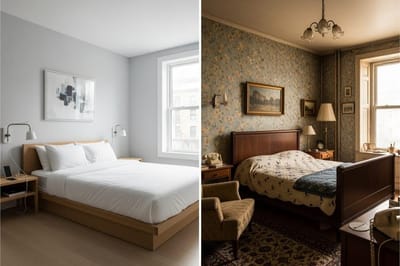
Förhandsvisa en ny inredningsstil
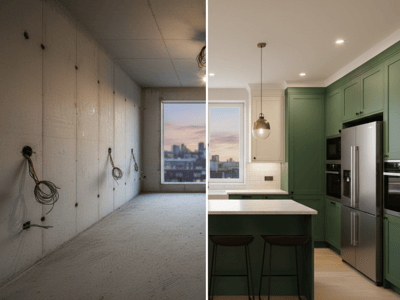
Rumsplaneraren använder ditt uppladdade rum som bas för nya möbler, färger, textilier, belysning och detaljer. Tjänsten är till för att ge ett visuellt lyft, inte för att mäta och planera layouten exakt.
Om du vill testa en specifik produkt istället för att styla om hela rummet, använd Furniture Visualizer.
Så använder du Rumsplaneraren
Välj Snabb eller Pro.
Ladda upp en bild på rummet.
Välj inredningsfokus.
Välj en stil.
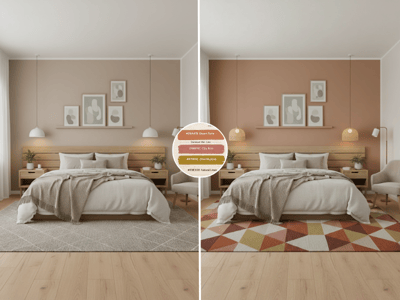
Välj en färgpalett.
Lägg till möbler, detaljer, och det som ska behållas under Detaljer.
Generera och justera inställningarna vid behov.
Exempel på Detaljer:
Behåll golvet och fönstren som de är. Lägg till en neutral matta, linnegardiner, möbler i varm träton, växter och enkel svart väggkonst.
Vad du kan utforska
Möbler och inredning
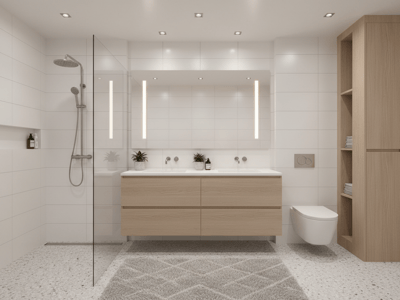
Prova soffor, bord, mattor, gardiner, växter, speglar, väggkonst och andra synliga delar av rummet.
Stilar och färgpaletter
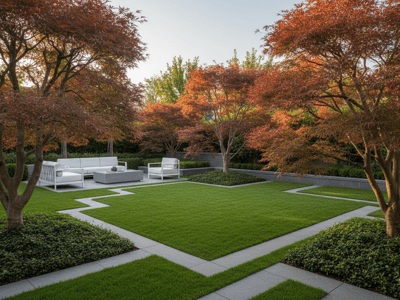
Jämför skandinavisk, bohemisk, industriell, mid-century modern och andra inredningsstilar på samma rumsbild.
Fokuserade uppdateringar
Använd inredningsfokus för att prioritera möbler, väggar, textilier, detaljer eller något annat i rummet.
Belysningsändringar
Ta med ett belysningsfokus under Detaljer. För mer specifika belysningstester, använd Lighting Changer.
Vanliga användningsområden
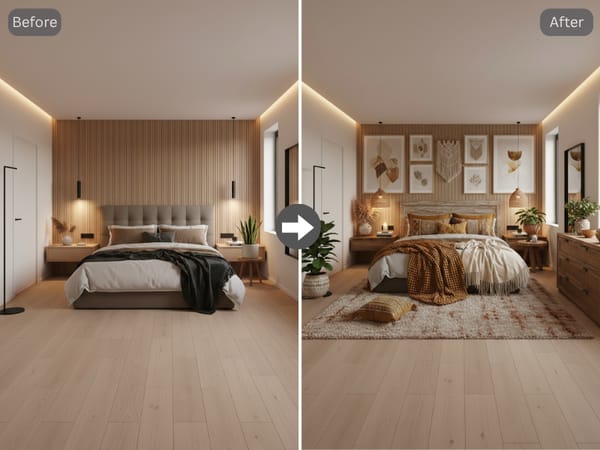
Planera ett rum som känns nytt
Jämför inredningsstilar och färgpaletter innan du väljer möbler, målar eller köper detaljer.
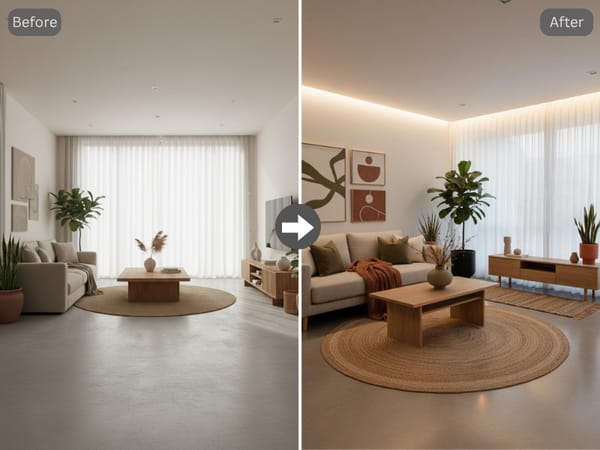
Förbered idéer för kunder
Skapa flera inredningsförslag från samma rumsbild för diskussion och ändringar.
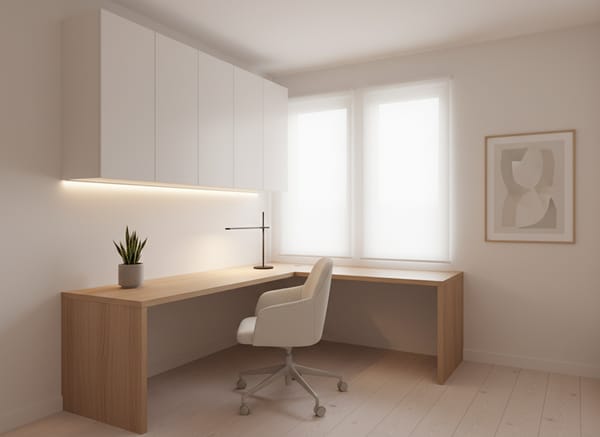
Utforska hyresvänliga förändringar
Be om flyttbara möbler, mattor, gardiner, växter och löstagbar väggdekoration – utan att ändra fasta installationer.
Därför Somake
Jobbar från din rumsbild
AI Rumsplanerare körs direkt i webbläsaren. Öppna, beskriv ditt rum och generera — ingen programinstallation eller designkunskap behövs.
Separata stil- och palettval
Byt inredningsstil utan att behöva skriva om hela prompten.
Redigerbara detaljer
Namnge allt som ska läggas till, tas bort, ändras eller behållas.