Arcane OC Maker
Create unique and detailed characters with the Arcane OC Maker!
Design Your Own League-Inspired Characters
The Arcane OC Maker is a powerful tool designed for fans of the hit Netflix series Arcane and the League of Legends universe. Whether you’re a fan of Piltover’s innovation, Zaun’s gritty underworld, or the fantastical world beyond, this tool lets you craft characters that feel right at home in the Arcane universe.
How to Create Your Character
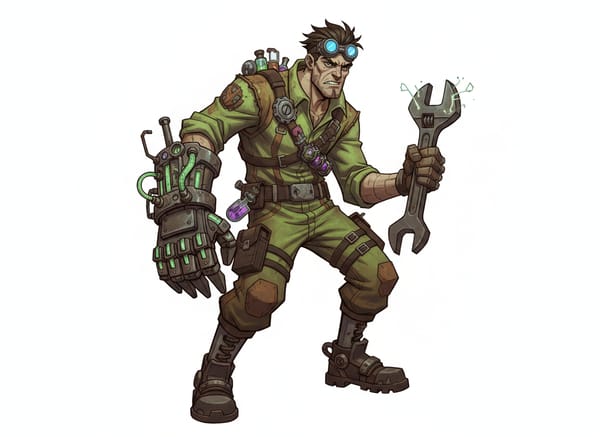
Describe Your Character: Enter physical details (e.g., "A zaunite mechanic with goggles"). Focus purely on the concept—the AI automatically applies the Arcane style for you.
Select Background: Choose "Auto" for a context-aware environment, "Plain White" for clean cutouts, or "Custom" to specify a location.
Configure Settings: Set your preferred Aspect Ratio and Number of Images.
Generate: Click the button to render your character.
Refine Your Aesthetic
Sometimes you need a specific vibe or want to work with existing images. Use these specialized tools to fine-tune your output:
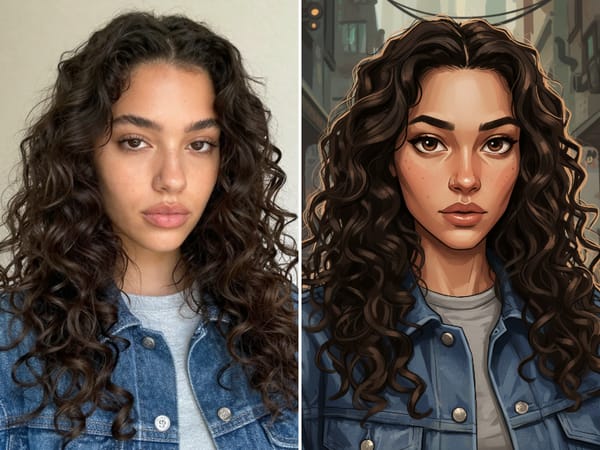
Turn Selfies into Art
Don't want to start from scratch? Use the Arcane Filter to instantly transform your own photos into the show’s signature oil-painting style.
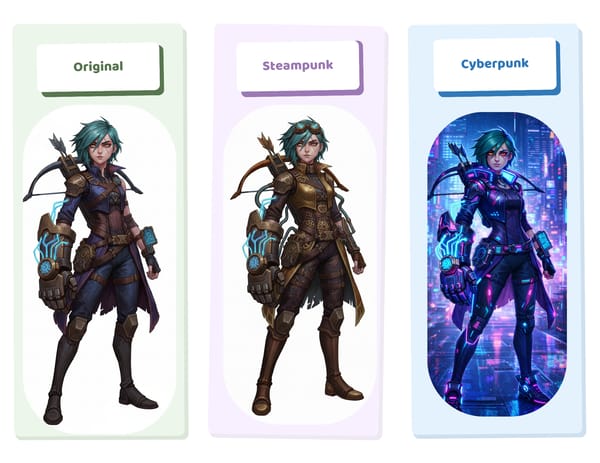
Enhance the Atmosphere
Piltover Vibes: If your character is an inventor or councilor, use the Steampunk Mechanical Filter to emphasize brass gears, gold filigree, and hextech innovation.
Zaun Vibes: For characters from the undercity, the Cyberpunk Filter adds neon accents and industrial grit that perfectly matches Zaun's chaotic aesthetic.
Bring Your OC to Life & Go Further
Once you have your static character, take your creativity to the next level with animation and professional formatting.
1. Animate Your Character
Stop imagining how your character moves and start seeing it.
Motion Sync (Recommended): Use Kling 2.6 Motion Control to map real-world movements onto your character. Upload a reference video of a dance or a fight move, and watch your Arcane OC perform it without the "melting face" glitches common in older AI.
General Animation: For broader video experiments, try the Video Generator to explore different dynamic scenes.
2. Professional Polish & Gameplay
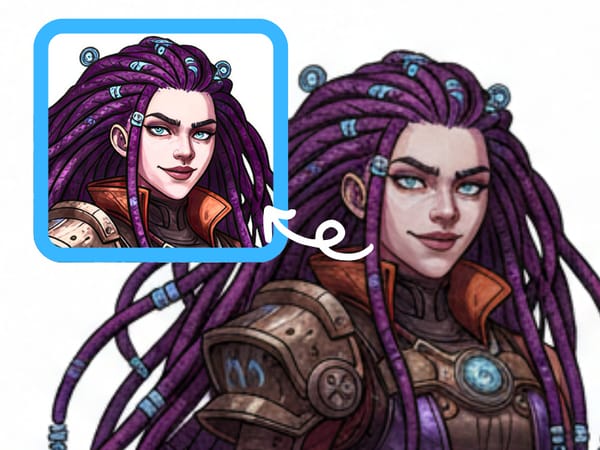
Print-Ready Resolution: AI generation is fast, but often low-res. Run your favorite result through the Image Upscaler to boost it to 4K or 8K clarity—perfect for printing posters or high-res cover art.
Tabletop Ready: Planning to play this character in a D&D campaign or the LoL RPG? Import your image into the RPG Character Card maker to generate a stat sheet complete with lore and ability scores.
Key Features
Context-Aware Auto Backgrounds
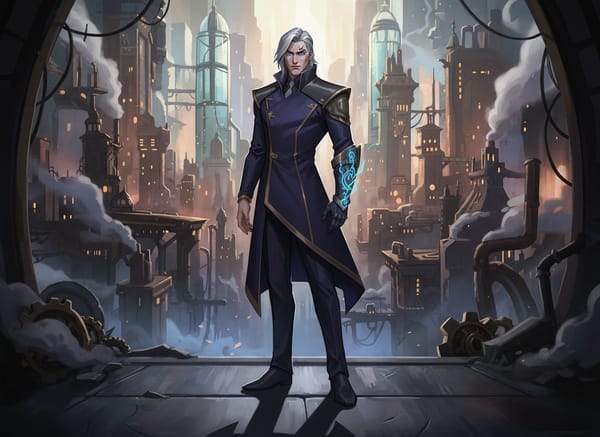
The "Auto" background setting utilizes semantic analysis to place characters in logically consistent environments. Describing a "chem-baron" triggers industrial Zaun lighting, while "academy student" evokes the bright architecture of Piltover.
Integrated Prompt Enhancement
The "AI Improve" button assists users who may struggle with descriptive writing. Clicking this feature expands a simple concept into a detailed prompt with specific descriptors regarding lighting, expression, and clothing textures.