Image to Image Generator
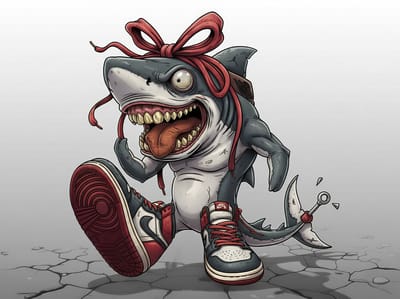
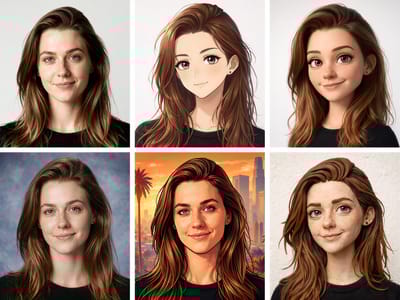
AI image to image generator that preserves composition while transforming style. Convert photos to illustrations, apply artistic filters, or completely reimagine any picture with simple prompts.
AI Image to Image Generator: Transform Any Photo with AI
Turn existing images into new visual creations without starting from scratch.
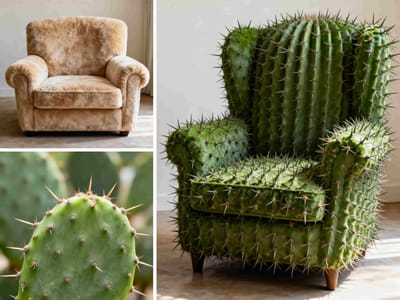
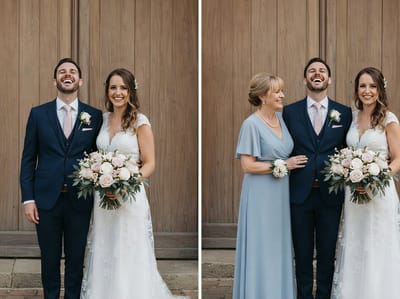
Somake's AI Image to Image Generator analyzes your uploaded photos and applies intelligent transformations based on your text prompts. Unlike standard text-to-image tools, our img2img technology gives you precise control over the output, allowing you to restyle images while preserving the structural elements that matter.
Quick Specs: Somake Image to Image Tool
| Feature | Specification |
|---|---|
| Primary Function | Image-to-Image (img2img) Transformation |
| Core Models | Nano Banana Pro, Flux.2 Max, GPT Image 1.5, Seedream 4.5, Midjourney |
| Best For | Style Transfer, Logical Edits, Character Consistency, 4K Upscaling |
| Resolution | Up to 4K (Nano Banana Pro / Seedream 4.5) |
| Upload Limit | Up to 3 images, max 20 MB each |
| Speed | Fast generation (30s – 60s avg.) |
| Accessibility | Browser-based (No GPU required) |
How to Use Somake's AI Image-to-Image Generator
Follow these steps to turn sketches into polished visuals, restyle photographs, or create entirely new variations from existing images.
Step 1: Upload Your Source Image
Drag and drop your image into the upload area, or click to browse. This is the base the AI will work from — it preserves your composition and structure.
Upload limits vary by model: some accept multiple images, others accept only one; file size limits also differ by model (some cap at 10 MB, others at 20 MB). Check the upload area for the current model's requirements.
Step 2: Write Your Prompt
Describe what you want changed in natural language. Be specific about style, mood, or elements. Examples:
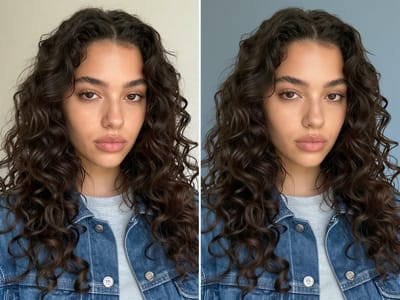
"Change the background to a beach at sunset"
"Turn this sketch into a realistic photo"
Use the AI Improve button to let Somake automatically enhance your prompt for better results. You can also try the quick Ideas tags — Fix Exposure, Auto Enhance, Fix Color — for common adjustments.
Step 3: Choose Your Model
Each model interprets your prompt differently. A few guidelines:
Nano Banana 2 — High quality at fast speed. Great default for most tasks.
Nano Banana Pro — Google Reasoning engine. Best for complex logical edits.
GPT Image 1.5 — Transform styles instantly while keeping perfect spatial logic
Midjourney — Leans into artistic, cinematic interpretation.
Seedream 4.5 — Balances realism and creativity. Supports up to 4K.
Not sure? Try the same prompt on two or three models and compare. Explore all options on the models page.
Step 4: Adjust Settings
Aspect Ratio — Available options depend on the model you selected. Nano Banana and Kling Family offer the widest range.
Number of Images — Generate 1–4 variations at once.
Step 5: Generate and Refine
Hit Generate and wait 30–60 seconds. Click on any result to open the detail panel with one-click shortcuts:
Recreate — Re-run the same prompt for a fresh interpretation
Variation — Generate alternatives close to this result
Upscale — Increase resolution up to 8K
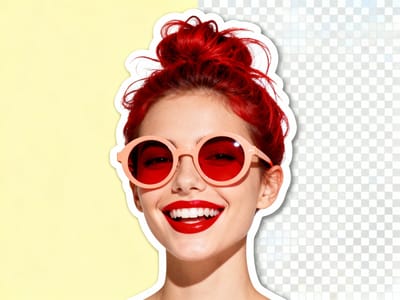
Remove BG — Generate a transparent background
Expand — Extend the canvas with AI-generated content
To Video — Send directly to the video generator
Key Features
AI Image-to-Image Generator With Prompt Intelligence
The built-in AI Improve feature rewrites vague prompts into detailed, model-optimized instructions. Combined with quick Ideas tags (Fix Exposure, Auto Enhance, Fix Color), even a first-time user can get strong results without mastering prompt engineering.
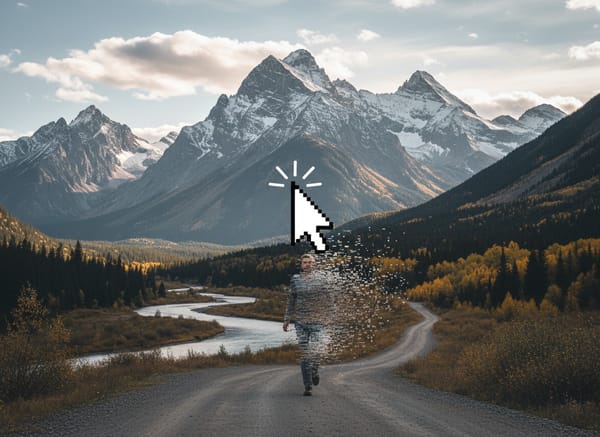
Targeted Editing Through Inpainting
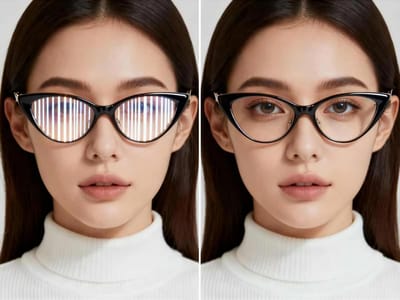
Need to fix a specific part of a photo? Image inpainting is widely used to remove unwanted objects—such as poles, wires, or sensor dust—or to change specific details like clothing or backgrounds.
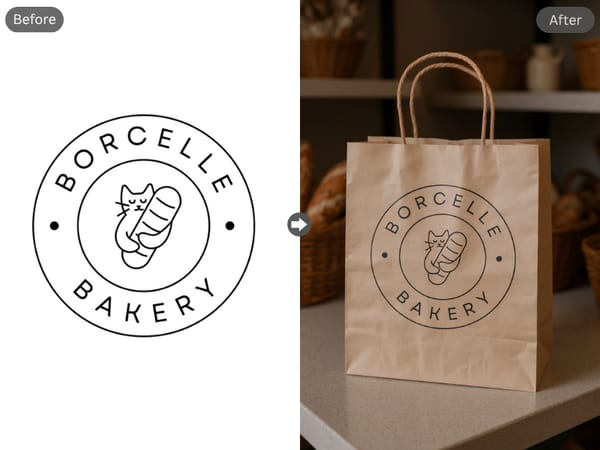
Skip the Photoshoot
Have a logo? See it on a product instantly. Upload your file now.
Perfect Text Rendering: Unlike older AI tools, our Nano Banana Pro model ensures your brand name remains crisp and spelled correctly, even on crumpled surfaces.
Realistic Lighting: The AI automatically calculates shadows and reflections, making your logo look like it was actually printed on the material.
Why Choose Somake
Browser-Based Access
No software installation or expensive GPU required.
Exclusive Model Library
Switch seamlessly between Nano Banana Pro, and GPT Image 1.5 to find the perfect look.
Prompt-Driven Control
Natural language prompts let you describe changes in plain English.