Image Upscaler
Need higher resolution? Use Somake's AI to upscale images to 4K and 8K. Restore details, remove noise, and prepare your photos for large-format printing.
AI Photo Enhancer: Upscale Image to 4K and Enhance Quality
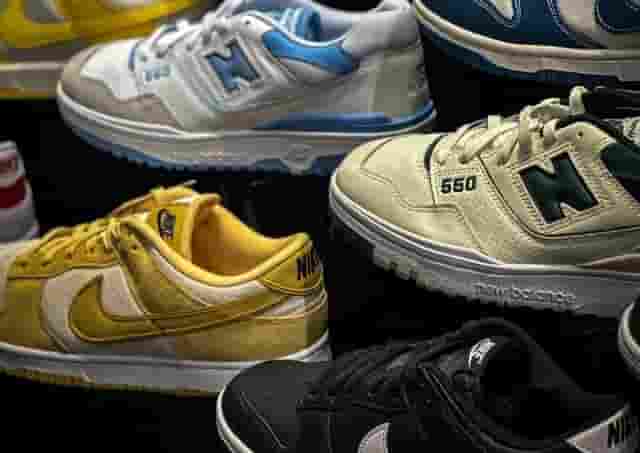
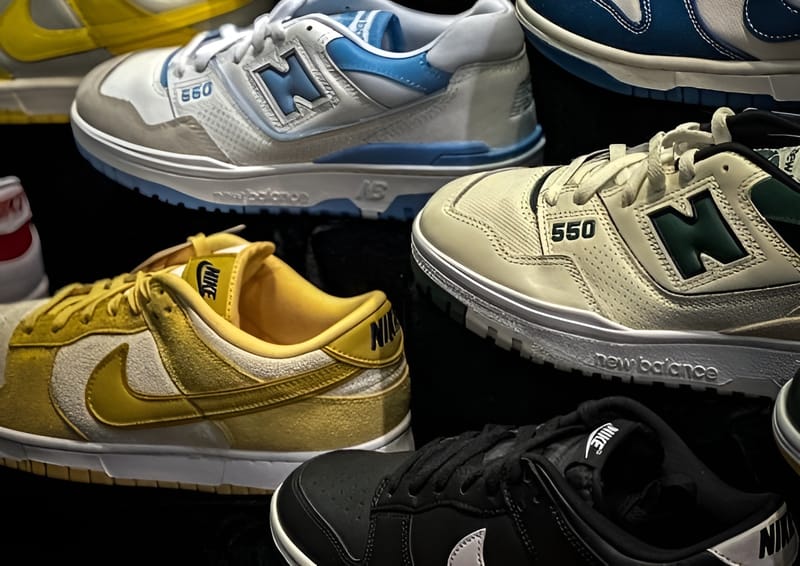
Somake’s AI Image Upscaler intelligently increases the resolution of your photos, transforming low-quality files into sharp, high-definition assets. It uses advanced machine learning to reduce noise and refine details, allowing you to upscale images up to 8K in seconds.
💡 Pro Tip: For the cleanest results, we recommend running grainy photos through our Image Denoiser to remove noise, or using the Image Colorizer to breathe life into black-and-white photos before upscaling.
Key Features
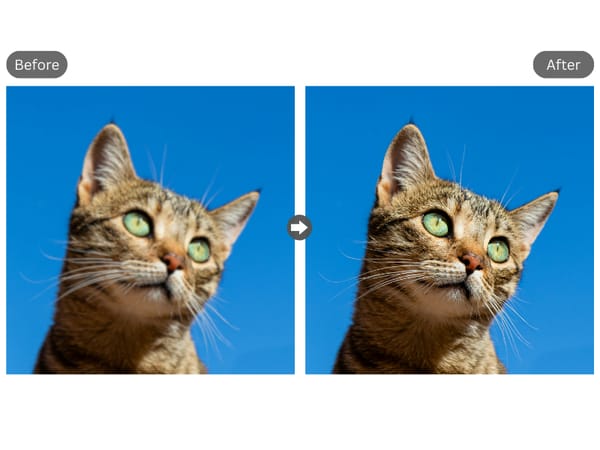
Target Resolution Options
This tool offers flexibility based on your specific needs. You can choose to upscale your image to 2K for standard web use, upscale image to 4k for high-quality digital displays, or push the resolution to 8K for large-format printing. This ensures you aren't stuck with a one-size-fits-all solution and can manage file sizes effectively.
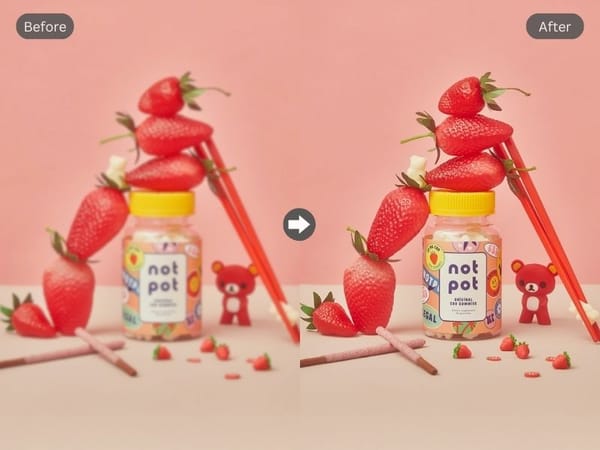
Automated Detail Recovery
Unlike basic resizing tools that simply stretch pixels, this AI analyzes the image to predict and insert new pixels accurately. This process helps make image more clear by sharpening edges.
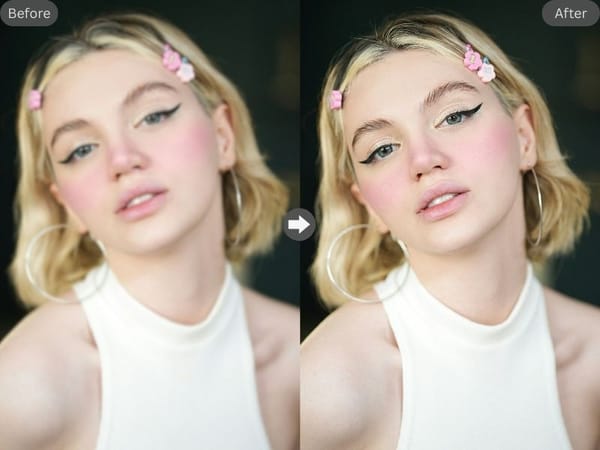
High-Speed Processing
Despite the complex calculations required for ai upscaling, the backend is optimized for performance. Users can expect rapid processing times, turning a low-res thumbnail into a high-res asset in a matter of moments, streamlining the workflow for designers and content creators.
Common Use Cases
E-commerce and Product Photography
Online sellers often need their product shots to look pristine on retina displays. While our Product Photography tool helps you generate stunning showcase images, the Upscaler ensures those images have the high resolution needed for customers to zoom in on fabric textures and fine details.
Archival and Restoration
Families often possess old digital scans that are low in quality. This tool acts as a digital restoration artist. To truly preserve these memories, try a complete workflow: repair tears with Old Photo Restoration, add vibrant colors with our Image Colorizer, and finally use this Upscaler to print them at large sizes without pixelation.
Large Format Printing
Graphic designers frequently face the challenge of clients supplying low-resolution logos or assets for posters and banners. By using the 8K setting, professionals can prepare these small files for large physical prints, ensuring the final output looks crisp and professional even when viewed up close.
Why Professionals Choose Somake
Uncompromising Quality
Our algorithms are trained on vast datasets to distinguish between noise and detail. This results in an img that looks natural and organic, avoiding the "waxy" or over-processed look common in inferior upscaling software.
Cost-Effective Efficiency
For many users, this serves as a robust free image upscaler alternative to expensive desktop software. It allows you to achieve studio-quality results without a monthly subscription to a creative cloud suite.
Cloud-Based Convenience
Because the processing happens in the cloud, you do not need a high-powered computer with an expensive graphics card. You can upscale images to 4K or 8K on a standard laptop or even a tablet.