Edit Text in Image
Instantly change text in any image with our smart online tool. Fix typos in a screenshot, update a graphic, or remove text seamlessly. No design skills needed. Try it now!
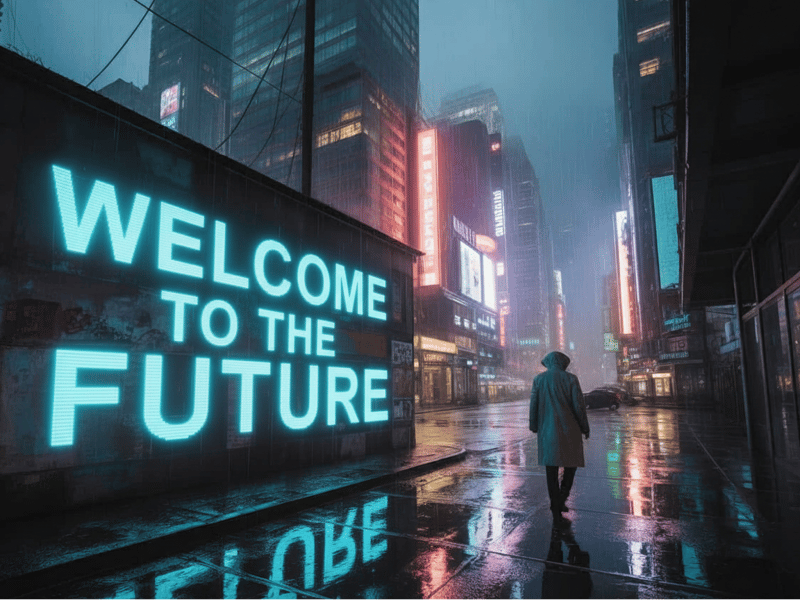
Change Words, Not Pixels: Your Photos, But Better
Welcome to AI Edit Text in Image, the easiest and smartest online tool for changing the text in an image. All you have to do is upload your image, tell us how to change it, and sit back and let our AI do the work. Our AI analyzes the font, lighting, and angle and does an amazing job editing with a few clicks and seconds — no design experience required.
How it Works: Upload, Edit, Generate
The whole process to get your perfect edit is really fast and easy with our three-step form:
Upload your Image: Drop your image in the upload area or upload it from your device.
Edit your Information: Fill out the boxes and select an Action (Replace, Remove or Add), as well as the Original and New Text and Font Style you’d like.
Generate & Download: Choose what format you’d like to output your image (PNG or JPEG) and press the generate button. Wait a few seconds and your new image is ready.


Context is Key: More Than Just Verbal Substitutions
Our tool doesn’t just paste over the words onto your image, it’s contextually aware. The AI examines the characteristics of the original text and duplicates them with precision so the final product feels organic. This can be based on:
Perspective & Angle: Sign text where the camera was at a 90-degree angle? The AI will replicate the angle astutely.
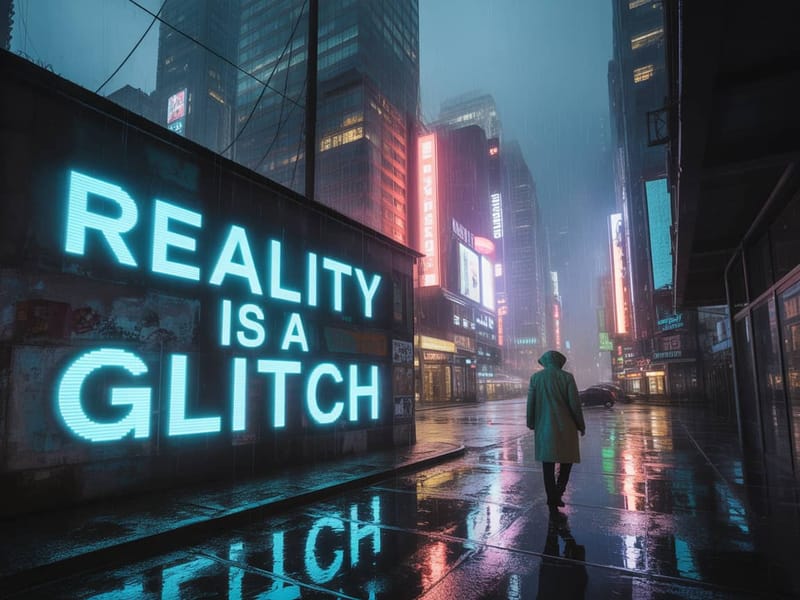
Lighting & Shadows: Whether the light is really dim from a neon sign or the bright daylight, we will duplicate the original lighting as close as possible.
Material & Texture: Whether it’s the appearance of engraved wood, or a buggy digital screen, the AI will adapt the material and texture to look natural.
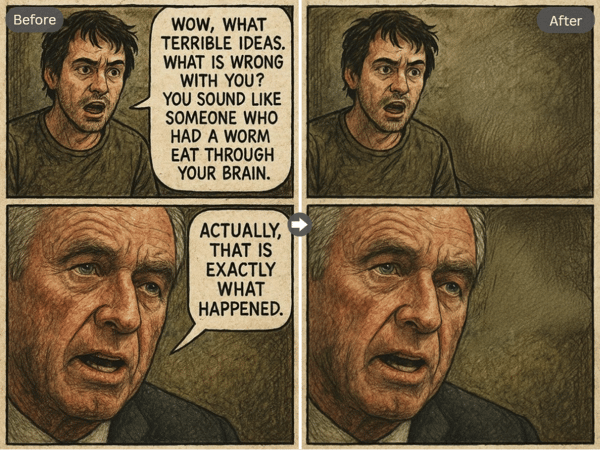
Ignite Your Imagination
Need a starting point? We can do more than fix a typo. You can change the entire tone or meaning of an image.
Adjust a Sale: Change the “50% OFF” on a marketing piece to “SALE ENDS TODAY.”
Personalize a Meme: Swap out the text on a viral meme, then share a hilarious experience.
Make Corrections: Correct a typo in a screenshot from a chat in a flash.
Remove Noise: Ask the AI to “Remove text reading ‘2025.09.26’” and tidy up your picture.
Why Use Our AI Edit Text in Image Tool?
Zero Effort Workflow
You just dream up an idea, and the AI will do the entire execution from concept to delivery.
Context-based Aesthetics
The tool will exe get the font, color, perspective/angle, and lighting to create a shockingly realistic finish.
Instant Creativity
From idea to imposed image in seconds not hours of copious tossing pots in a photo editor.