Change Photo Angle
Instantly change photo angles and shift perspectives with our Photo Angle Change AI. Fix portraits and adjust product views.
Photo Angle Change AI: Shift Perspectives Instantly
Wrong camera angle? Don't reshoot. Photo Angle Change AI uses generative technology to reconstruct 3D depth, letting you virtually move the camera after the shot. Turn a standard photo into a professional Low angle, Bird's-eye view, or Close-up in seconds.
How to Change Photo Angles
Upload: Drop your image (JPG, PNG, WebP) into the editor.
Select Preset: Choose a professional angle from the Camera Angle dropdown:
Download: The AI generates the new perspective instantly. Save and share.
Professional Angle Presets
Don't struggle with manual sliders. Select from our calibrated photography presets:
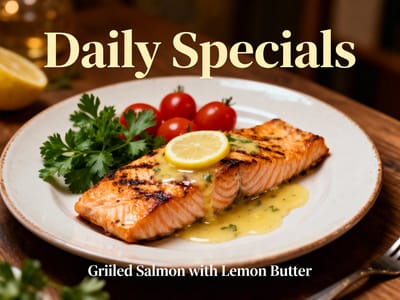
Bird's-eye view: Perfect for flat-lay product photography. Shows the subject from directly above.
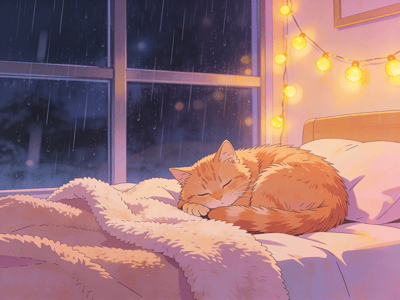
High Angle: Make subjects appear smaller or cuter. Great for pets and creative portraits.
Low Angle: Create a sense of power and height. Ideal for architecture and fashion.
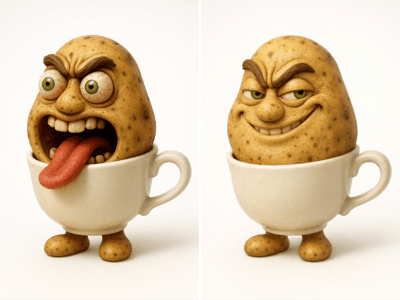
Dutch Angle: Add artistic tilt and dynamism to action shots.
Wide-angle: Expand your background without a specialized lens.
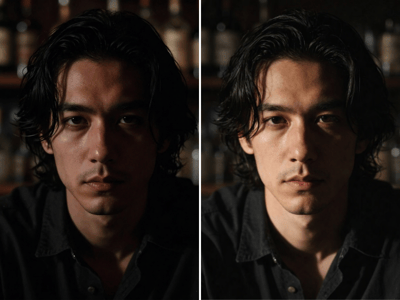
Selfie & Close-up: Fix face distortion and frame your profile pictures perfectly.
Practical Applications
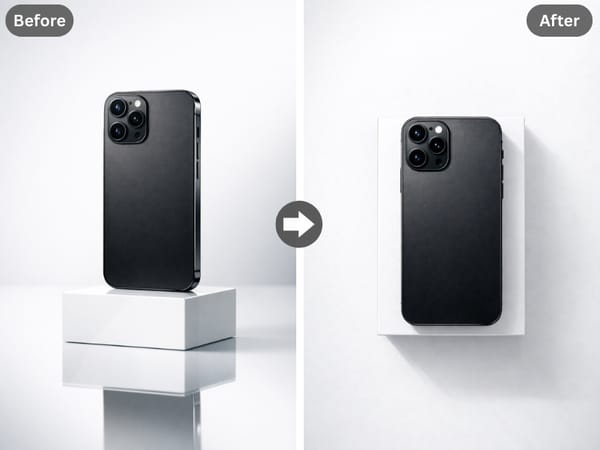
E-commerce Consistency
Sellers can save thousands on studio time. Instead of reshooting a product because it was taken at the wrong height, use the "Bird's-eye view" preset to create standardized flat-lay images for your catalog.
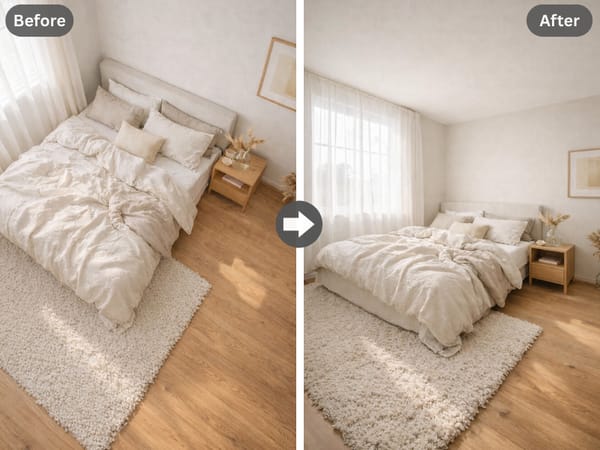
Real Estate & Architecture
Turn a standard street-level photo into a comprehensive property overview using the "Wide-angle" or elevated perspective options, giving potential buyers a better sense of space.
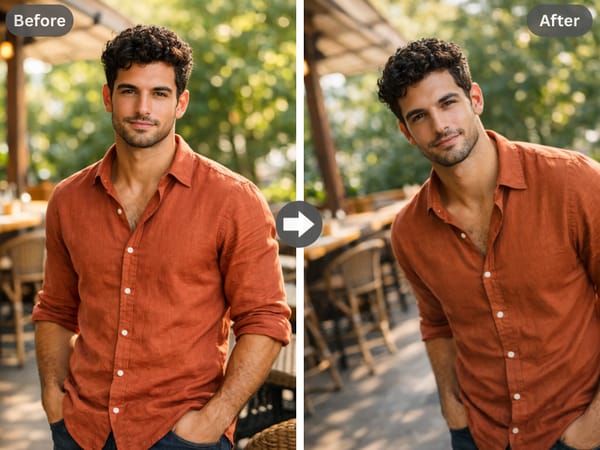
Creative Content Creation
YouTubers and influencers can remix existing content. Turn a boring static shot into a dynamic "Dutch angle" thumbnail to increase click-through rates.
Why Use AI Angle Changer?
Generative Fill
Unlike simple rotation, our AI fills in missing background details (pixels) that weren't in the original shot.
"Custom" Flexibility
Select the "Custom" option to tailor the specific spatial orientation if the presets don't meet your creative vision.
Face-Aware
The AI subtly adjusts facial orientation while preserving skin texture and expression.