FPE OC Maker
Create your own unique FPE OCs with the FPE OC Maker!
Design Your Own Fundamental Paper Education Character
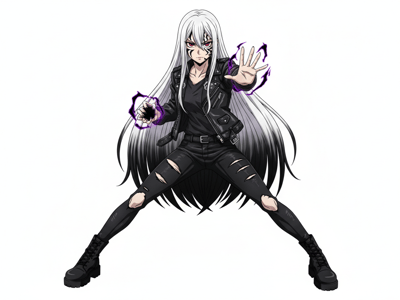
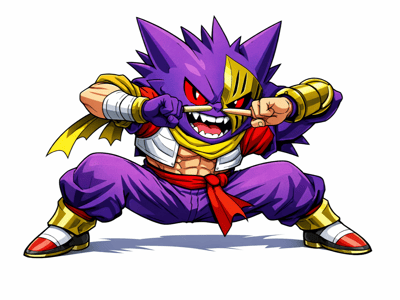
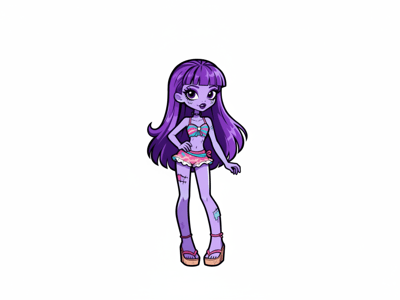
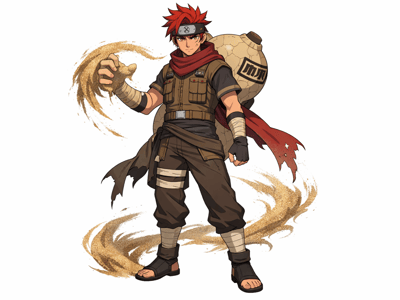
FPE has one of the most distinctive character designs in indie animation — paper cutouts with flat shapes, muted palettes, and that unmistakable school-horror atmosphere. If you've wanted to place your own OC inside that world, this tool generates a character portrait in FPE style from a text description. No drawing skills needed; just describe who your character is.
How to Use
Enter your character's Name.
Set Gender and Role. Gender affects body proportions and default styling. Role — Student, Teacher, or others — changes the outfit base and overall framing, so pick the one that matches your character concept before filling in other fields.
Describe Appearance and Outfit in detail — this is the most important step. Vague inputs like "blue hair, school uniform" produce generic results. Specific inputs produce distinctive characters. Instead try: "long wavy silver hair with blunt bangs, pale skin, one eye covered by hair, dark circles" for Appearance, and "torn white button-up shirt, black suspenders, mismatched socks" for Outfit. The more specific you are with colors, textures, and unusual details, the more your OC stands out from a default-looking result.
Leave Background as Clean White for character sheets, or adjust it if you want a specific environment. Clean White isolates the character and makes it easy to use as a reference or overlay.
Click Generate and review. If the result misses a key detail, go back to Appearance or Outfit and be more explicit about that element — don't just regenerate hoping for different luck.
What You Can Make With It
Put Your OC Into the FPE World
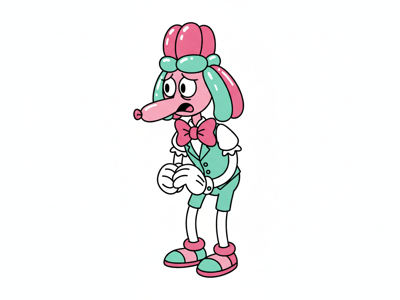
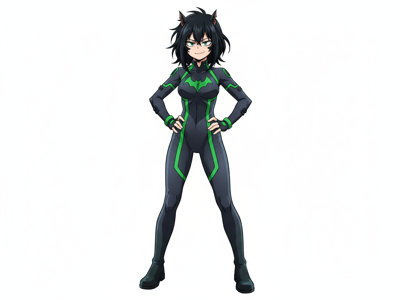
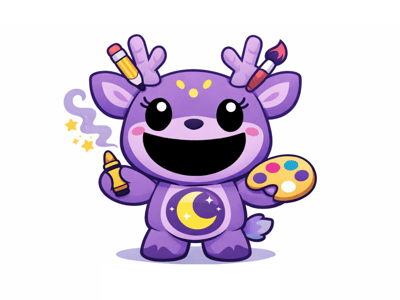
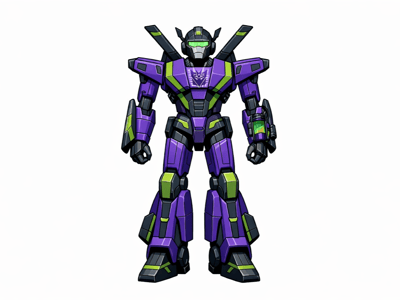
You have a character concept — maybe a name, a role, a look — but visualizing them in the exact FPE paper cutout style takes real drawing skill. This tool takes your description and produces a portrait that fits the aesthetic. Post it to the fandom, use it as a reference sheet, or attach it to a wiki page.
Build a Character for Your AU
FPE fan AUs (alternate universes) are one of the most active parts of the fandom. When you're writing or storyboarding a new AU, having a visual for every character makes the project feel real. Generate portraits for each character — teacher, student, principal — without waiting on commissions. If you're also working in other animated fandoms, try the TADC OC Maker for The Amazing Digital Circus characters.
Test Different Looks Before Drawing
Fan artists often want to nail down a character's design before committing hours to a full illustration. Use the generator to quickly compare — short hair vs. long hair, uniform vs. casual outfit, different color palette notes in the Appearance field — then draw your final version from the output that works best.
What Makes It Different
Trained on FPE's Specific Paper Cutout Style
Generic anime or cartoon generators won't produce the FPE aesthetic — the flat paper shapes, the semi-3D layering, the muted school-horror color palette. This FPE OC maker is tuned to that specific visual language, so the output looks like it belongs in the same world as Miss Circle and the other canonical characters.
Role System Tailors the Base Design
Setting "Student" vs. "Teacher" vs. other roles isn't just a label — it changes the structural starting point for the character. A teacher character gets a different body framing and default silhouette than a student. This gives you a solid base to customize from, rather than fighting the generator to reshape a wrong starting point.
Detailed Text Fields Give You Full Control
Most character generators offer dropdowns with preset options. This tool uses open text fields for Appearance and Outfit, which means you're not limited to what someone else anticipated. If your OC has a very specific or unusual design, you can describe it directly in natural language.
3:4 Portrait Format Ready for Sharing
The default 3:4 aspect ratio produces a portrait-oriented image that fits naturally in wiki pages, character sheets, and social media posts. No cropping needed before you share to the FPE fandom community.