5 Best Midjourney Alternatives in 2026 — Free & Paid, Honestly Compared
Midjourney redefined what AI-generated art could look like. But in 2026, a growing number of users are searching for Midjourney alternatives—not because the outputs got worse, but because the experience around them did. Overzealous content filters, limited prompt control, and a video feature that hasn't kept pace are pushing creatives elsewhere.
If you're here, you probably hit one of those walls. This guide covers 5 viable options, what each actually does better (and worse) than Midjourney, and how to pick the right one for your workflow.
Why Users Are Leaving Midjourney
Before jumping to alternatives, it's worth naming the specific frustrations—because different pain points lead to different solutions.
1. Content Moderation That Blocks Normal Prompts
This is the #1 complaint in every Midjourney community right now. The filter doesn't just block explicit content—it frequently rejects perfectly innocent prompts with zero explanation. No error code, no suggestion for how to rephrase. Just a wall.
The irony? Users have reported that Midjourney's own auto-prompt feature generates descriptions that its moderation system then flags as violations. If your tool can't even trust its own output, something is structurally wrong.
For creators working on TTRPG campaigns, dark fantasy illustration, or even medical/historical content, this makes Midjourney practically unusable. (Yes, describing blood as "ketchup-covered" sometimes works. No, that shouldn't be a real workflow.)
Worse: accounts get banned for repeated "violations," and the appeals process is essentially a black hole. Users report zero response from support.
2. Prompt Adherence Remains Frustrating
Midjourney still interprets prompts loosely. If you need a specific composition, exact object count, or precise spatial relationship, you'll spend cycles re-rolling and re-prompting. For professional work with clear briefs, this wastes time.
3. Video Capabilities Are Behind
While competitors have shipped impressive AI video tools (Sora, Kling, Veo, Seedance), Midjourney's video offering remains limited and feels like an afterthought compared to its image generation.
4. Consistency Across a Series Is Still Hard
Maintaining a character's appearance, style, or setting across multiple generations remains unreliable. For anyone building visual narratives—comics, storyboards, brand assets—this is a dealbreaker.
5. Privacy and Copyright Gaps
Two often-overlooked issues:
Default public visibility. Unless you're on the Pro or Mega plan, your generations are visible to everyone. For commercial or sensitive projects, that's a non-starter.
No copyright indemnification. Midjourney says paid users can use images commercially, but if a generated image is deemed too close to a specific artist's style, you bear the legal risk. Compare that to Adobe Firefly, which offers indemnification coverage.
How We Evaluated These Alternatives
| Criteria | What We Looked For |
|---|---|
| Content Policy | How restrictive is moderation? Does it explain rejections? Can you create edgier creative content (dark fantasy, horror, etc.)? |
| Image Quality | Can it match or exceed Midjourney's aesthetic? |
| Prompt Adherence | Does the tool generate what you actually asked for? |
| Feature Breadth | Image generation, editing, video, upscaling, background removal, etc. |
| Consistency | Can you maintain characters/style across multiple outputs? |
| Pricing & Free Tier | Is there a usable free tier? Is paid pricing reasonable for the value? |
| Privacy | Who sees your generations? |
| Model Variety | Access to multiple AI models, or locked into one? |
| Commercial Viability | Safe for business use? |
Quick Comparison Table
| Tool | Best For | Free Tier | Content Moderation | Multi-Model |
|---|---|---|---|---|
| ChatGPT | Conversational image creation, character consistency | ✅ Daily limit | Strict on IP/copyright | ❌ |
| Google Gemini | Text rendering, style replication, photorealism | ✅ Daily limit | Strict | ❌ |
| Freepik AI | Designers needing AI + design assets | ✅ Daily credits | Varies by model | ✅ |
| OpenArt AI | Model variety, experimentation | ✅ One-time trial | Varies by model | ✅ |
| Kling AI | AI video, character consistency in motion | ✅ Monthly credits | Relaxed | ❌ |
Detailed Alternative Reviews
1. ChatGPT — Precision Through Conversation
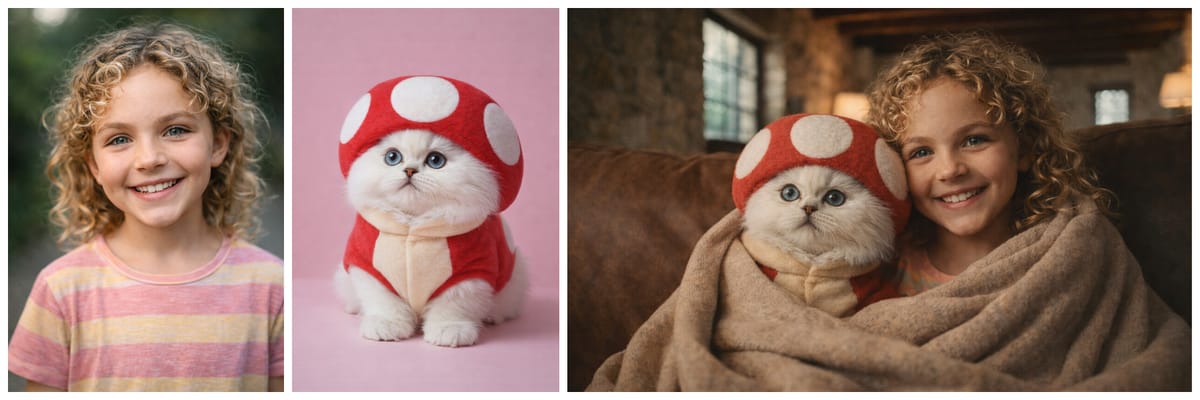
Overview: OpenAI's image generation within ChatGPT has evolved dramatically. The GPT Image model (currently at 1.5) doesn't just generate images — it understands what you're trying to create through natural conversation. For users frustrated by Midjourney's prompt interpretation lottery, this is transformative.
Pricing:
Free tier: Limited image generations
Go: $8/mo
Plus: $20/mo
Pro: $200/mo
What Makes It Stand Out:
The conversational interface is the real differentiator. Instead of crafting elaborate prompt syntax and hoping for the best, you can describe what you want in plain language, then refine iteratively: "Make the lighting warmer," "Move the character to the left," "Keep the same person but change the outfit."
Character consistency with GPT Image 1.5 is remarkably strong — among the best available. The model maintains facial features, body proportions, and styling across multiple generations with high fidelity. For anyone building character-driven content, this solves a major Midjourney pain point.
The default aesthetic leans toward realistic, natural textures with a cinematic, polished look. That said, the model also delivers strong performance for stylized art and anime — it handles cel-shading, flat color aesthetics, and Japanese illustration styles with surprising competence, making it versatile across both photorealistic and illustrated use cases.
The Catch:
Copyright moderation is extremely strict. Try to generate anything resembling a copyrighted character — anime IPs, movie characters, branded mascots — and you'll hit a wall. For fan art creators or anyone working adjacent to existing IP, this is a significant limitation. The aesthetic also leans more "clean digital illustration" than Midjourney's distinctive painterly feel, though style replication is improving.
Best For: Users who value precision and conversation-based refinement over raw aesthetic style. Ideal for iterative design work, character sheets, and projects requiring high prompt fidelity.
2. Google Gemini — The Text & Photorealism Leader
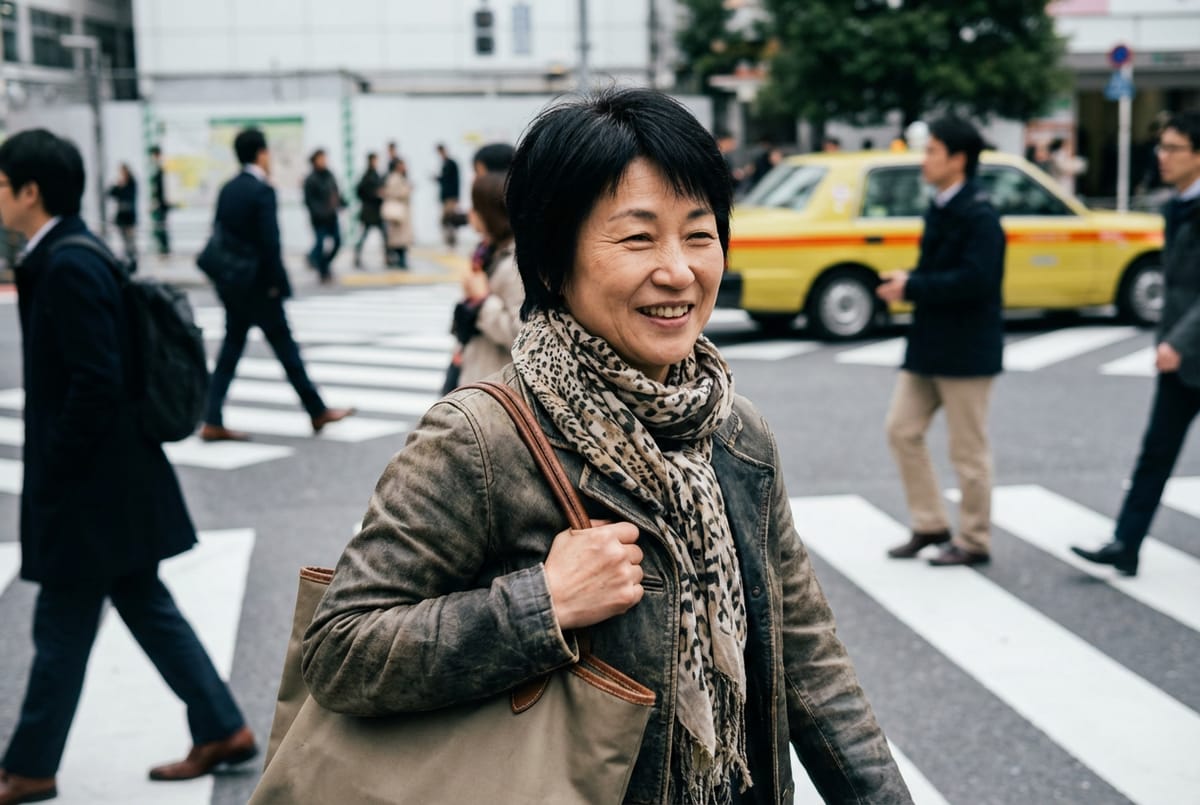
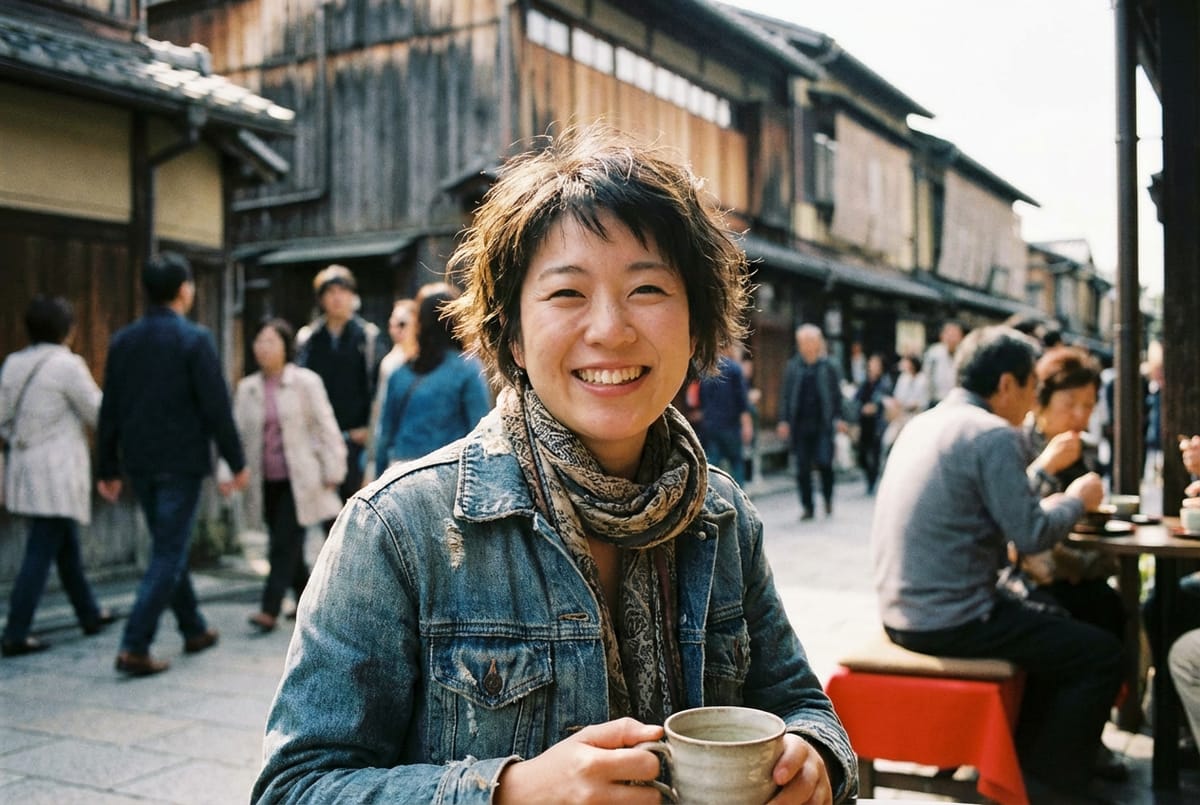
Overview: Google's image generation within Gemini (internally codenamed Nano Banana) has quietly become one of the most capable options available. It particularly excels in areas where Midjourney historically struggles: text rendering, photorealism, and style replication.
Pricing:
Free tier: Limited access
Plus: $7.99/mo (often with limited-time offers like $3.99 for 2 months)
Pro: $19.99/mo
Ultra: $249.99/mo
What Makes It Stand Out:
Text in images — long the Achilles' heel of AI generators — is where Nano Banana Pro genuinely leads the field. Clean, legible text rendering makes it viable for mockups, posters, and social content in a way that Midjourney still can't match reliably.
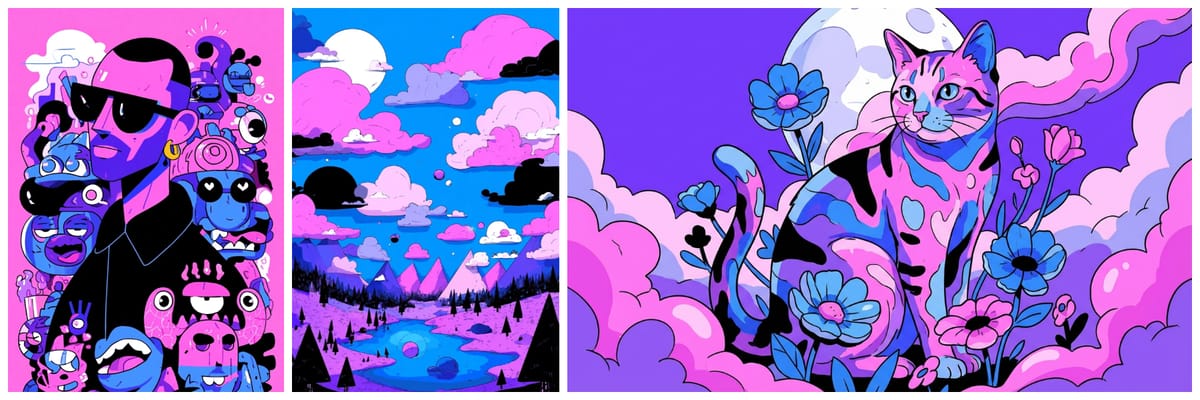
For Midjourney-style replication, Nano Banana Pro delivers stronger style fidelity than GPT Image 1.5. The match isn't pixel-perfect, but it's close enough to matter — if you've built a visual identity around Midjourney's aesthetic and want a backup generator that won't break the look, this is the closest we've found.
Character consistency produces natural, photography-influenced results — less "perfect" than GPT Image 1.5 but more organic-feeling.
The Catch:
The Gemini interface isn't built specifically for image generation power users. Compared to dedicated platforms, the workflow feels more general-purpose. Advanced controls (aspect ratios, batch generation, negative prompts) are more limited.
Best For: Creators who need strong text rendering, photorealistic outputs, or want to replicate Midjourney's aesthetic with better prompt adherence.
3. Freepik — The Designer's AI Toolkit
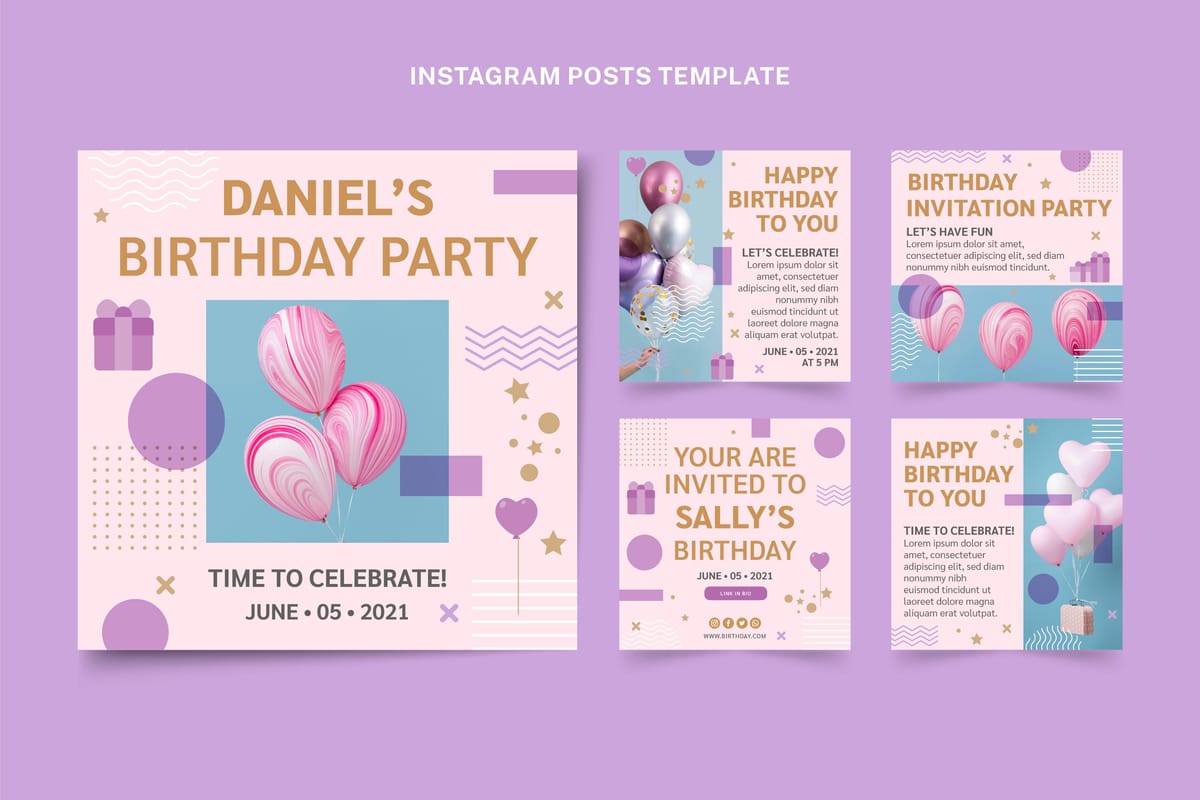
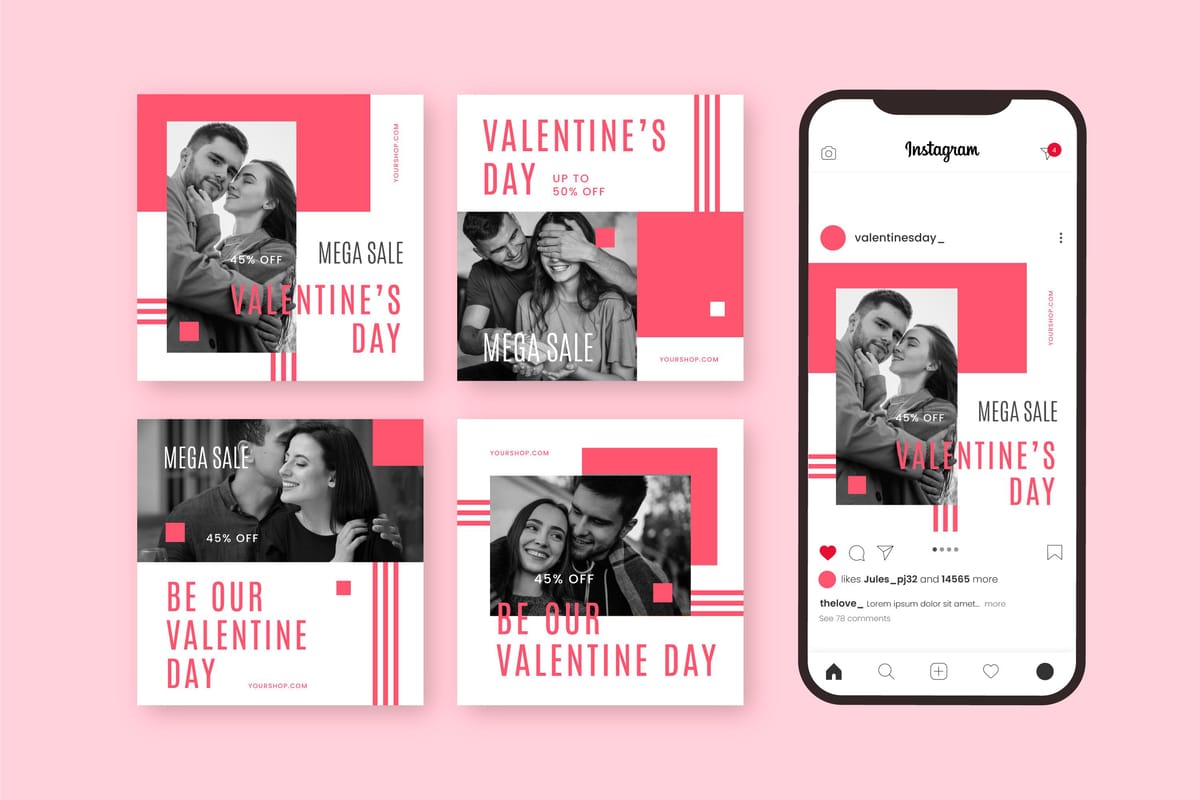
Overview: Freepik has evolved well beyond its stock asset roots into a surprisingly capable AI creative platform. It integrates multiple AI models for both image and video generation, alongside its massive library of vectors, templates, and design assets.
Pricing:
Free tier: Available
Premium: Starting at ~$9/mo (annual billing)
Annual plans front-load all credits at purchase
What Makes It Stand Out:
For designers already in the Freepik ecosystem, the combination of AI generation + extensive vector/template libraries + editing tools is genuinely practical. You can generate an AI image, then refine it with built-in editing tools — or use it to enhance and modify images you've created elsewhere (including Midjourney exports).
The annual billing model is interesting: you get all your credits upfront, which gives you flexibility to use them in bursts during heavy project periods.
The Catch:
Users have reported that the "unlimited generation" claims in marketing don't fully match reality — some plans quietly throttle output to one image at a time without clear disclosure. The multi-model approach, while offering variety, can feel scattered if you have a specific vision and just want the best output for that particular task. Prompt adherence is decent but not best-in-class.
Best For: Graphic designers and marketing teams who need AI generation alongside traditional design assets. Excellent as a secondary tool for editing and enhancing AI-generated images from other platforms.
4. OpenArt — The Model Marketplace
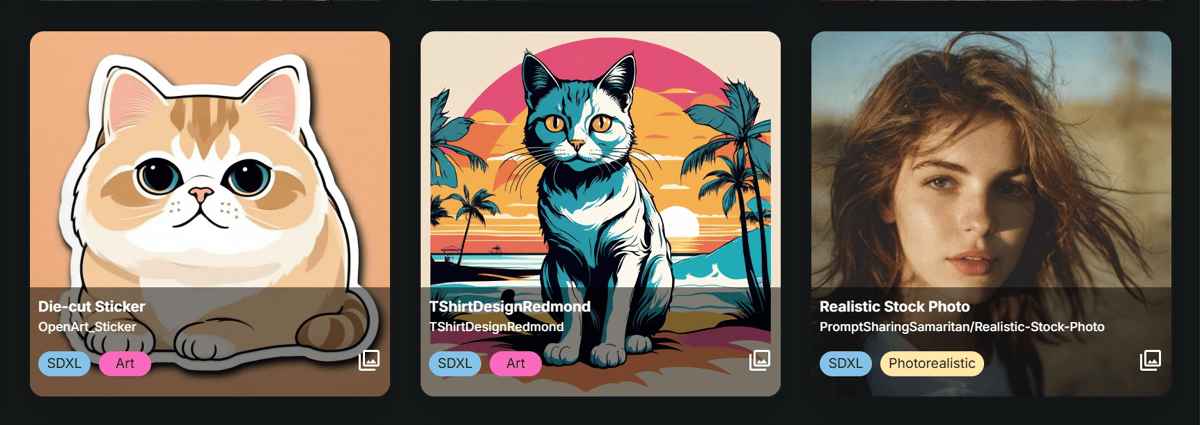
Overview: OpenArt positions itself as a multi-model AI art platform, offering access to a wide range of image generation models (including Flux, SDXL, and others) alongside video capabilities. Think of it as a model buffet — you pick the engine that best fits each specific generation.
Pricing:
Free tier: Very limited
Starter: ~$14/mo
All plans are token-based
What Makes It Stand Out:
Model variety is the headline feature. If you're the type of creator who wants to test Flux for one project, SDXL for another, and a fine-tuned anime model for a third, OpenArt makes that possible without switching platforms. The community model library adds even more options, and the built-in training tools let you create custom models on your own datasets.
Advanced controls — ControlNet, inpainting, outpainting, image-to-image — cater to users who want granular creative control that Midjourney simply doesn't offer.
The Catch:
There is no free relaxed mode. Every single generation consumes tokens, which means experimentation gets expensive fast. If you're used to Midjourney's relaxed queue (where you can generate endlessly, just slowly), the always-on meter at OpenArt can create a psychological barrier to creative exploration.
The experience can also feel fragmented — there are lots of models available, but limited guidance on which to use when, leaving less experienced users to figure out the best engine for each task through trial and error (and spent tokens).
The interface, while powerful, has a steeper learning curve than conversational tools like ChatGPT.
Best For: Technical users and AI art enthusiasts who want maximum model variety and fine-grained control. Less ideal for casual creators or anyone who values unlimited low-priority generation.
5. Kling AI — The Video-First Powerhouse
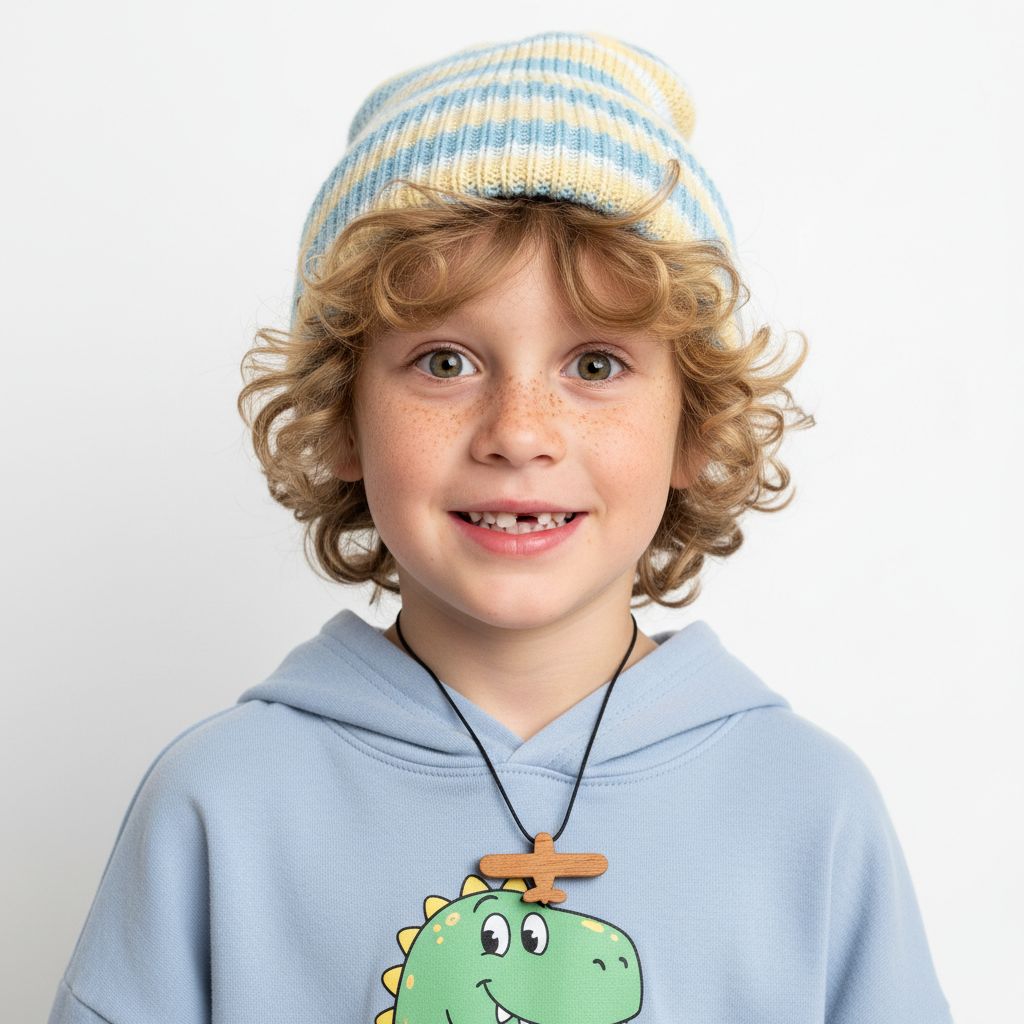
Overview: Developed by Kuaishou, Kling has emerged as one of the strongest AI video generation platforms available. While it handles image generation competently, its real strength lies in producing high-quality AI video with impressive character consistency across frames.
Pricing:
Free tier: Available with monthly credits
Pro plans: Starting from ~$10/mo
What Makes It Stand Out:
If Midjourney's video limitations are part of why you're exploring alternatives, Kling deserves serious attention. Character consistency in video — maintaining the same face, body, and clothing across a moving sequence — is where Kling genuinely excels. The results are noticeably more coherent than many competitors, making it viable for narrative content, short-form marketing videos, and animated storyboards.
On the image side, Kling's newer Kling O3 model is genuinely impressive — a significant step up from what you might expect from a video-first platform. Character consistency and text rendering are both solid, putting it comfortably ahead of many dedicated image generators. That said, it still doesn't quite reach the precision of GPT Image 1.5 for character fidelity or Nano Banana Pro for text rendering — close, but a visible tier below those leaders.
Content moderation is significantly more relaxed than Midjourney's. Creators working on action sequences, dramatic scenes, or fantasy content with mature themes report far fewer unexplained rejections.
The Catch:
While Kling O3 has narrowed the gap considerably, image generation still isn't the platform's primary identity. If your workflow is 80% images and 20% video, tools like GPT Image or Gemini will serve you better as a primary generator. The interface and documentation lean toward Chinese-language users, though English support has improved substantially in 2026.
Best For: Creators whose primary need is AI video generation with strong character consistency. An excellent complement to a dedicated image generation tool rather than a full replacement.
Final Verdict: How to Choose
There's no single "best Midjourney alternative" — there's only the best one for your specific frustration. Here's how to decide quickly:
If Midjourney's content moderation is driving you insane:
Start with Kling for a commercial platform with relaxed filters. Models like Seedream (by ByteDance) and Wan (by Alibaba) — two newer open-weight image generators — also offer notably looser content moderation. If you're technical and want zero restrictions, Wan self-hosted is the nuclear option.
If you want images that actually match your prompts:
ChatGPT is the clear leader. The conversational refinement loop means you iterate with words, not dice rolls. Just be aware of its strict copyright limitations on recognizable characters.
If you need text in images or photorealism:
Google Gemini leads in text rendering and produces some of the most natural-feeling photorealistic outputs available.
If you're a designer who needs AI + traditional assets:
Freepik combines generation with its massive vector and template library. Great as a secondary tool alongside a primary generator.
If you want maximum model variety and technical control:
OpenArt AI gives you the widest selection of models and the most granular controls — but expect to pay per generation with no free relaxed mode.
FAQs
The Honest Take
Midjourney still produces some of the most aesthetically striking AI images available. If raw visual beauty is your only criterion and you've never had moderation issues, it remains a strong choice.
But the creative AI landscape in 2026 is no longer a one-tool game. The best workflow for most serious creators now involves 2-3 complementary tools — or a single aggregator platform that gives you access to multiple engines without the subscription sprawl.
The fact that Midjourney's own auto-prompt feature generates prompts that its own moderation system rejects tells you everything about where the friction lies. Your creative tools should work with your vision, not against it.
Choose accordingly.