HiDream
Access HiDream AI image generation online. Multiple styles, three speed modes, commercial license included. Start creating free on Somake.
What is HiDream
HiDream is a powerful open-source image generative foundation model with 17 billion parameters. On Somake, you get instant access to HiDream without any setup, downloads, or expensive hardware. Just type your idea and hit Generate.
Current Version: HiDream-I1 (April 2025)
Version History & Specs
| Feature | HiDream-I1 |
|---|---|
| Developer | HiDream.ai (Beijing, China) |
| Parameters | 17 Billion |
| License | Commercial Use Allowed |
| Model Variants | Full (50 steps), Dev (28 steps), Fast (16 steps) |
| Speed | <15 sec |
| Credit Cost | 2 (Fast) / 5 (Dev) / 10 (Full) |
| Text Rendering | Good in standard scenarios; mixed in complex cases |
| Style Versatility | Photorealistic, cartoon, artistic, anime, 3D, and more |
| Max Resolution | 1K |
Prompt Guide
Use descriptive, natural language prompts for best results. The more detailed and focused your input, the better the output quality.
Basic Prompt Structure
A well-structured prompt typically includes:
Subject: What or who you want to generate
Style: Photorealistic, cartoon, anime, artistic, 3D, etc.
Details: Lighting, mood, colors, environment
Technical specs: Camera angle, composition, quality keywords
Pro Tips
Use "AI Improve" — Click this button to automatically enhance your prompt
Be specific about faces — Instead of "a person," try "a 30-year-old man with short brown hair and a warm smile"
Iterate fast — Use the Fast model to experiment with ideas, then switch to Full for your final image
Use Cases
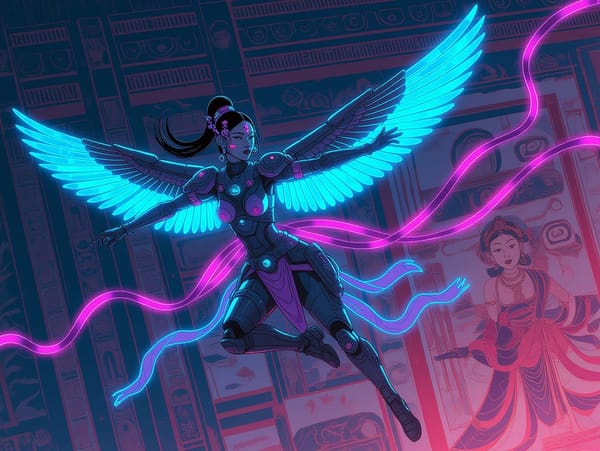
Digital Art and Illustration
HiDream-I1 excels at generating stunning digital artwork across multiple styles. Convert natural language prompts into visuals—ideal for concept art, storytelling, ideation, or professional-grade image synthesis.
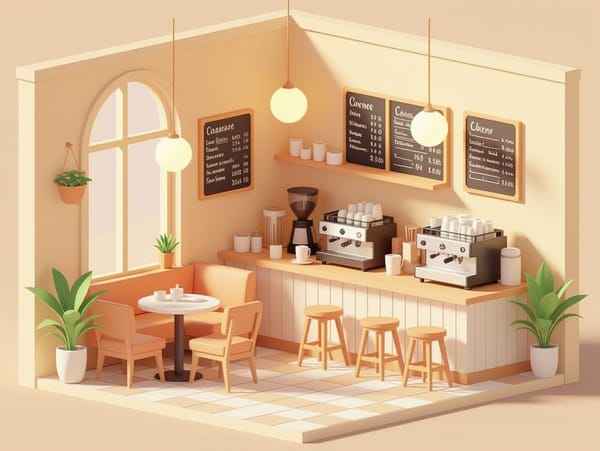
Social Media Content Creation
Social media influencers can quickly produce standout posts using visual effects templates. The model's speed and versatility make it ideal for consistent, high-quality content.
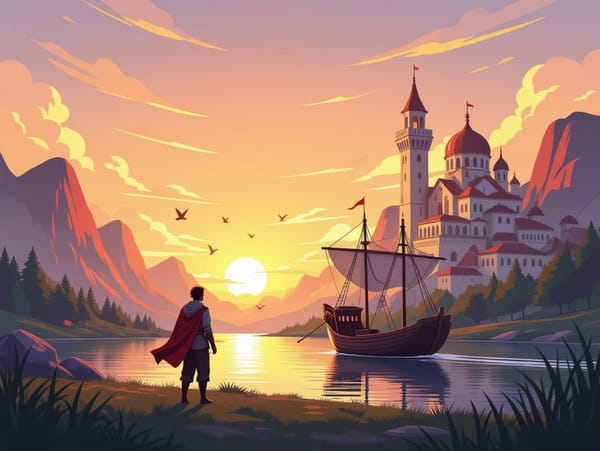
Game and Entertainment Assets
The model's ability to generate photorealistic and stylized images makes it valuable for game development, storyboarding, and entertainment pre-production.
HiDream-I1 VS FLUX.1
| Feature | HiDream-I1 | FLUX.1 |
|---|---|---|
| Parameters | 17B (~42% larger) | ~12B |
| Natural Color Reproduction | Better natural colors | Sharper, sometimes artificial |
| Human Anatomy | Realistic, acceptable | Less detailed |
| Text in Images | Mixed; good in some cases | Better |
| Background Clarity | Clear backgrounds | Often blurry |
| Group Images/Faces | Faces may repeat | Faces may blur |
Why Choose Somake
Instant Access, Zero Setup
Start generating images immediately without complex installations or GPU configuration.
Cost-Effective Generation
Access HiDream-I1's full capabilities at competitive rates without investing in expensive hardware.
Commercial-Ready Outputs
All images you generate are yours to use freely in personal and commercial projects.