Reference to Video Generator
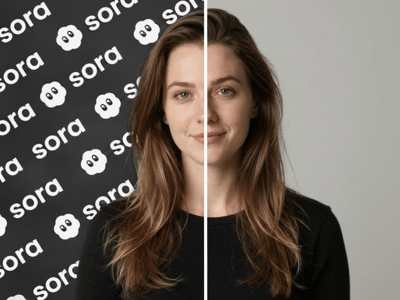
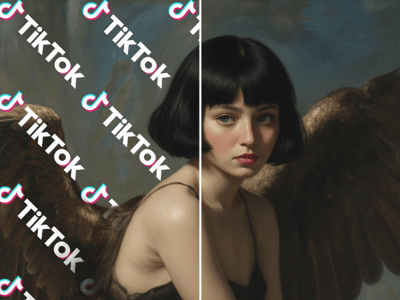
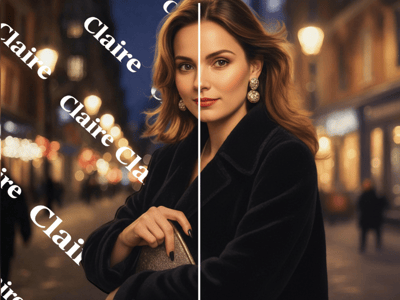
Upload references for characters, items, and backgrounds. Generate videos where every subject stays consistent—even in ensemble scenes with multiple interactions.
Turn Your Images Into Consistent, High-Quality Videos
Creating AI videos often means dealing with characters that change appearance between scenes, objects that morph unexpectedly, and environments that lack continuity. These inconsistencies break immersion and require tedious manual fixes.
The Reference to Video Generator solves this by transforming your reference images into stable video scenes. Upload your characters, objects, or backgrounds, add a text prompt, and generate videos where everything stays visually consistent from start to finish.
How to Use Reference to Video Generator
Select a model: Choose between Veo 3.1 (higher quality) or Kling O1
Upload reference images: Add characters, items, outfits, scenes, or backgrounds as references
Write your prompt: Follow the recommended structure for best results (see below)
Adjust settings: Set resolution, duration, and aspect ratio
Generate: Click to create your video
Recommended Prompt Structure:
Take [@Image1] as the start frame (only Kling support), [Detailed description of elements] + [Interactions/actions between elements] + [Environment or background] + [Visual directions: lighting, style, etc.]
Key Features
Image/Element Reference: Upload reference images of characters, items, backgrounds, and more to generate with greater creativity and consistency
Wide Range of Models: Choose from multiple AI models to suit your specific needs.
Flexible Output: Adjust resolution, duration, and aspect ratio to fit your project
Top Use Cases
Multi-Character Storytelling
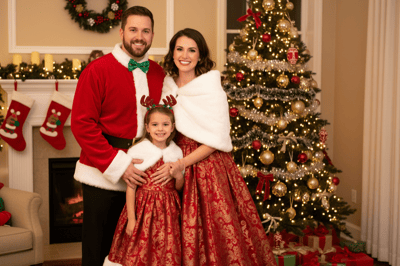
Create videos featuring multiple consistent characters interacting. The model locks onto each character's unique features even in complex ensemble scenes.
Product Showcases with Style Consistency
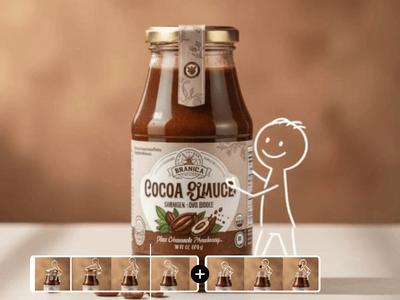
Upload product images from multiple angles and generate dynamic videos while maintaining exact product appearance and applying a consistent visual style.
Scene-to-Scene Continuity
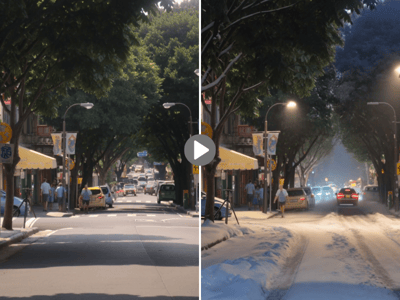
Use start and end frame controls to create smooth transitions between scenes, maintaining character and environment consistency across an entire video series.
Why Somake
Full reference control
Upload multiple images per element for accurate, consistent results.
User-Privacy First
We prioritize your data safety, ensuring that photos uploaded are processed securely.
Zero learning curve
You do not need video editing skills to create professional-looking animations.