Twitch Banner Maker
Design professional Twitch banners instantly with Somake. Use AI to generate custom, 4K channel art and offline screens. No design experience required.
AI Twitch Banner Maker
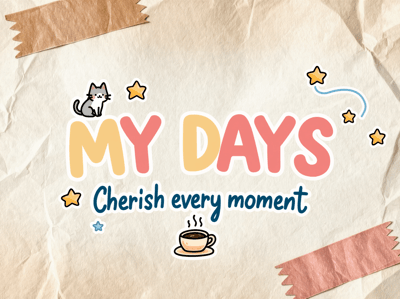
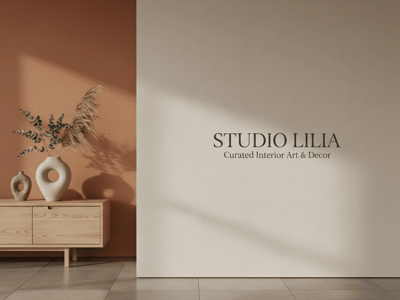
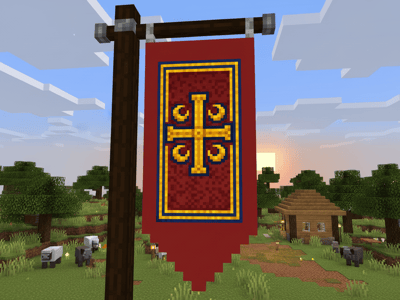
Create professional Twitch profile banners in seconds. Describe your vision, select your resolution, and let AI generate custom graphics that match your streaming brand.
How to Create a Twitch Banner
Describe your banner—specify content type, style, colors, and elements (gaming icons, mascot, schedule)
Generate and download your favorite design
Key Features
Multiple Resolutions
Choose 1K, 2K, or 4K output. Most streamers find 2K balances file size and visual quality perfectly.
Twitch-Optimized Ratios
The 21:9 ultra-wide ratio matches Twitch profile requirements exactly. No cropping disasters. Additional ratios available for panels, overlays, and social posts.
Use Cases
Launching a New Channel
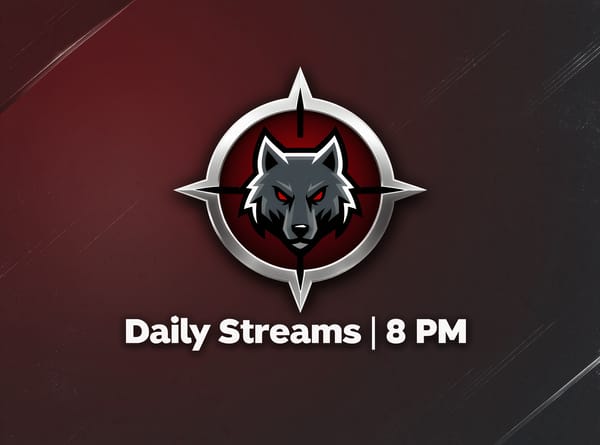
You've got your streaming setup ready, games picked out, and schedule planned—but your channel page looks empty. A custom banner is the first thing visitors see, and it sets the tone for your entire brand. Use this tool to generate a professional banner that communicates your streaming personality immediately.
Rebranding
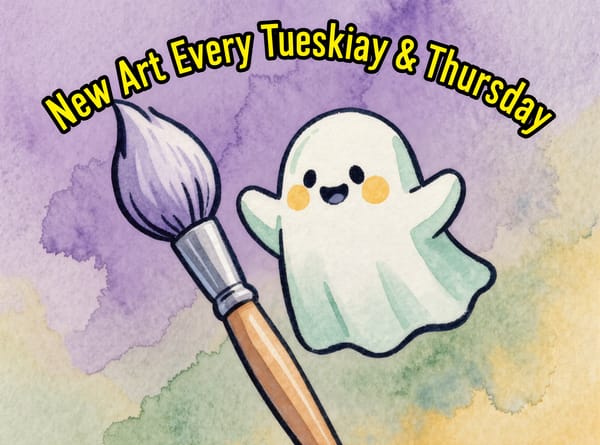
After a year of streaming, your original banner feels dated. Your content has evolved, your audience has grown, and your visual identity should reflect that. Rather than paying a designer hundreds of dollars for a rebrand, generate dozens of new concepts in minutes.
Seasonal Events
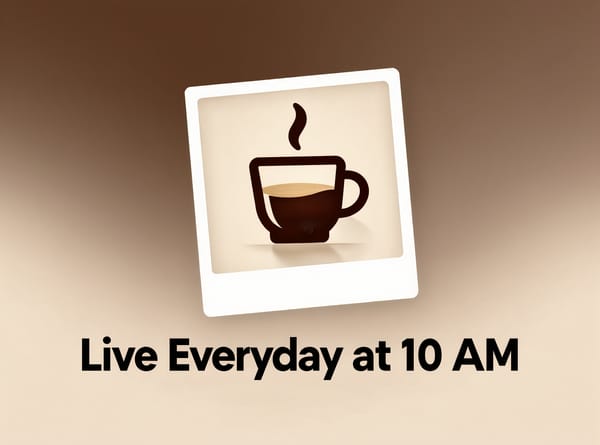
Holiday streams, anniversary celebrations, tournament participation—special occasions deserve special graphics. Create event-specific banners quickly so your channel always feels current and active.