Video to Ghibli Style
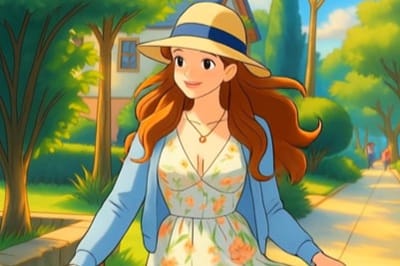
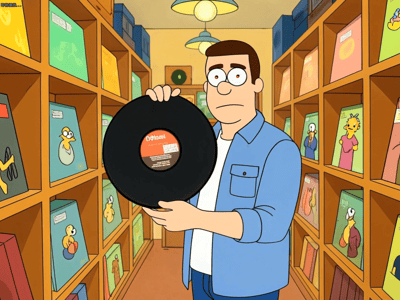
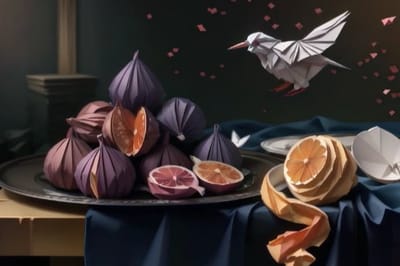
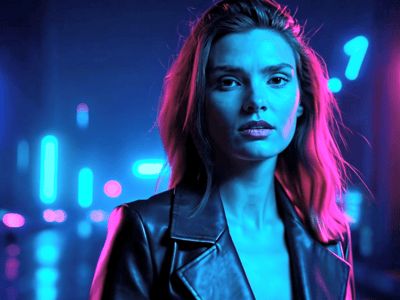
Turn your videos into Studio Ghibli-style animations using AI. Somake's converter applies soft colors, hand-drawn textures, and warm lighting automatically.
Convert Video to Ghibli Style with Somake AI
Somake allows users to transform standard footage into animations resembling the iconic Studio Ghibli aesthetic. This tool uses advanced AI to reinterpret lighting, colors, and textures frame by frame.
Users can achieve a high-quality hand-drawn look without manual animation skills. The process preserves the original motion while applying distinct anime stylization.
How to Convert Your Video
Follow these steps to process your footage using our automated rendering engine.
Upload Footage: Drag and drop your MP4 or MOV file into the dashboard. Ensure the file size is under 20MB for optimal processing speed.
Select Aesthetic: Choose the "Ghibli Inspiration" preset from the style library. This creates the specific color palette and line work associated with the genre.
Render and Download: Click "Generate." Once the AI finishes, preview the result and download the new video to your device.
Core Animation Capabilities
Somake offers specific technical features designed for video-to-animation consistency.
Temporal Stability: The AI analyzes adjacent frames to prevent flickering, ensuring smooth motion rather than a chaotic slideshow effect.
Color Grading: Automatically shifts video tones to the soft pastels and vibrant greens typical of Ghibli backgrounds.
Edge Detection: Adds subtle outline strokes to subjects, mimicking hand-drawn cel animation styles.
Audio Retention: Your original sound effects and voice tracks are preserved perfectly in the final output file.
Ideal Transformation Scenarios
Here are three common ways users utilize this style transfer tool.
Travel Vlogs: Turn scenic landscapes or train rides into calming, atmospheric clips that look like an opening scene from an anime movie.
Social Media Content: Create distinct visuals for TikTok or Instagram Reels that stand out against standard smartphone camera footage.
Music Videos: Musicians use this tool to produce full animated music videos at a fraction of the cost of hiring a traditional animation studio.
Why Choose Somake
Cost Efficiency
Achieve professional animation styles without expensive software subscriptions or freelance artist fees.
Ease of Use
The interface requires no technical knowledge of keyframes, rotoscoping, or compositing.
Speed of Processing
Somake renders animations in the cloud, freeing up your computer's resources.
FAQ
Disclaimer: This tool is an unofficial AI style transfer application created for personal entertainment. It is not affiliated, associated, authorized, endorsed by, or in any way officially connected with Studio Ghibli Inc. or any of its subsidiaries. All references to "Ghibli" and related artistic styles are used solely for descriptive purposes to identify the style of AI generation.