Photo Brighter
Rescue underexposed photos with intelligent AI brightening.
Brighten Dark Images Online Free
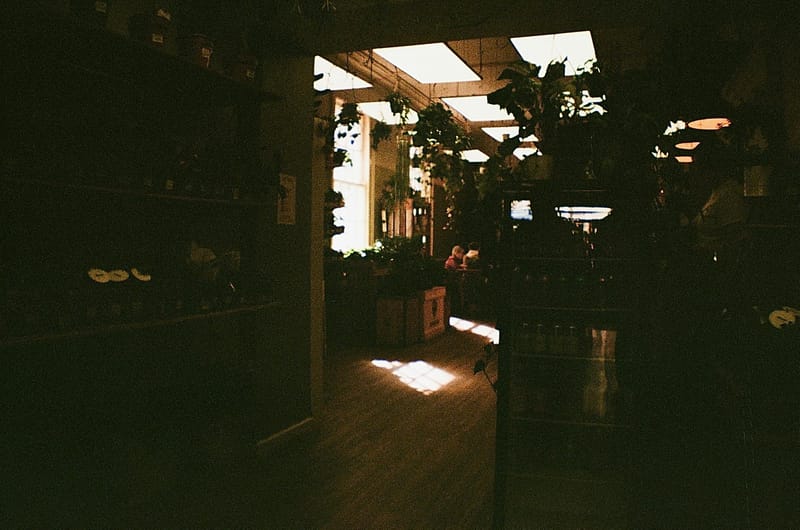
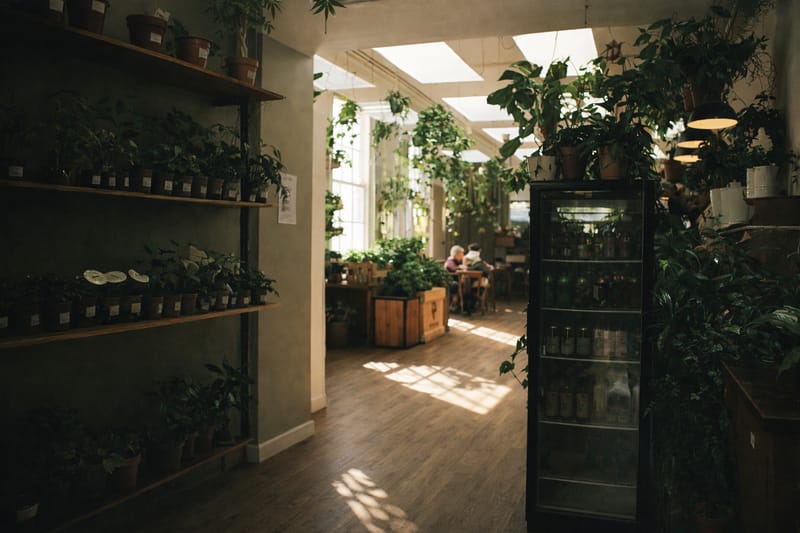
Bad lighting ruins good moments. This AI image brightener analyzes underexposed photos and intelligently increases brightness while preserving natural colors and detail—no manual adjustments required.
How to Brighten an Image
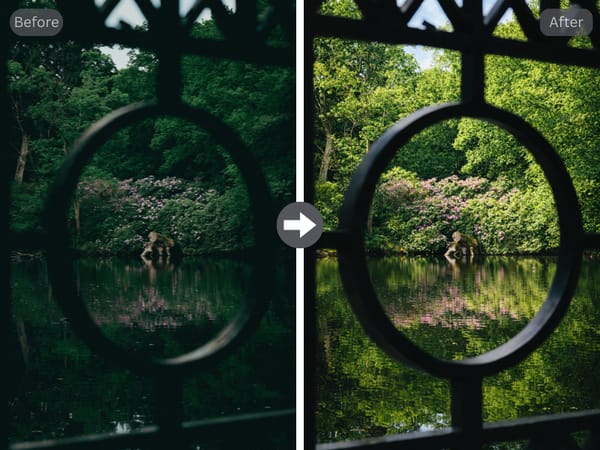
Upload your photo by dragging it into the upload area or clicking to browse.
Choose how many variations you want.
Download your brightened result in seconds.
Key Features
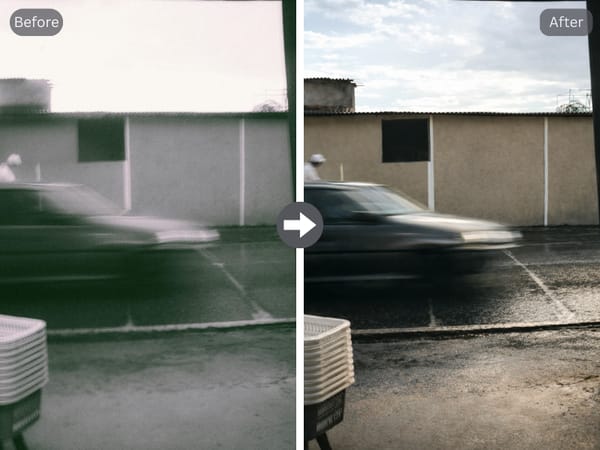
Intelligent Exposure Correction
Unlike basic brightness sliders that uniformly lighten every pixel, this tool identifies underexposed areas—shadows, faces, backgrounds—and applies targeted corrections. Results look naturally lit rather than washed out.
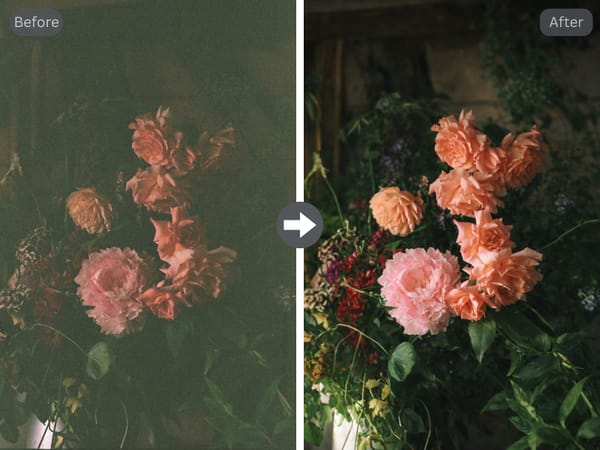
Color Integrity Preservation
Brightening often introduces unwanted color shifts. This tool maintains accuracy throughout: skin tones stay true, skies keep their depth, and the overall mood remains intact even as visibility improves.
Use Cases
Recovering Low-Light Photography
That birthday party where faces disappeared into shadow. The restaurant snapshot where your meal looks gray. Upload these underexposed memories and reveal details you thought were lost.
Elevating Content Creation
Dark thumbnails get scrolled past. Shadowy product shots fail to convert. A quick brightness boost before posting means the difference between scroll-stopping and forgettable.
Correcting Backlit Portraits
Outdoor portraits often sacrifice subject detail for background exposure. This tool recovers backlit faces while keeping compositions balanced—essential for beach photos and golden hour shots.
Why Use This Photo Brightener
Beginner-Friendly
Upload dark, receive bright. The complexity stays behind the scenes.
Instant Results
AI processing completes in seconds with no queue or waiting.
Consistent Output
Process ten photos, get ten reliably enhanced results.