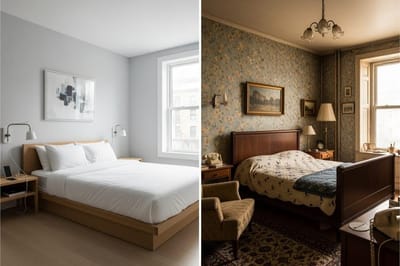
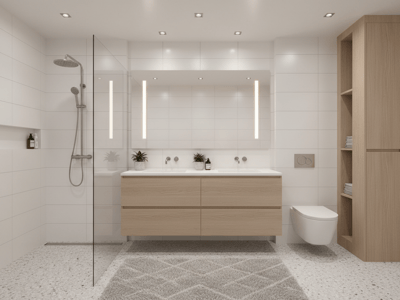
Clean Up
Use AI room clean up to remove clutter, cables, and distractions from any room photo. Upload your image, describe what to fix, and get a tidy result.
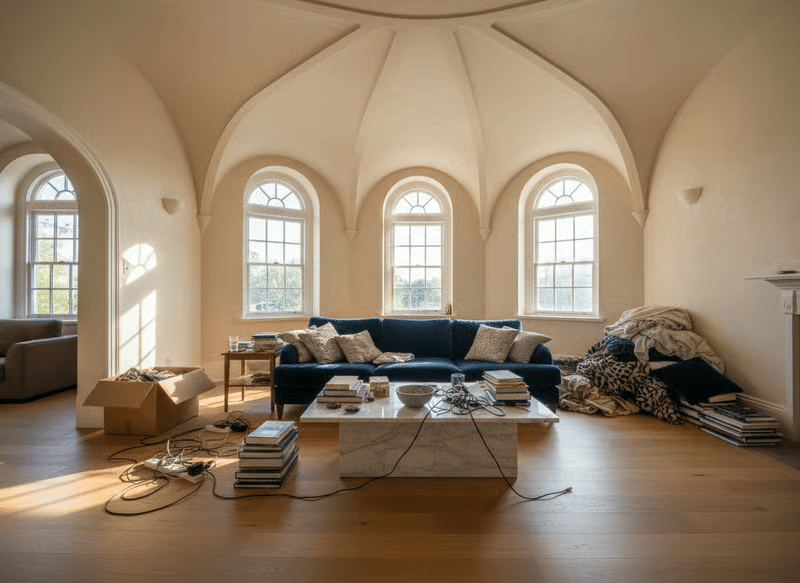
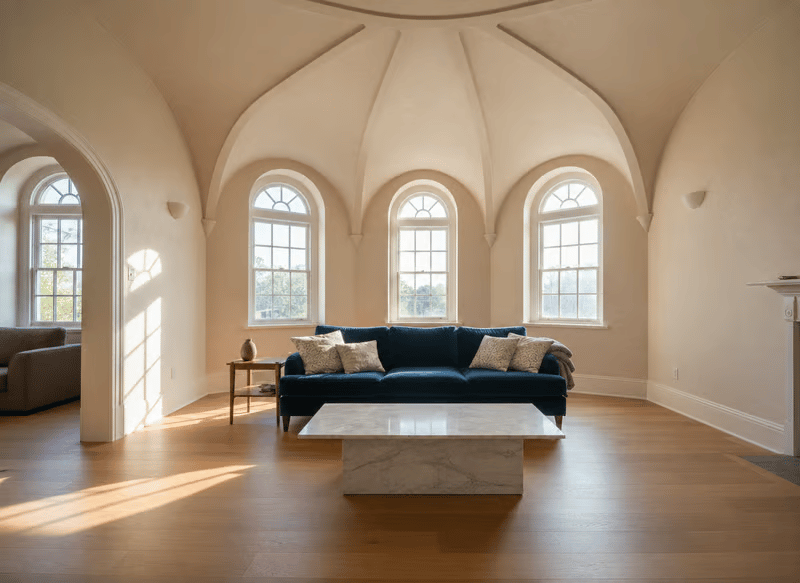
Clean Up a Room Without Manual Masking
Use a text prompt to identify unwanted objects instead of selecting them one by one. The AI removes the objects and reconstructs the surrounding area.
Common Uses
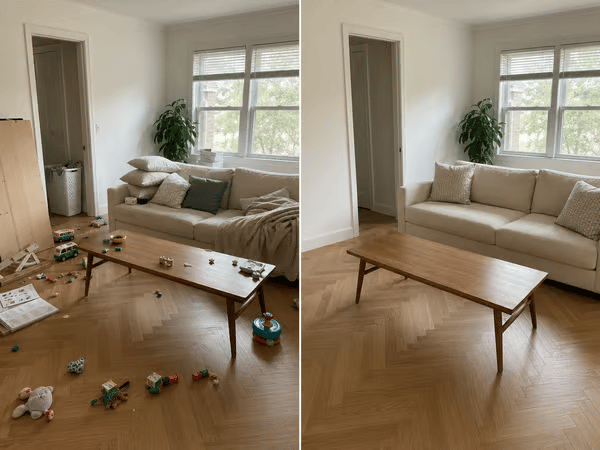
Prepare a Listing Photo
Remove toys, boxes, cables, laundry, or other distractions. For a completely furnished presentation afterward, use Virtual Staging.
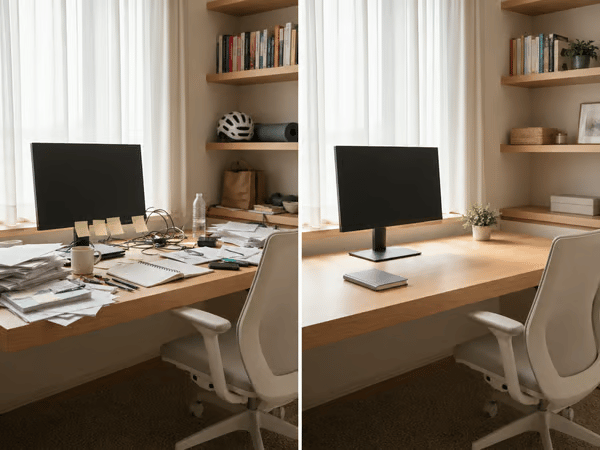
Clear a Desk or Workspace
Remove papers, cables, packaging, and small objects while keeping the desk and room layout.
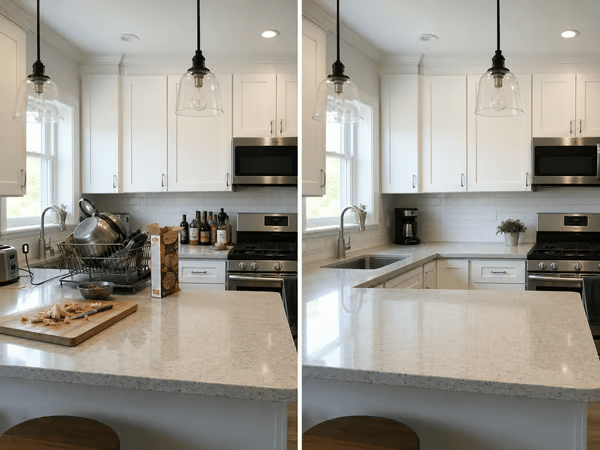
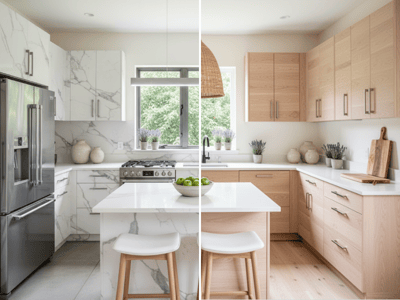
Tidy Kitchen Countertops
Name the items and their locations, such as dish racks, bottles, or open packaging.
How to Use It
Upload a clear, well-lit photo.
Choose Fast or Pro.
Edit the pre-filled Prompt.
Name the objects and their locations.
Generate and inspect patterns, edges, and reconstructed surfaces.
If the source image is too small, use Image Upscaler first.
Example prompt:
Remove the cardboard box in the bottom-left corner, the cables along the baseboard, and the clothes on the chair. Do not add new objects.
Key Features
Prompt-Guided Removal
Describe unwanted objects in plain language instead of creating manual masks.
Fast and Pro Modes
Use Fast for simple objects and quick attempts. Try Pro for overlapping clutter or detailed backgrounds.
Easy Refinement
If an item remains, update the prompt with a clearer name or location and generate again.