Virtual Staging
Upload an empty room photo and stage it with AI-generated furniture in seconds. Choose styles, describe specific pieces, and export listing-ready images.
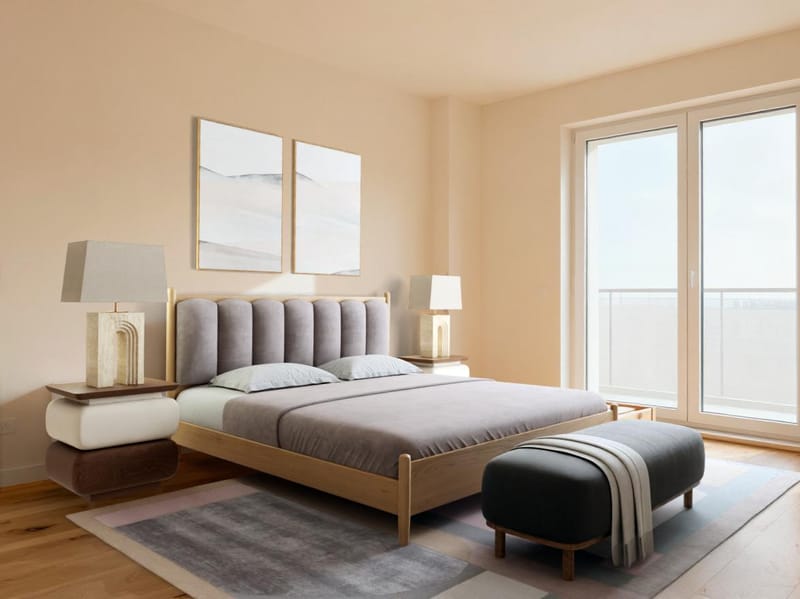
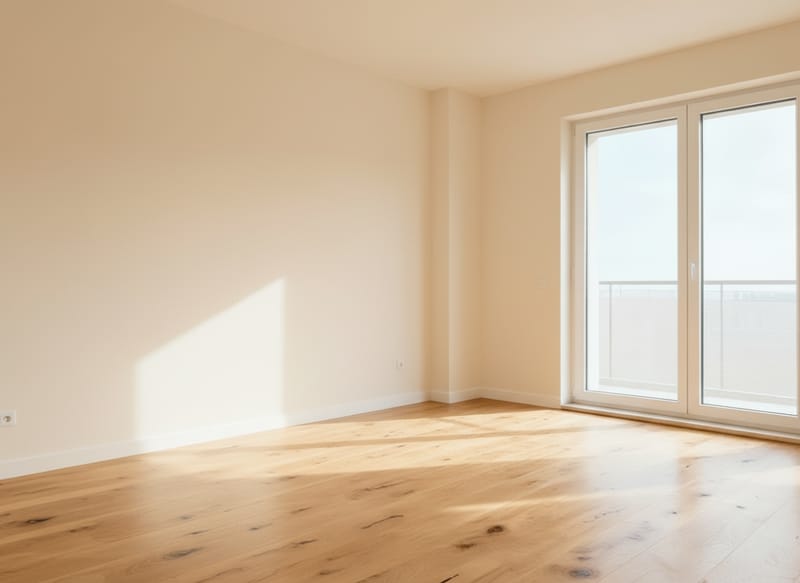
Virtual Staging AI: Furnish Any Room from a Photo
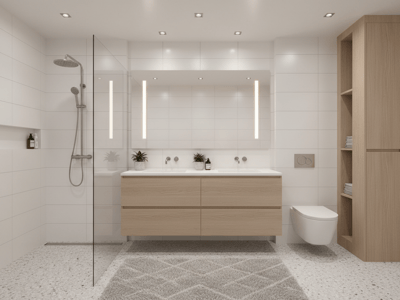
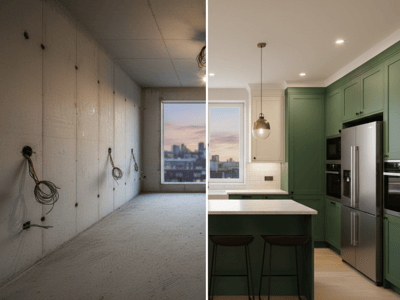
Upload a photo of an empty room and generate a fully furnished, styled interior in seconds. Somake's virtual staging tool uses AI to place realistic furniture, décor, and finishes into your space — no 3D modeling, no manual editing. Choose a style direction or describe exactly what you want, and the AI handles layout, lighting, and perspective automatically.
How to Use the Virtual Staging Tool
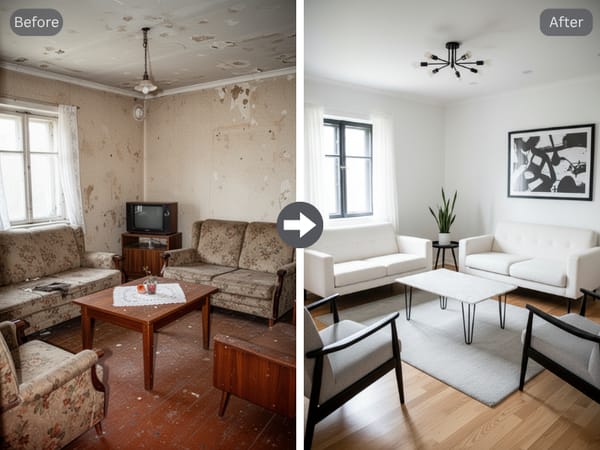
Upload your photo. Drag in or select a photo of the room you want to stage. Empty rooms work best, but partially furnished spaces are supported too.
Choose a style direction. Browse the idea tags below the prompt box for styles like Modern, Scandinavian, or Mid-Century. Hit the refresh icon to rotate through more options.
Write your prompt. Describe the staging you want — room type, furniture, color palette, mood. Use the camera icon to add image-based references for more precise results.
Generate. Click generate and review the output. Click the result to access quick actions: Recreate for a fresh take with the same prompt, Variation for subtle alternatives, or Upscale for higher resolution.
Iterate. Adjust your prompt or swap style tags and regenerate until the staging matches your vision.
Key Features
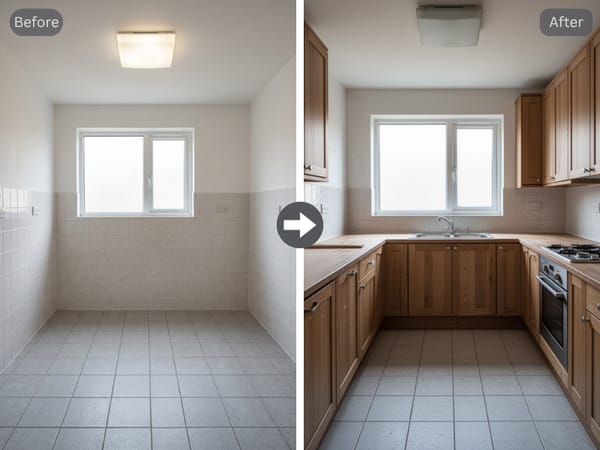
AI Furniture Staging with Accurate Perspective
The AI reads your photo's depth, lighting, and angles, then places furniture that sits naturally in the space. Shadows and reflections match the existing environment, so staged photos look like real interior photography — not composites.
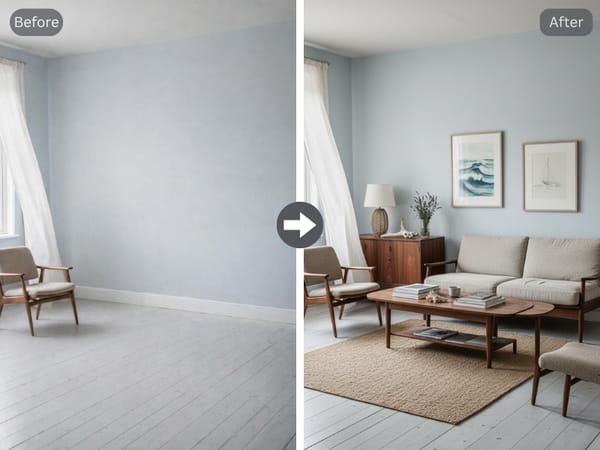
Style Control Through Prompts and Tags
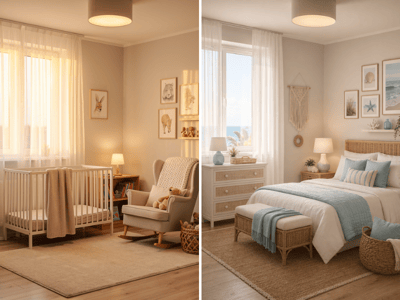
Go broad with a single tag like "Coastal" or get specific: "walnut mid-century credenza, cream bouclé sofa, brass floor lamp." The prompt system gives you full control over what appears in the room without needing design software skills.
Fast Variations for Client Presentations
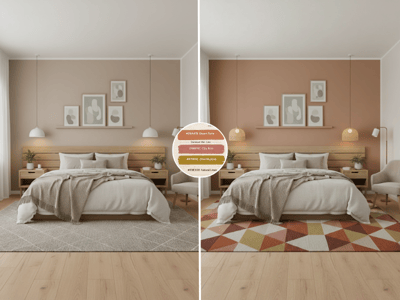
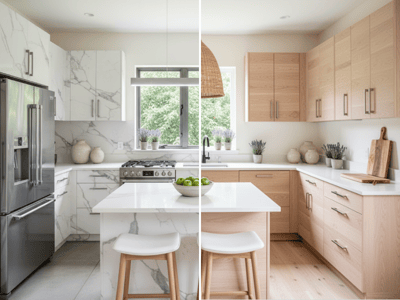
Generate multiple staging options from one photo in minutes. Show a living room as minimalist, traditional, or bohemian — then let your client pick. Each variation maintains consistent room geometry and lighting.
High-Resolution Output Ready for Listings
Upscale your best results directly from the image viewer. Output is clean enough for MLS listings, property websites, and print brochures without additional post-processing.
Use Cases
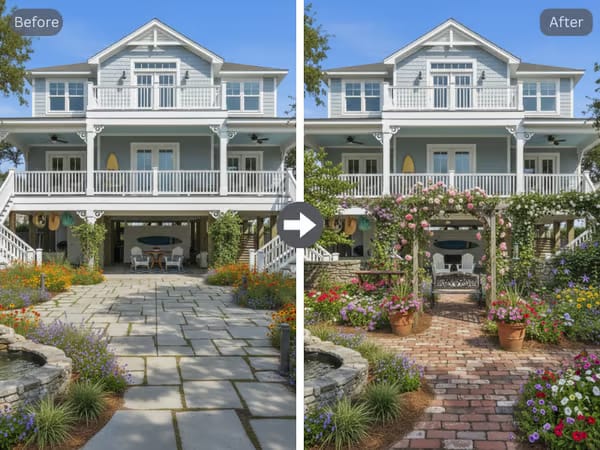
Virtual Staging for Real Estate Listings
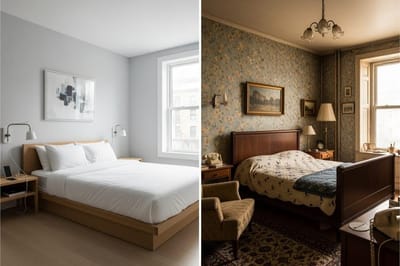
Empty listings get fewer clicks. Stage vacant properties with on-trend furniture to help buyers visualize the space.
Generate 2-3 style variations per room and choose what fits the target market — all without hiring a staging company or renting furniture.
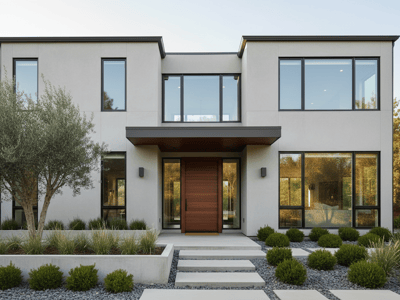
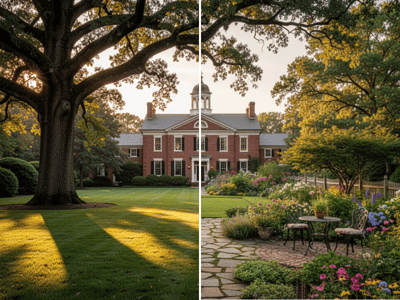
For full property presentations, pair staged interiors with design landscaping for exterior curb appeal.
Digital Home Staging for Renovation Planning
Homeowners and designers can test layouts, color schemes, and furniture choices before committing. Upload a current room photo, describe the planned changes, and preview results instantly. Then generate a video from your best staged image to create a walkthrough-style presentation.
Portfolio and Marketing Content for Designers
Interior designers can stage concept images for client pitches or social media without a full photoshoot. Generate styled rooms, upscale the output, and use variations to show range across aesthetics — building a visual portfolio faster.