Design Pavimenti
Crea istantaneamente idee realistiche per i tuoi pavimenti con Somake. Prova legno, piastrelle e marmo per visualizzare la tua ristrutturazione prima dell'acquisto.
Generatore di Design per Pavimenti AI
Visualizzare un nuovo pavimento prima della posa è difficile, e sbagliare costa caro. Il generatore di design per pavimenti di Somake aiuta proprietari di casa e interior designer a creare concetti realistici in un istante. Combinando il tipo di stanza, l'illuminazione e i materiali preferiti, otterrai riferimenti visivi chiari per guidare le tue decisioni di ristrutturazione prima di procedere all'acquisto.
Come si usa
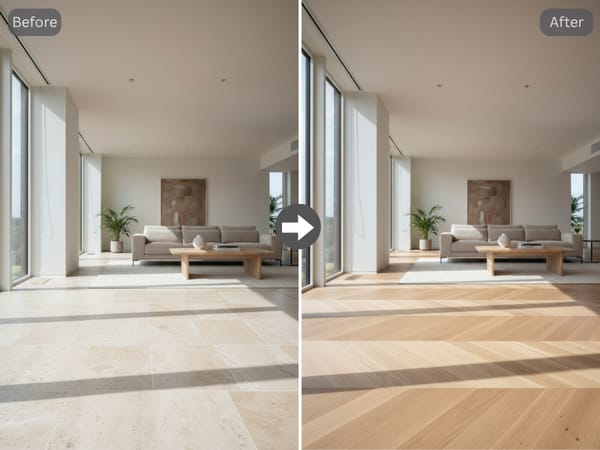
Seleziona il Tipo di Stanza e le condizioni di Illuminazione per garantire che ombre e riflessi siano accurati nella tua generazione.
Scegli il Materiale e il Motivo del Pavimento per definire l'aspetto strutturale dello spazio.
Definisci il Colore del Pavimento per abbinarlo all'estetica specifica del tuo progetto di interni.
Genera l'idea o perfeziona lo stile per testare una variante diversa della stessa disposizione.
Caratteristiche Principali
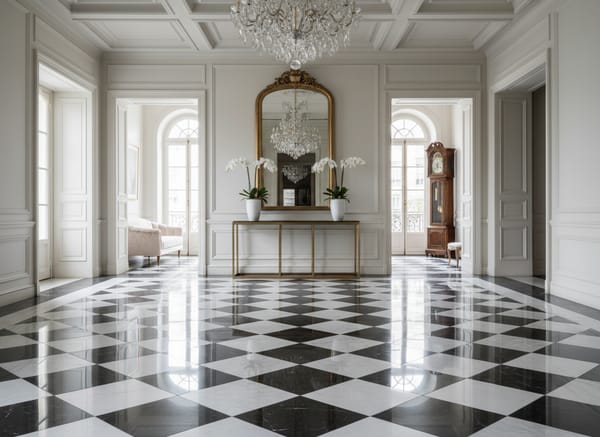
Simulazione Realistica dei Materiali
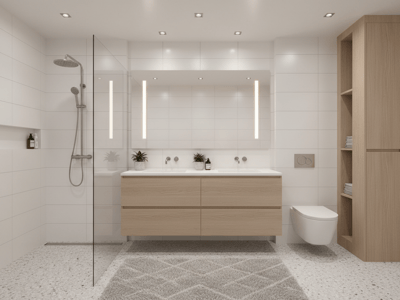
Lo strumento genera texture che imitano i materiali da costruzione reali. Questo è utilissimo quando metti a confronto un design per pavimenti in legno con uno in piastrelle e vuoi vedere come i materiali trasformano l'ambiente.
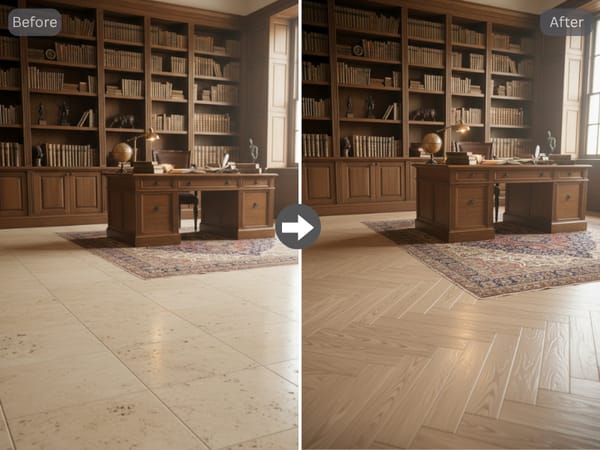
Controllo dei Motivi Personalizzato
Testare il design di un pavimento in legno con motivi complessi è difficile usando solo piccoli campioni fisici. L'IA ti aiuta a visualizzare schemi come la spina di pesce o il chevron su un'intera stanza, permettendoti di capire come i disegni influenzano la percezione dello spazio.
Copre tutti i principali stili di pavimentazione
Dal parquet alle piastrelle in marmo di grande formato, fino al vinile effetto cemento: lo strumento gestisce l'intera gamma di categorie residenziali senza bisogno di software separati per ogni materiale.
Casi d'Uso
Ristrutturazione del Soggiorno o Open-Space
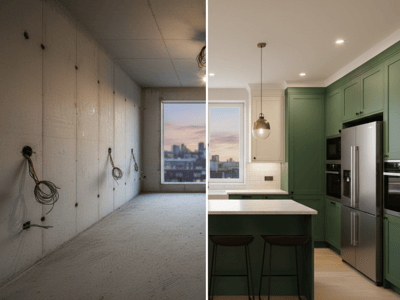
Nelle grandi aree aperte la scelta del pavimento ha il maggior impatto visivo. Genera un design per pavimenti specifico per la tua stanza e la tua luce, confronta opzioni tra legno e piastrelle e visualizza lo spazio prima di confermare l'ordine.
Presentazioni per i Clienti
Gli interior designer hanno bisogno di modi rapidi per mostrare concept ai clienti senza passare ore sulla modellazione 3D. Un professionista può generare un layout personalizzato per una hall di lusso e poi animare il render per offrire al cliente un tour virtuale dello spazio.
Perché Somake
Area di Lavoro Unificata
Smetti di destreggiarti tra mille file e app. Gestisci test di materiali, layout delle stanze e render finali in un'unica dashboard centralizzata per la ristrutturazione.
Continuità tra Strumenti
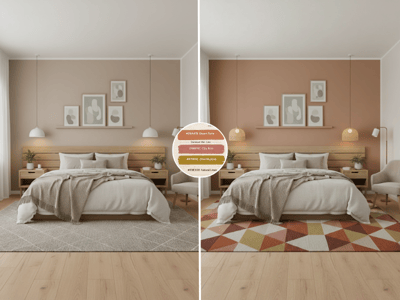
Puoi applicare istantaneamente una tavolozza colori alle pareti o cambiare i mobili attorno al nuovo pavimento, tutto senza interrompere il tuo flusso di lavoro.
Parte di un Workflow di Arredo Completo
Abbina i risultati della pavimentazione agli altri strumenti di interior design di Somake per visualizzare pareti, mobili e luci nello stesso spazio.