Lighting Changer
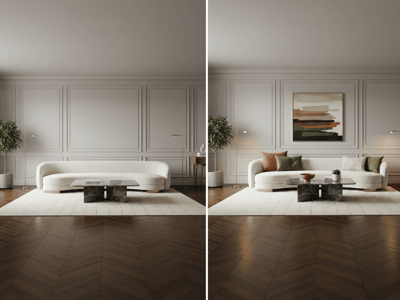
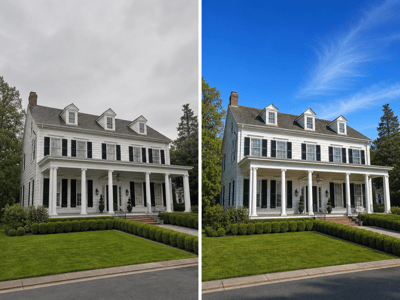
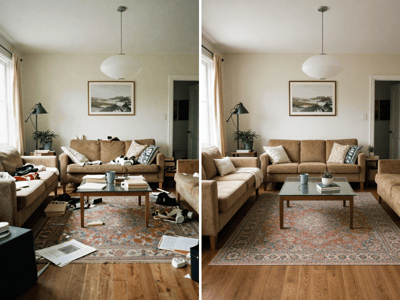
Use our AI lighting changer for room photos to try any lighting styles in seconds. No editing skills needed. Upload your photo and see the difference.
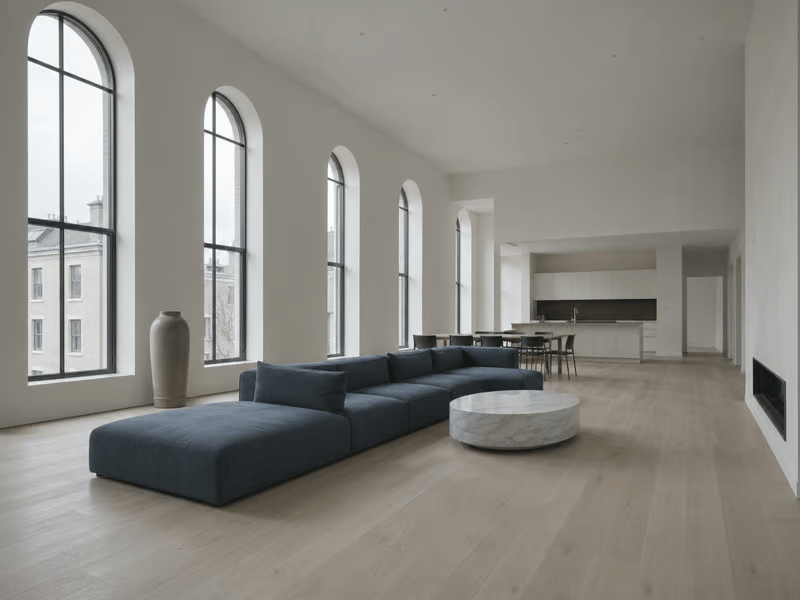
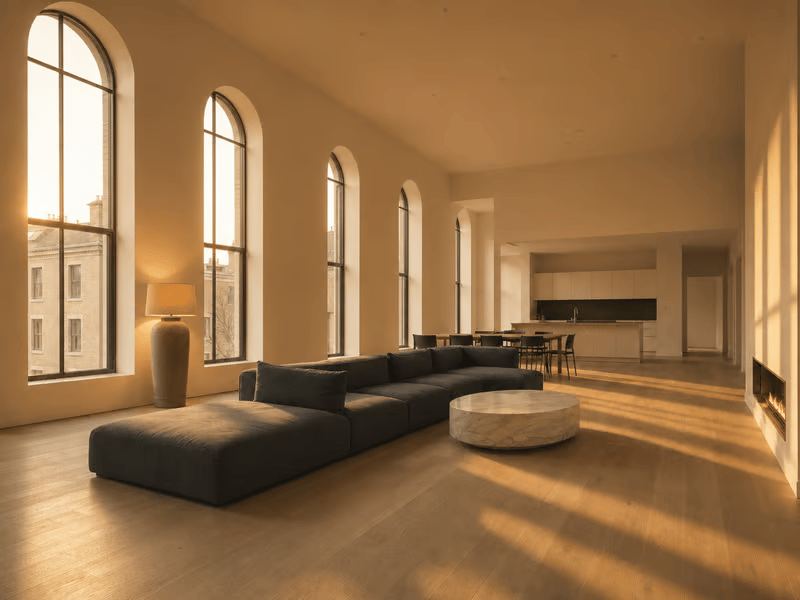
Preview Different Room Lighting
Compare natural and artificial lighting styles on the same room before choosing a fixture or design direction.
Common Uses
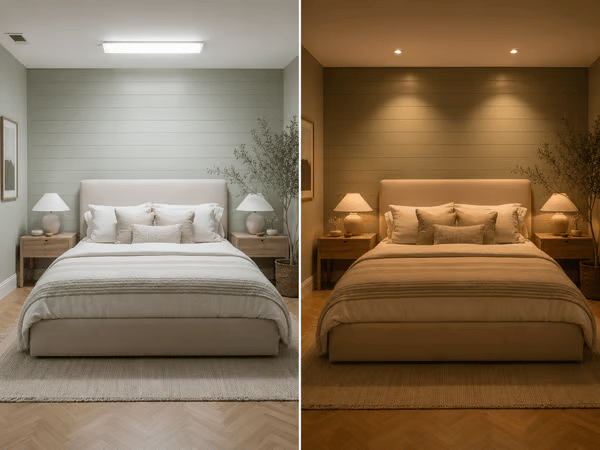
Compare Lighting Options
Test Warm Downlight, Pendant Light, LED Strip, or other presets against the room’s existing colors and materials.
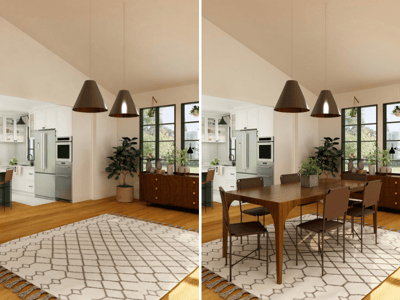
To compare furniture at the same time, use Furniture Visualizer.
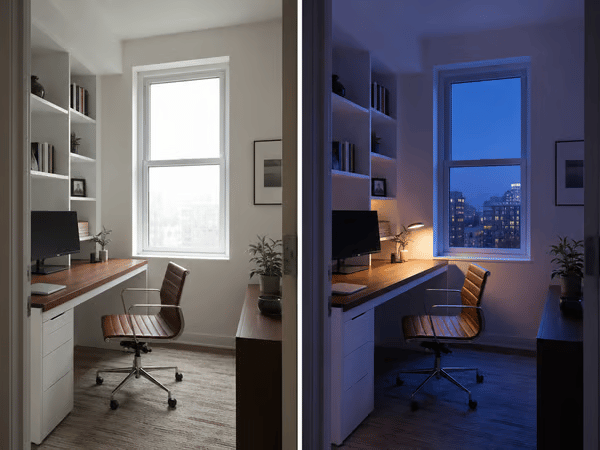
Present Different Moods
Generate Morning Light, Blue Hour, and Warm Downlight versions of the same room for side-by-side comparison.
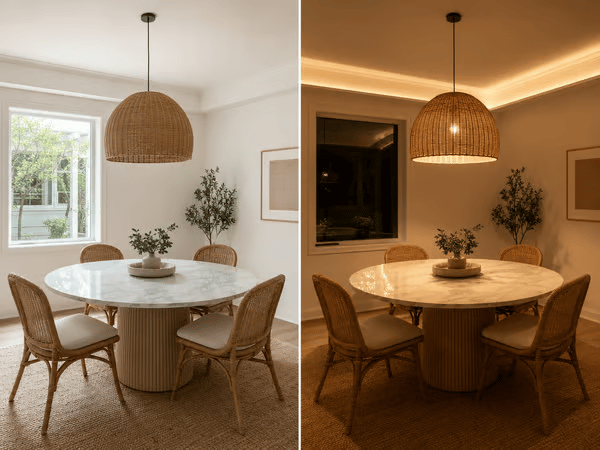
Relight a Flat Interior Photo
Try Golden Hour for a warmer living room or Pendant Light for a kitchen. Check shadows, reflections, fixtures, and surface colors in the result.
How to Use Lighting Changer
Upload a clear room photo.
Choose Fast or Pro.
Select a lighting Style.
Choose Custom to describe the source, position, color, and direction.
Generate and inspect the result.
Example Custom description:
Soft amber light from a floor lamp in the far-right corner, with warm shadows on the ceiling.
Key Features
Natural and Artificial Lighting Presets
Compare daylight conditions, ceiling lights, wall lights, lamps, and LED lighting.
Directional Lighting Concepts
The tool uses visible room surfaces and depth when generating highlights and shadows.
Custom Lighting Descriptions
Specify the light source, position, color temperature, direction, and intensity.