Furniture Visualizer
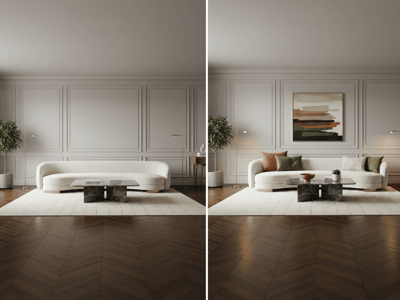
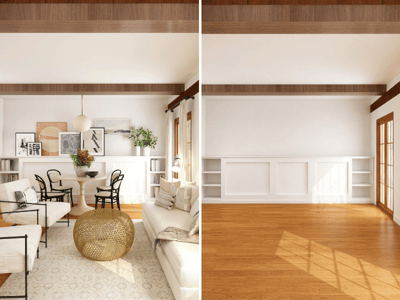
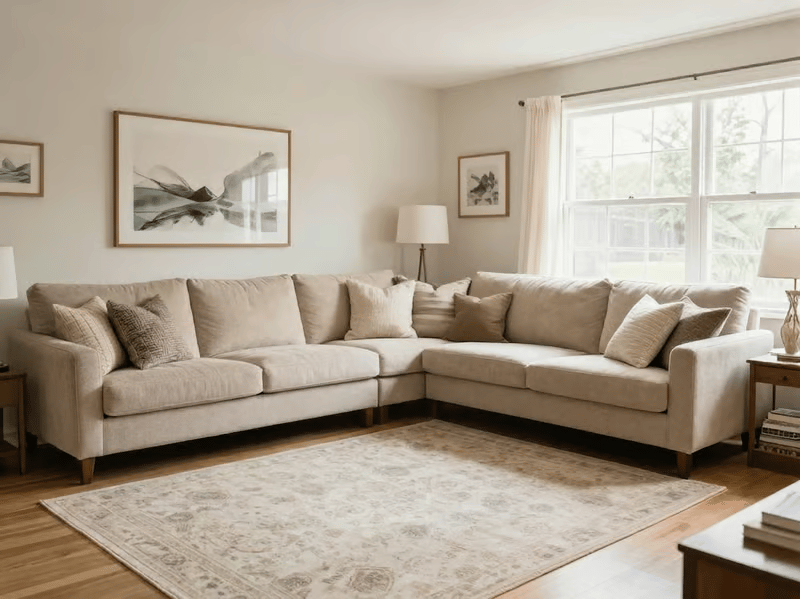
Use our AI furniture visualizer to place any sofa, lamp, or bed into your room photo. Upload your room and furniture image — see the result in seconds.
Preview Furniture in Your Room
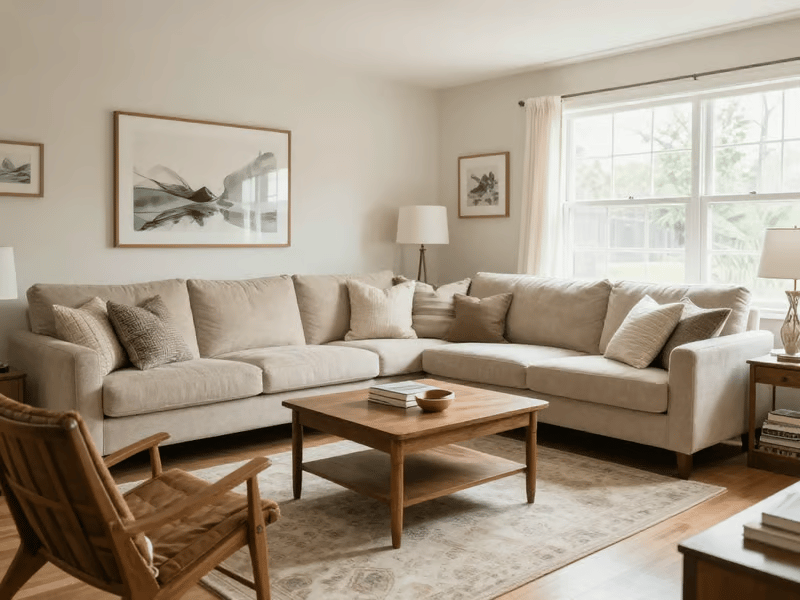
Furniture Visualizer creates a concept showing how a piece could look in your space. Use it to compare colors, materials, styles, and possible placements before moving or buying furniture.
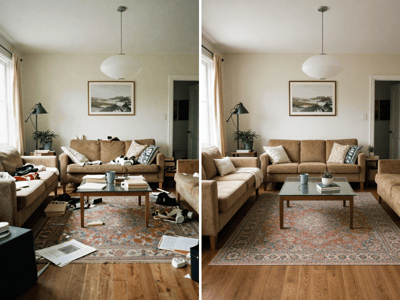
If clutter distracts from the room, prepare the source image with Clean Up.
How to Use Furniture Visualizer
Upload a well-lit room photo.
Upload a clear image of the furniture.
Enter the Furniture Type, such as “L-shaped sofa” or “rattan pendant lamp.”
Describe the location, such as “against the left wall below the window.”
Choose Fast or Pro and generate.
Refine the placement description if needed.
Common Uses
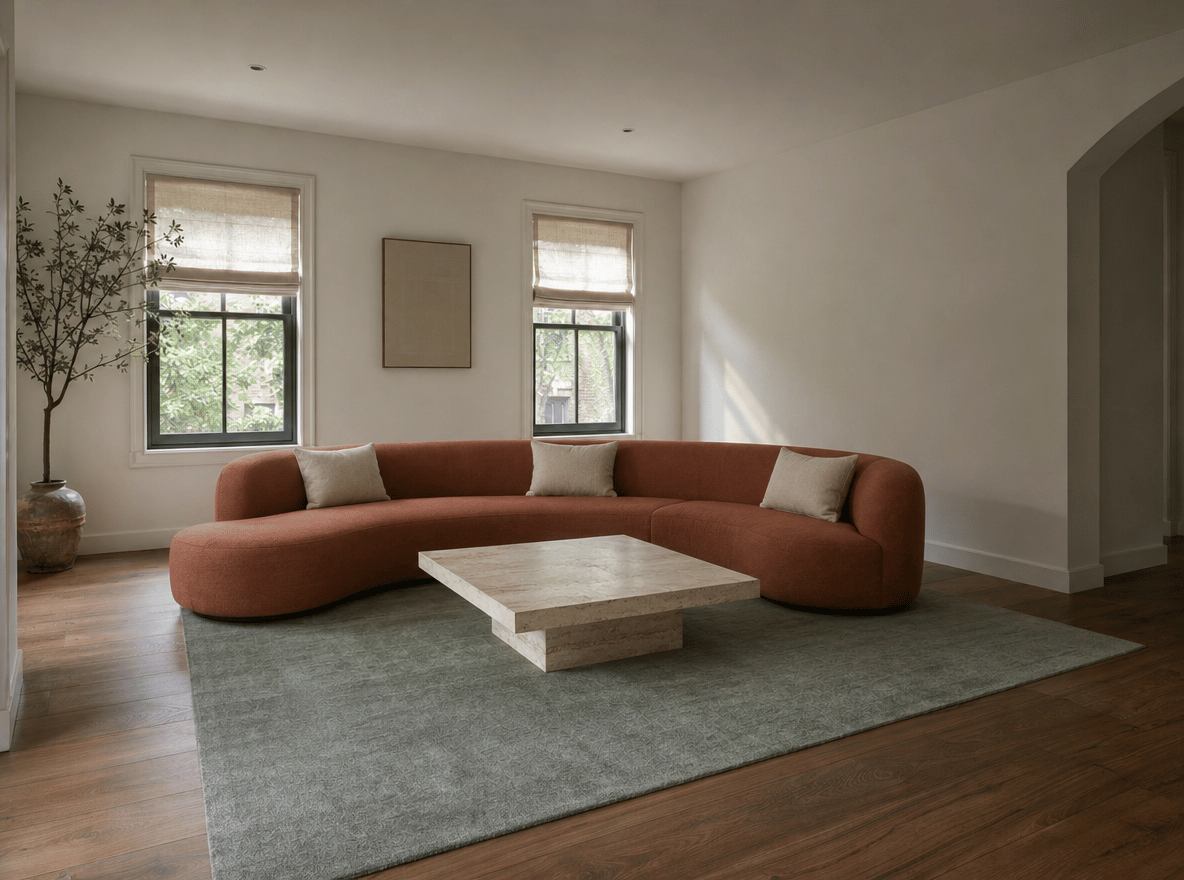
Preview a Sofa or Bed
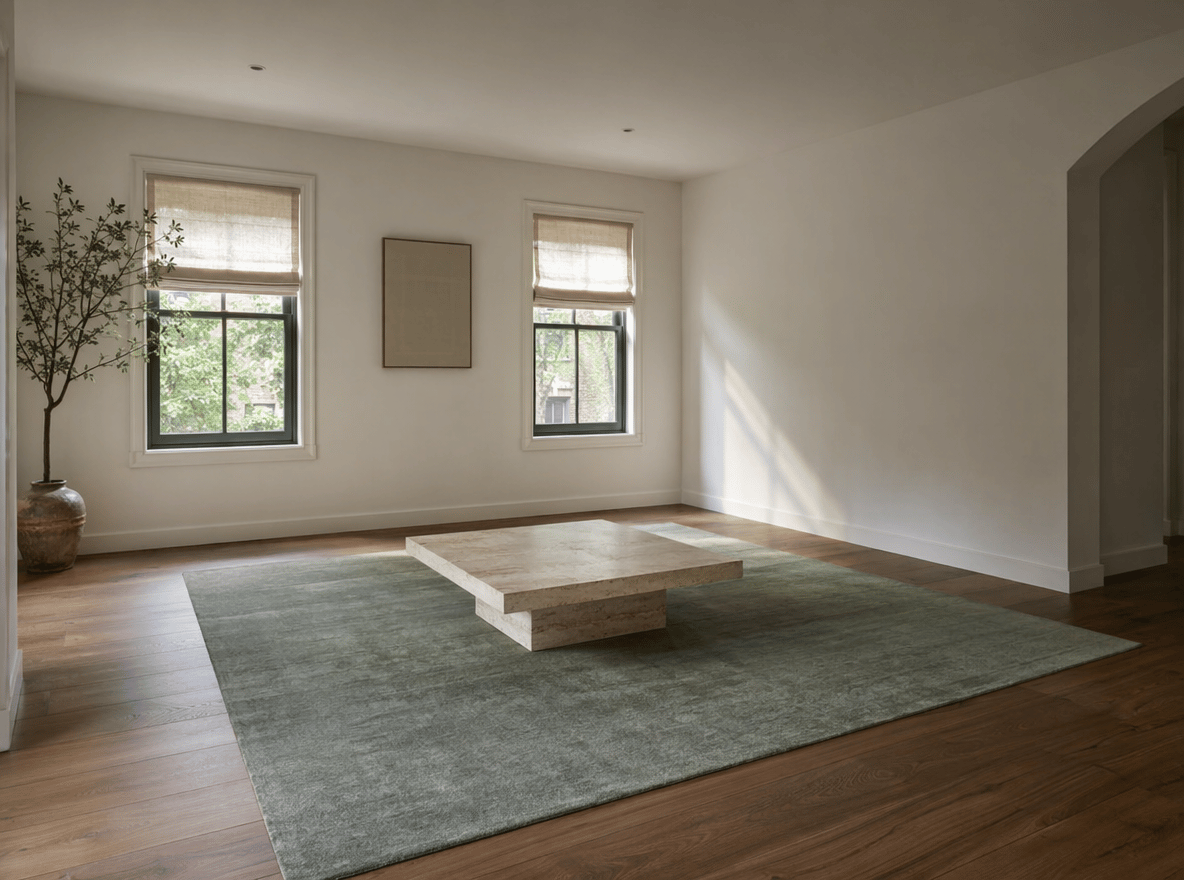
Compare how different pieces work with the room’s existing colors and style. Confirm the actual dimensions separately before buying.
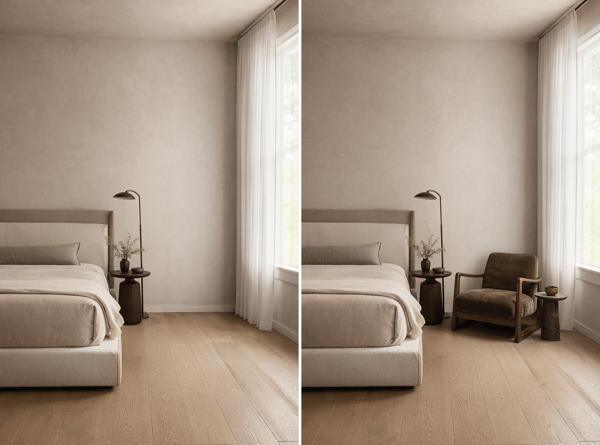
Test Different Placements
Place the same item against different walls or near specific windows, doors, or corners.
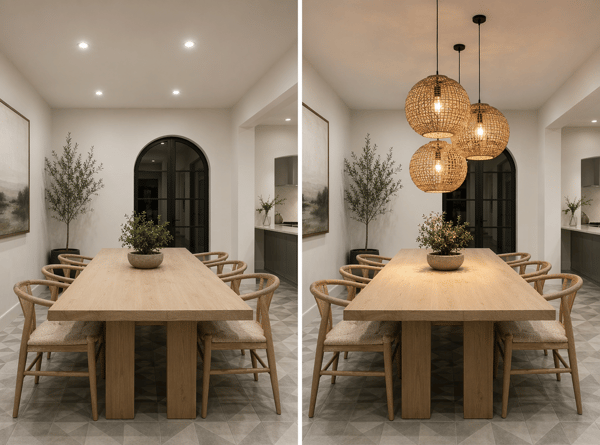
Plan a Room Refresh
Start with the main piece, then generate additional concepts as the room plan develops. To change the room’s entire purpose, use Room Repurpose.
Key Features
Works with Different Furniture Types
Use natural-language descriptions for sofas, tables, beds, lamps, shelves, rugs, and other freestanding pieces.
Room-Aware Placement
The tool uses the room photo’s visible perspective, surfaces, and lighting to create an approximate placement.
Optional Position Instructions
Leave Where to Place It blank for automatic placement, or describe a specific location for more control.