Window Design
Generate modern window grill designs, stained glass, bay windows, and more with AI. Realistic renders for homeowners and designers. Try Somake.
AI Window Design Generator: Preview Any Window Before You Install It
The AI Window Design Generator lets you visualize bay, arch, French, and sliding windows on your actual home—before a single measurement is taken. Customize your style, material, and setting instantly.
Perfect for homeowners planning renovations, architects preparing presentations, and contractors who want to show rather than tell.
How to Use
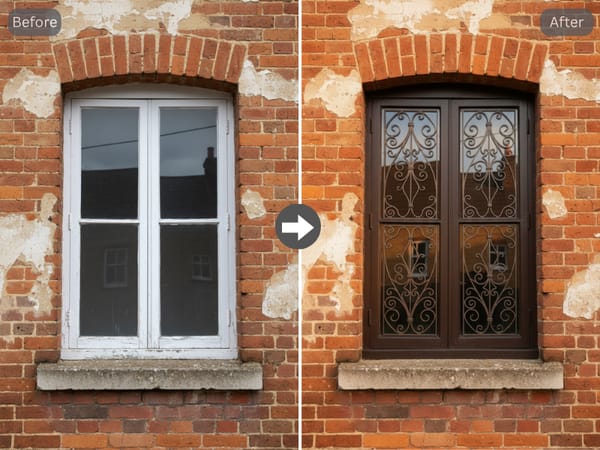
Describe Your Window: Specify the type, location (e.g., bedroom, modern exterior), and overall style (from clean and minimalist to classic wrought iron).
Select Materials & Finishes: Choose your frame material—like oak, steel, or aluminum—and a color that matches your aesthetic.
Add grill or glass details — select a grill pattern, frosted glass, stained glass, or leave the pane clear, depending on your privacy and design needs.
Generate & Compare: Run multiple variations side-by-side to find the perfect design before committing to a purchase.
Key Features
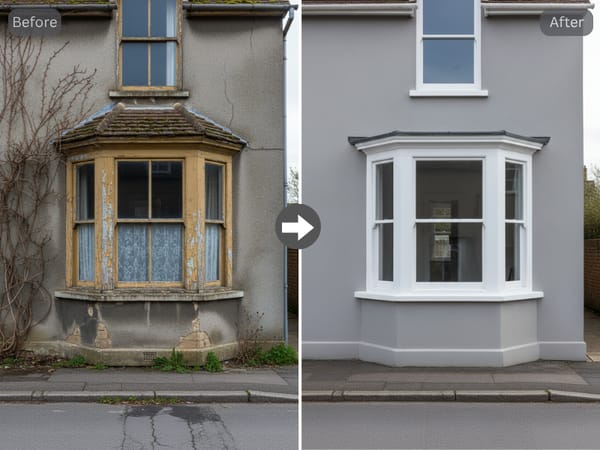
All Major Window Types Covered
The tool handles every common window type — bay window, arch window, French window, sliding window, and stained glass designs — in a single generator. You don't need a separate tool for each configuration, which matters when you're comparing structural options early in a renovation plan.
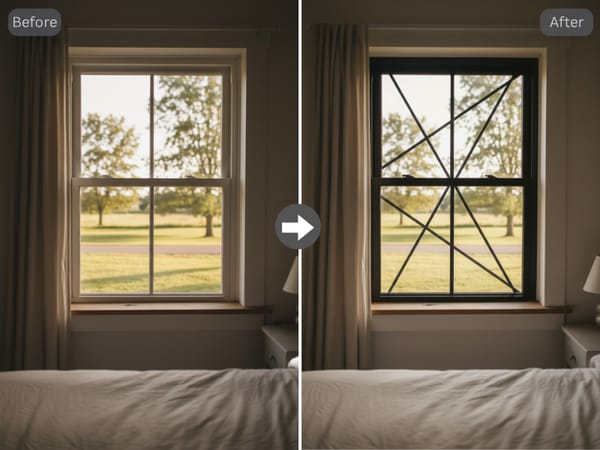
Grill Pattern Generation for Iron, Steel, and Geometric Designs
Grill design changes everything. Generate simple grids, modern geometrics, or decorative wrought iron to see how they look in your space—before paying for fabrication.
Use Cases
Homeowners Deciding Between Window Styles Before Renovation
A homeowner remodeling their living room wants to weigh a bay window against a casement window in a farmhouse style. They generate both options with the same oak wood frame and white color, then compare how each reads against a traditional house exterior setting. The renders give them a concrete reference to bring to their contractor — reducing back-and-forth on specs.
Interior Designers Presenting Window Options to Clients
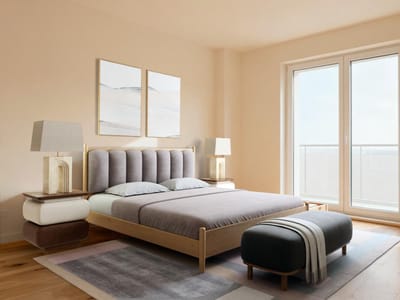
A designer working on a bedroom project needs to show three grill design options — no grill, a simple grid, and a geometric pattern — in the same aluminium black frame. Generating all three takes minutes. They bring the renders to the client meeting instead of pulling images from manufacturer catalogs, and make a video of the shortlisted option to show how it looks with changing daylight.
Contractors and Window Companies Showing Customers Visual Options
A window installation company fields repeated requests for wrought iron grill designs. Instead of pointing customers to static product sheets, they use the generator to show a wrought iron decorative grill in multiple color finishes — dark bronze, black, natural — against the customer's house exterior setting. Customers make faster decisions and return fewer change requests post-installation.
Why Somake
Generate. Edit. Animate.
Seamlessly move your window render into Somake’s interior design tool for full-room context, or bring it to life with Image-to-Video—all in one workspace.
No Design Skills Required
Just describe your idea and let the tool do the rest. Get professional window previews instantly—no CAD or 3D skills required.
High-Resolution Output Ready for Presentations
Renders are sized for client presentations, planning documents, and social media without needing a separate upscale step.